

mcp authentication permissions
Give AI tools the signed-in user's workflow permissions
Configure authenticated hosted MCP so tool calls resolve to a Flow-Like account and use that account's app permissions and execution identity.
· Read article
Flow-Like Blog
Releases, deep-dives, comparisons, and tutorials.
Configure authenticated hosted MCP so tool calls resolve to a Flow-Like account and use that account's app permissions and execution identity.

Use native Location Region Events for arrival reminders and field check-ins, with explicit permissions and duplicate handling.

Put a task count, chart, or compact app page on your iOS Home Screen or macOS desktop, with a direct path back to the full app.
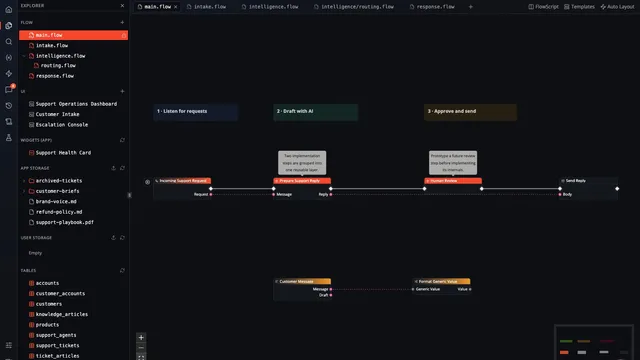
The redesigned Flow page adds nested module documents, integrated files, multiple working contexts, and a shell that keeps the whole build within reach.

Turn Flow-Like Home into a launchpad, team hub, or live operations board with 87 widget presets, responsive layouts, app embeds, data views, and FlowPilot.

Ask a Flow-Like chat or run an Event, then pass its returned text or JSON to another action on iOS or macOS.

Choose tables for offline access, prepare the data you need, keep local corrections visible, and resolve pending changes when your laptop reconnects.

Prepare selected tables for offline collection, distinguish local saves from cloud acknowledgement, and inspect conflicts when a device reconnects.
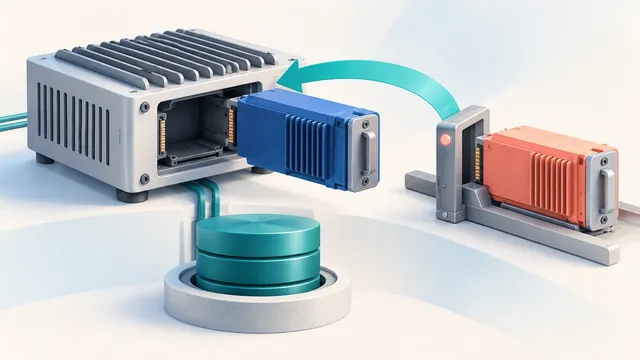
Follow a pinned device revision through staging, readiness checks, activation, and configuration recovery without confusing rollback with data restoration.
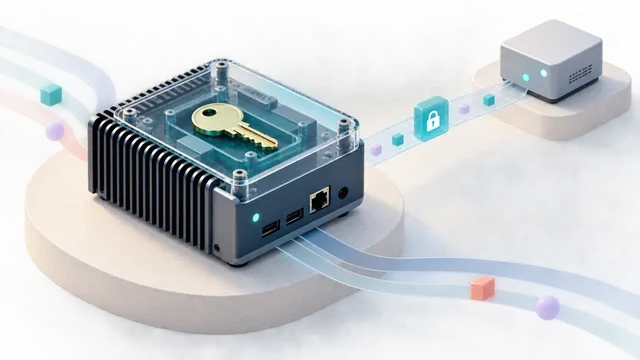
Manage an edge workflow with device identity, scoped permissions, encrypted connections, and an explicit choice about which data leaves the host.