
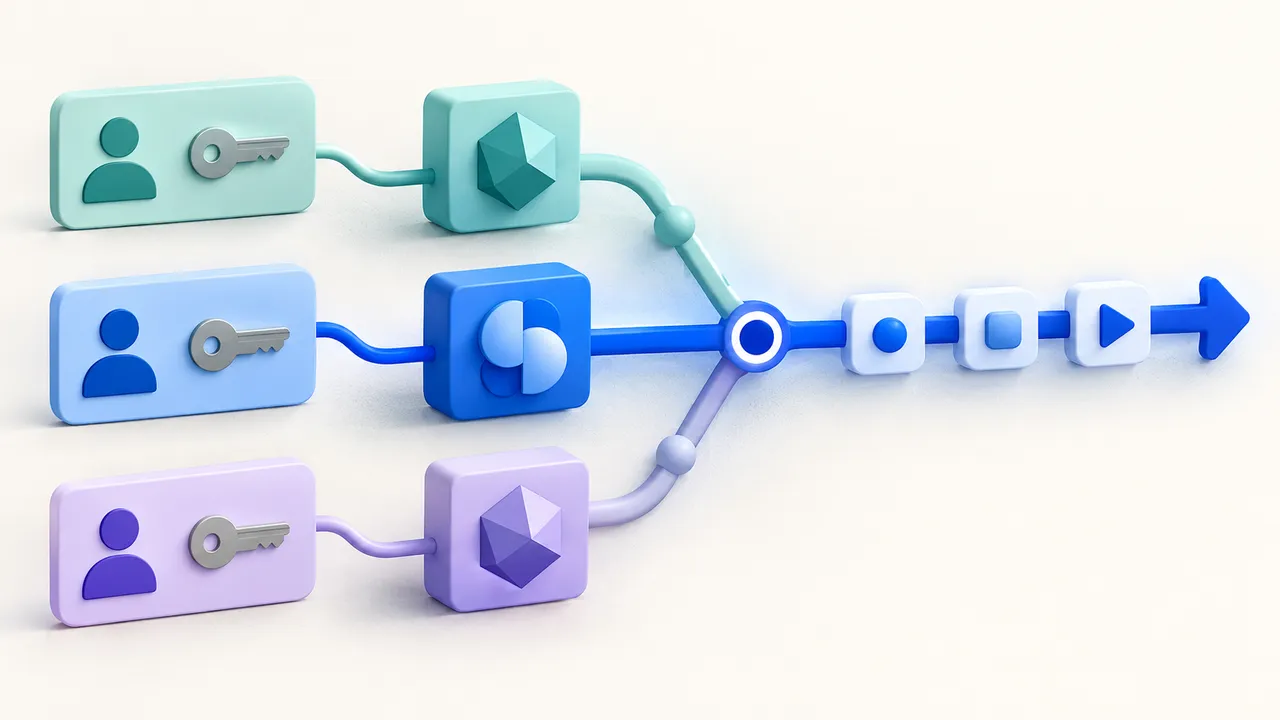
The model that helps build a workflow and the model that runs inside it have different jobs. FlowPilot can use a coding agent to edit an app. A model Bit supplies responses during the app’s own execution.
Flow-Like supports Claude Code, Codex, GitHub Copilot, and Microsoft 365 Copilot as model providers during workflow execution. You can configure a provider Bit, activate it in a Profile, and use it with compatible model nodes. The authentication path and supported controls depend on the provider and execution host.
A request-triage workflow is a useful first test. It receives a short synthetic message, asks for a category and a draft response, and returns the result without sending anything externally.
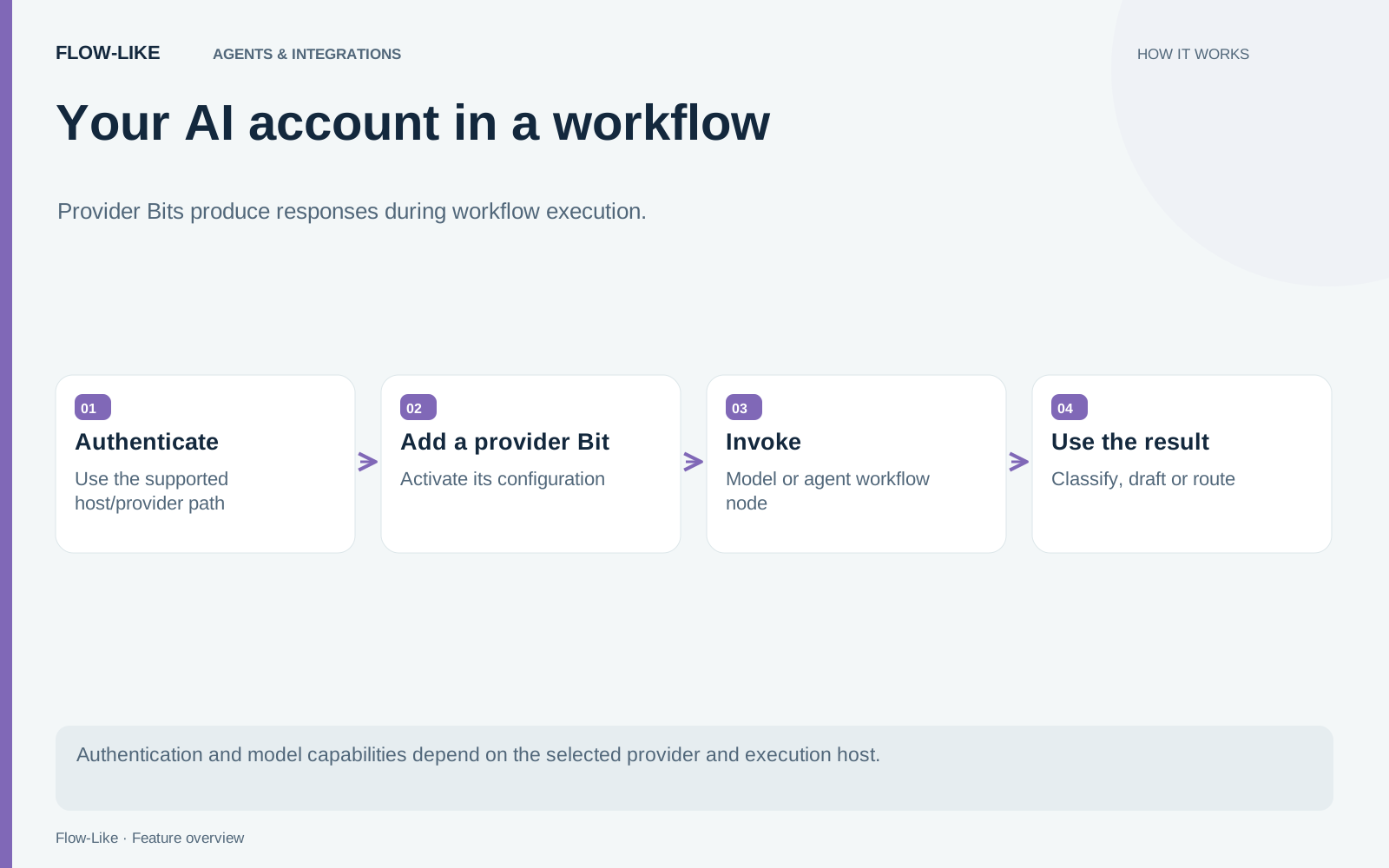
Add the provider to the runtime Profile
Open the model catalog, add a model, and choose the provider. Supply the model identifier and credentials required by that adapter, then activate the saved Bit in the Profile used for the workflow.
Connect it to Invoke Model for a direct response. Where the provider supports tools, Agent from Model can use the same model configuration in a tool-using workflow. Begin with the direct response so an authentication failure is easy to distinguish from a tool or schema problem.
The model setup guide describes the current configuration paths. Our earlier coding-agent article covers agents editing flows through FlowPilot; it should not be used as the runtime Bit specification.
Match authentication to the host
Claude Code requires desktop execution and an authenticated local Claude CLI. Flow-Like launches it for a completion, so the workflow does not depend on an open terminal window. The adapter supplies the conversation and validates the returned assistant turn. Flow-Like retains control of tool execution.
Codex can use an explicit ChatGPT access token or look up cached desktop credentials in auth.json. Flow-Like’s lookup does not refresh those tokens or read the operating system keychain.
That is narrower than Codex’s own credential handling. OpenAI’s authentication documentation describes file and OS credential-store options, and token refresh during normal Codex use. A working Codex login therefore does not guarantee that Flow-Like’s file-based lookup can find usable credentials. Treat the credential file as a secret.
GitHub Copilot accepts an authorized GitHub token or an exchanged Copilot API token. Its model Bit does not reuse FlowPilot’s Copilot SDK session. Microsoft 365 Copilot uses a delegated Microsoft Graph token with the required Copilot Chat access.
Explicit-token providers can run through the browser’s server backend. Claude Code and local Codex credential lookup require the desktop. Server execution never adopts the server operator’s CLI login.
Test the controls the workflow depends on
Provider adapters have different capabilities. Microsoft’s adapter supports text conversations and streaming, while its underlying model is selected by the provider. It does not support caller-defined tools or model sampling controls.
The Claude Code adapter validates a complete turn before emitting its streaming output and does not apply sampling settings as CLI controls. The Codex subscription backend does not honor temperature or maximum-output-token settings. The runtime adapters describe these provider limits.
For the triage example, check the requested output shape and the behavior on an ambiguous request. If tools are involved, verify the exact tool contract with that provider. Sharing a Model connection type does not establish identical behavior.
Make unavailability visible
Find Model skips external providers that fail the host’s readiness check. A saved use-case selection can fall back to another active Profile model when its external provider is unavailable. Readiness cannot establish that quota or network access will still be available when generation begins.
Errors after generation starts return to the workflow. The runtime does not replay tool actions on another model after a failed turn. That boundary avoids quietly repeating an external operation under a different model.
Finally, a local CLI login does not mean inference is offline. Trace where prompts and attachments are sent, and evaluate the account’s actual access and limits. The useful result is a working model configuration for a specific workflow, with its host, credentials, and failure behavior understood.
Get automation insights delivered
Sign up for our newsletter to receive the latest updates on Flow-Like, automation best practices, and industry insights. No spam — just valuable content.