
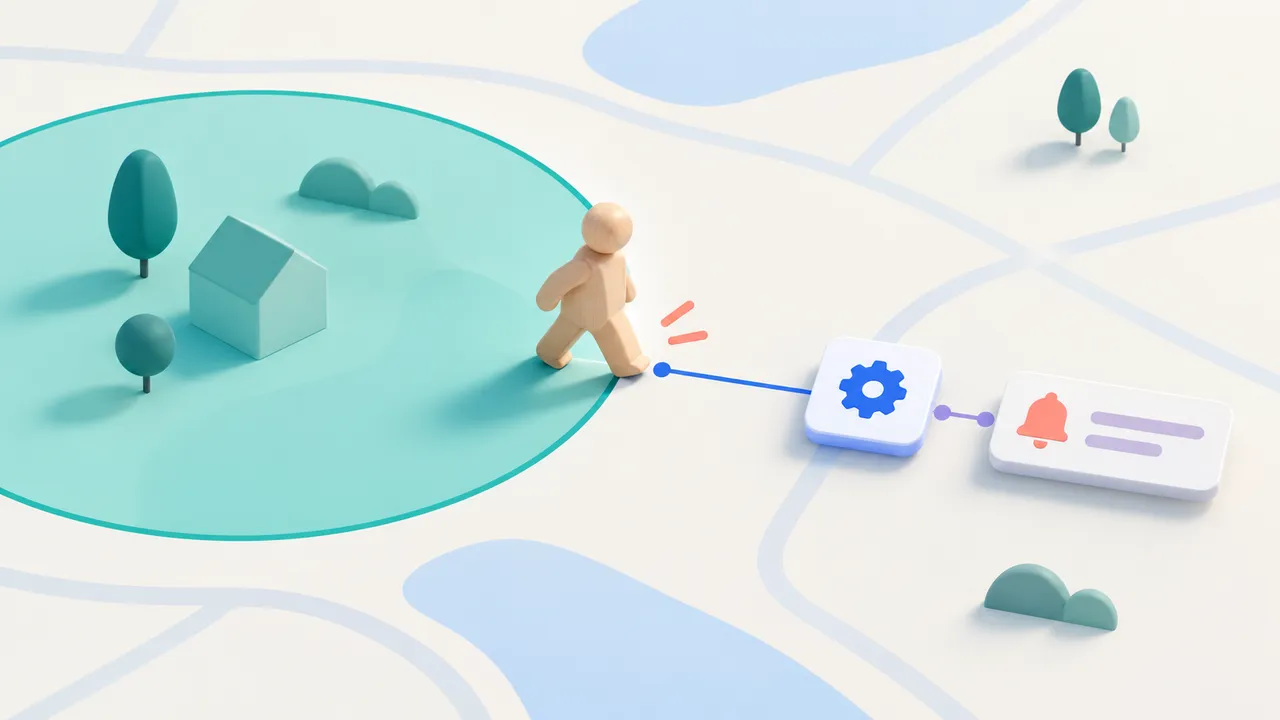
An arrival reminder can remove a small but persistent burden: remembering to open the right checklist when you reach a place. Flow-Like’s Location Region Events let an iOS or macOS device start a workflow when it enters or leaves a configured circular area.
The device senses the transition. The workflow can execute locally or remotely, according to the Event configuration. This is useful for a reminder or a field check-in whose behavior can tolerate the operating system’s delivery timing.
Define the region and the consequence
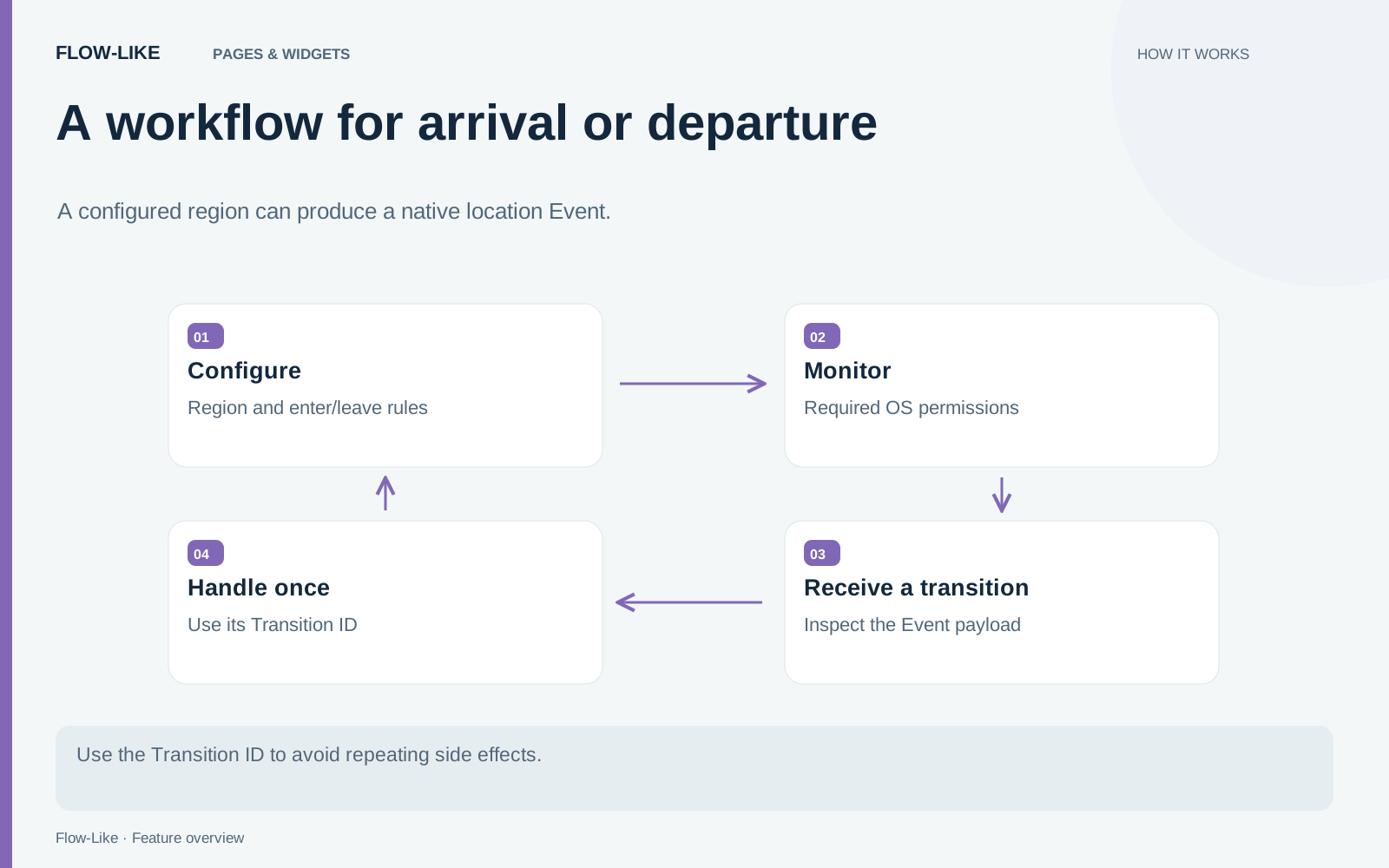
Begin with a modest action, such as preparing a site checklist. Add a Location Event node to the Flow and create a Location Region Event from it. Choose a Geometry Point as the center, a radius in meters, and whether entering, leaving, or both transitions matter.
Geometry coordinates use longitude, latitude order. Check the point on a map before activating the Event. Reversing the pair can produce a valid-looking value in the wrong place. The region should also match the task: a doorway-sized area is a poor model for a system whose callback timing is controlled by the platform.
Save and activate the Event to register it on this device. For a Remote Event, the device sends the configured center, radius, and transition to the server workflow. The server does not independently sense where the device is.
Choose foreground or background monitoring
While the app is open stops monitoring when Flow-Like leaves the foreground. Also in the background opts into native region monitoring. Use the explicit permission buttons in the editor to request access. Reading the permission status or activating the Event does not itself open a permission prompt.
iOS background monitoring requires Always authorization, and the operating system may request that in stages. On macOS, Flow-Like must remain running and the computer must be awake. The editor shows authorization, monitoring errors, and the number of registered regions, so inspect those states before relying on a transition.
The Location Regions guide documents the platform bounds. Up to 20 regions can be monitored at once. iOS schedules crossing delivery, so a callback may arrive late or be unavailable after the app has been force-quit. Use another mechanism for a task that requires a precise immediate response.
Treat a transition as an event with an identity
Pending crossings use an at-least-once queue. That means a retry can deliver the same transition more than once. The Transition ID gives your workflow a way to recognize the repeated event.
For a check-in, store that identifier with the created record and avoid creating a second record for an identifier already handled. For a reminder, decide whether repeating the reminder is acceptable. This choice belongs to the action you are automating, rather than to the geometry itself.
The queue is bounded in capacity and age, so it is not an indefinite location history. Region monitoring also does not record a continuous path. If the workflow needs a fresh position and its accuracy, use Get Current Location separately while the app is open.
That distinction matters when reading the node output. Region center is the configured center of the monitored area. It is not a measurement of the device’s position at the time of the callback.
Make an arrival useful
Connect the Location Event to the checklist logic for the selected site. An entering transition can prepare the relevant instructions, while a leaving transition can prompt for an unfinished check-out. Use the transition type explicitly so arriving and departing do not accidentally take the same path.
An arrival checklist remains useful even when the operating system delivers the transition after a short delay. Include the site and purpose in the result so the person can recognize why it appeared. If the next action depends on an exact current position, ask for confirmation or obtain a fresh location before proceeding.
Store the Transition ID alongside a check-in record so a retry finds the existing record. That gives the workflow a dependable identity for the observation without treating region monitoring as continuous tracking. The device notices a crossing; your app turns it into a task appropriate to that place.
Get automation insights delivered
Sign up for our newsletter to receive the latest updates on Flow-Like, automation best practices, and industry insights. No spam — just valuable content.