

A process diagram may already contain decisions your team spent months agreeing on. Rebuilding it by hand risks losing the names, branches, and exception paths that make the process understandable.
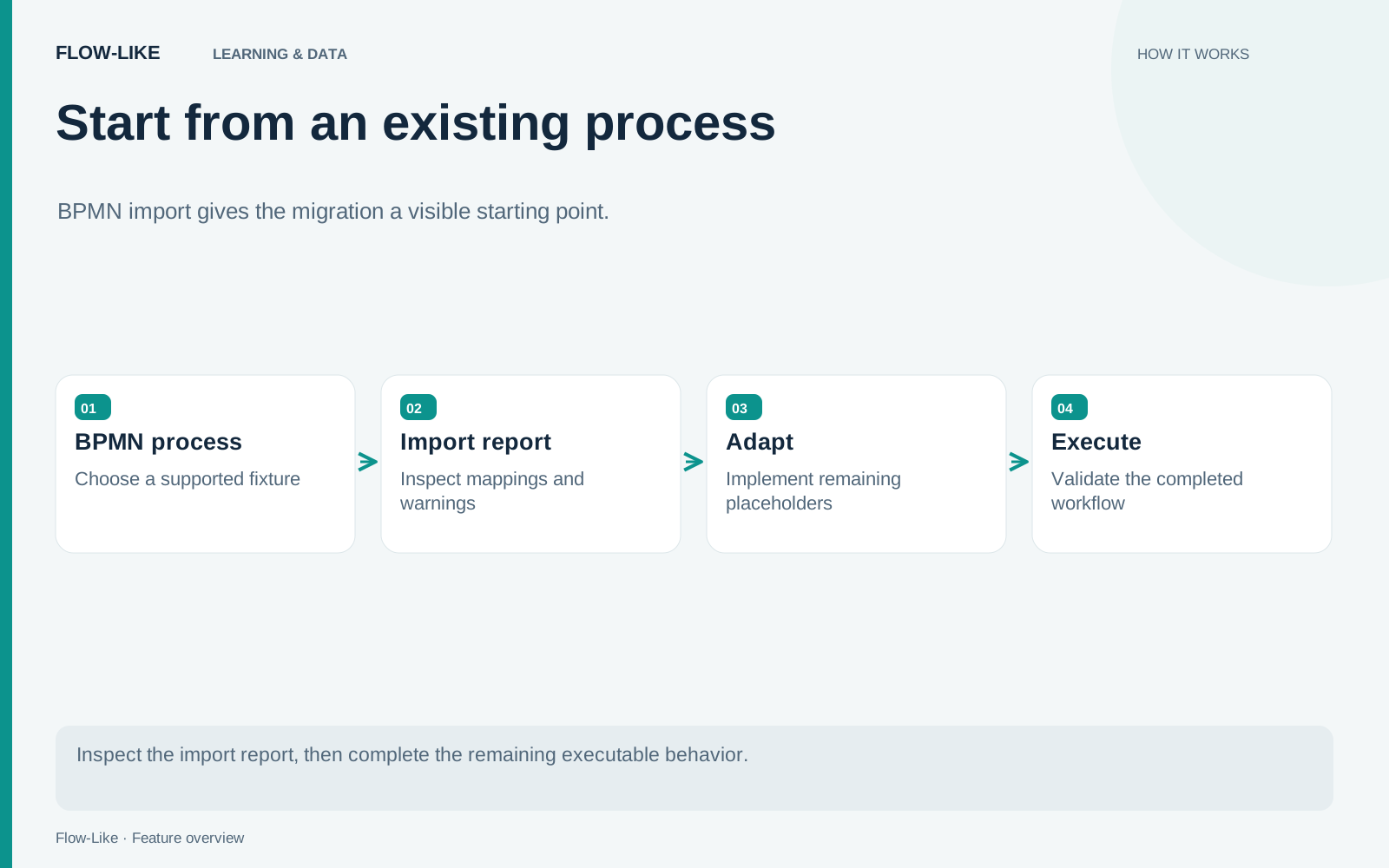
Flow-Like’s BPMN 2.0 import brings that diagram onto the Board. It maps supported elements to nodes or compositions and marks application-specific tasks with explicit placeholders. The import report shows which parts have an executable translation and which need your app’s business logic.
For a first migration exercise, use the repository’s Recruitment and Selection fixture or Pizza Store fixture. Keep the example separate from a production process while you inspect the translation.
Read the report before the canvas
Open the import dialog from the Flow section of the Explorer and provide the BPMN file. The dialog detects supported content and previews the translation. Choose whether to place it in a new flow module or the current file.
A new module is useful for the first pass because it gives the imported process a clear home. Before importing, read the counts and diagnostics. Distinguish directly mapped elements, composed behavior, and placeholders. A large number of placed elements does not mean the same number of fully implemented tasks.
After import, compare the major branches with the source diagram. Follow an ordinary path from its start event, then a path involving a decision or exception. Check names and connections while the source is still in view.
The translator can place start events, build gateway wiring, and represent supported behavior with catalog operations. Where a task lacks a direct equivalent, it creates a named collapsed layer containing a warning log. That preserves the task boundary and gives you somewhere to add its business logic.
Complete one placeholder properly
Choose a placeholder whose intended result you understand. In a recruitment process, that might be a task that records a screening decision. First write down the input and output you expect: which application is being reviewed, which decision values are allowed, and what should happen after each outcome.
Open the placeholder and inspect its note. Replace the warning-only behavior with the necessary operations. If the task requires a person, design how the decision is collected and how execution resumes. A human task in BPMN does not automatically become an operational approval interface merely because its box has been imported.
Use synthetic records and explicit test decisions. For an initial exercise, a controlled input can help you verify the branch connections before integrating a real review surface. Label that test arrangement clearly so it cannot be mistaken for the completed approval process.
Run the path and inspect its result. Then revisit the surrounding process: does the implementation provide the values the next operation needs, and can failures reach the intended handler? Completing the inside of a box is only part of completing its contract.
Inspect exceptional behavior separately
Exceptions deserve their own migration pass. Some boundary events need a manual trigger connection. Follow the import diagnostics and wire them to the relevant error or event output after implementing the task they surround.
Terminate end events have an especially important boundary: the translator warns that they log and do not stop every parallel branch. If the original process depends on global termination, design and validate the required behavior before using the imported flow for that process.
Scripts, manual tasks, and unsupported event behavior also need explicit attention. Keep unresolved placeholders visible until they are replaced and tested. A flow reaching its end while logging a placeholder warning proves that the path is connected; it does not prove that the missing business operation occurred.
Build your migration checks from the original process’s outcomes. Include an ordinary case, each decision that changes the route, and the exceptions that carry business consequences. Record where the imported implementation intentionally differs.
When one path is complete, you have something concrete to review with the process owner: the original diagram, the import warnings, the implemented operations, and the observed result. Expand from that checked path rather than assuming the remaining boxes mean the same thing in both systems.
Get automation insights delivered
Sign up for our newsletter to receive the latest updates on Flow-Like, automation best practices, and industry insights. No spam — just valuable content.