

A support-routing rule rarely lives entirely in the graph. Someone wrote the policy in a document. A table holds the team assignments. A page collects the request. The workflow joins those pieces, and a run tells you whether they agree.
The Board workbench keeps the resources behind that change within reach. Take a small support app and add a rule: requests mentioning an invoice go to the billing team. Use synthetic requests and a sample policy while you work. The goal is to trace one decision from its source material to its run output.
The September workbench introduction describes the larger redesign. Here, we will use it as a working surface.
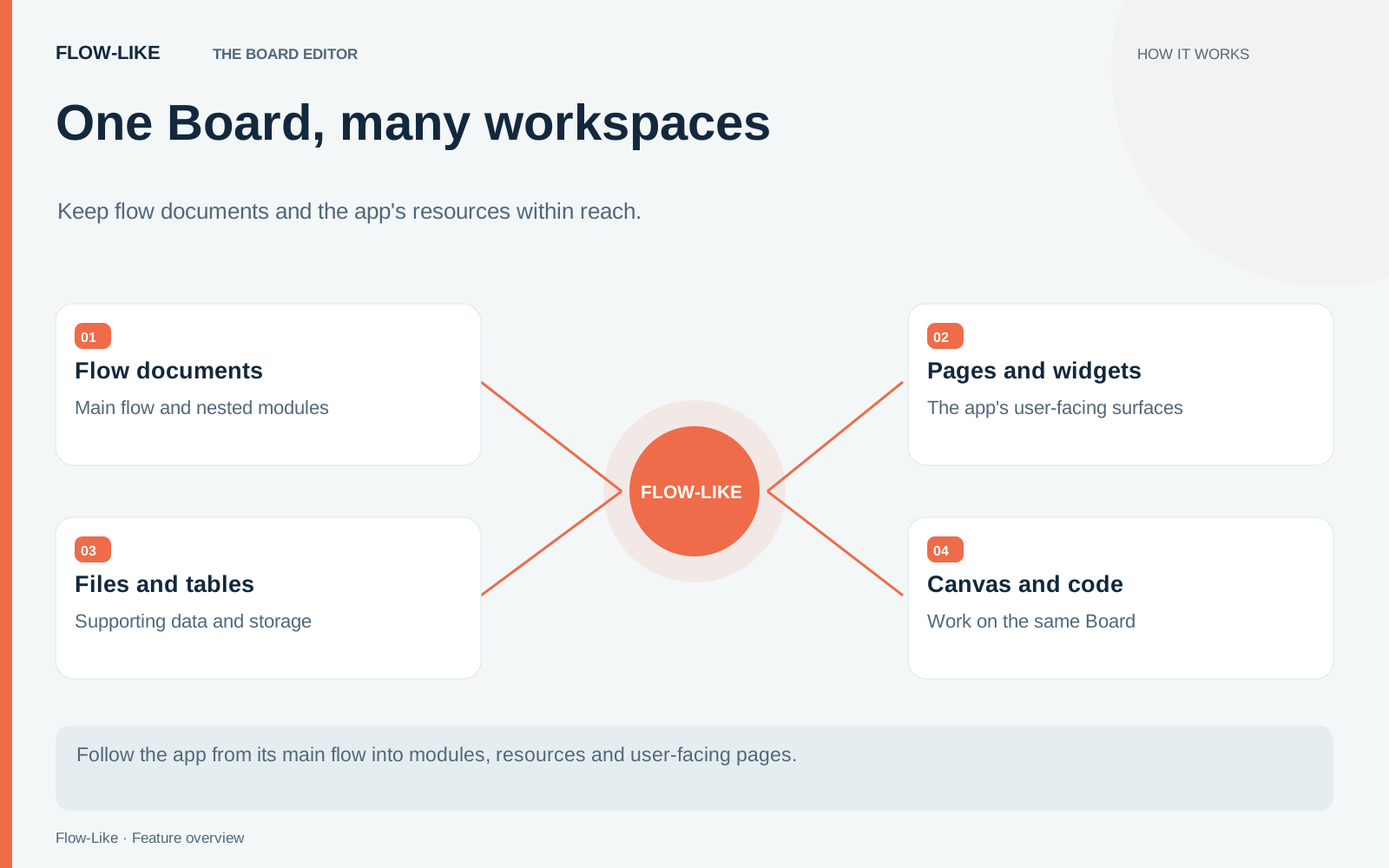
Start with the policy and its scope
Open the app’s Board and find App Storage in the Explorer. Add a short text file containing the sample routing policy. Keep the rule specific enough to test: an invoice request goes to billing; other requests retain the existing route.
Open the file in a document tab. App Storage is appropriate for this shared reference. User Storage would give the file a different ownership scope. The Explorer keeps those locations separate, so check the scope before wiring a path into logic that other people will run.
Drag the file from the Explorer onto the canvas. Studio creates the directory and child-path nodes for that location. Inspect the resulting path, then connect the appropriate file-reading operation. The gesture supplies a reference to the file; your workflow still determines how to read and use its contents.
That distinction is useful when debugging. A wrong folder is a path problem. A correct file interpreted incorrectly is a parsing or business-rule problem. Keep those steps visible.
Keep the evidence beside the implementation
Open the table containing your sample team assignments in another tab. Confirm the billing record exists and note the field your workflow uses to identify it. Inspecting a table here gives you context; table administration still belongs in Data Studio.
Now open the page that accepts the support request. Check the name and type of the field passed to the workflow. A page label such as “Describe your issue” may correspond to a more concise field name in the flow. Follow that actual field into the routing logic.
Pin the policy tab if you will return to it repeatedly. Tab colors can help distinguish the reference material from the implementation you are changing. Use a small convention that means something to you, such as one color for reference tabs. Color is a navigation aid, so avoid making it the only indication of what a document contains.
The editor document model keeps a tab’s document identity separate from its position inside a flow. You can therefore keep different working positions without treating every navigation step as a new file.
Make one change, then follow it through
Open FlowScript beside the canvas and find the condition that selects a team. Change the condition or its input value in the view you find easiest to inspect. Apply the edit and check the graph’s condition and branch connections before running it.
Use two sample requests: one containing “invoice” and one unrelated request. Inspect the chosen team and the path taken for each. If the first request fails, move back through the field on the page, the value reaching the condition, and the table record. The open tabs give you the same context you used to build the change.
Finally, edit the policy file to match the behavior you intend to keep. A resource tab being open does not make its contents part of an immutable Board version. Flow documents, pages, storage, and tables have their own scopes and editing behavior. Review the resources your release depends on as well as the flow itself.
You should finish with a small, explainable change: the input field is known, the routing rule is visible, the destination exists, and both test requests have an inspected result. The workbench earns its space when it helps you keep those facts connected.
Get automation insights delivered
Sign up for our newsletter to receive the latest updates on Flow-Like, automation best practices, and industry insights. No spam — just valuable content.