
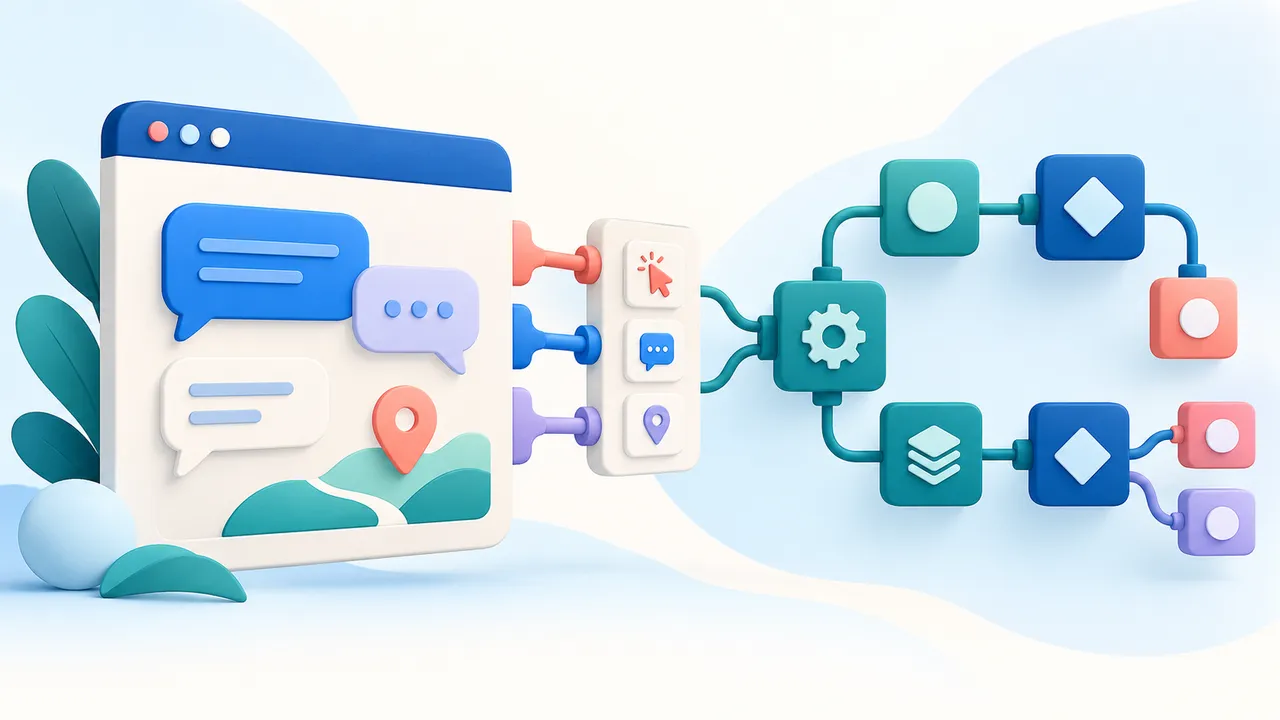
Your team may already know how it wants a chat panel to look. It may need a map library, a specialized editor, or interaction that does not fit a standard page component. A Flow-Like package widget lets you keep that frontend work in a familiar framework while connecting it to the app through a typed contract.
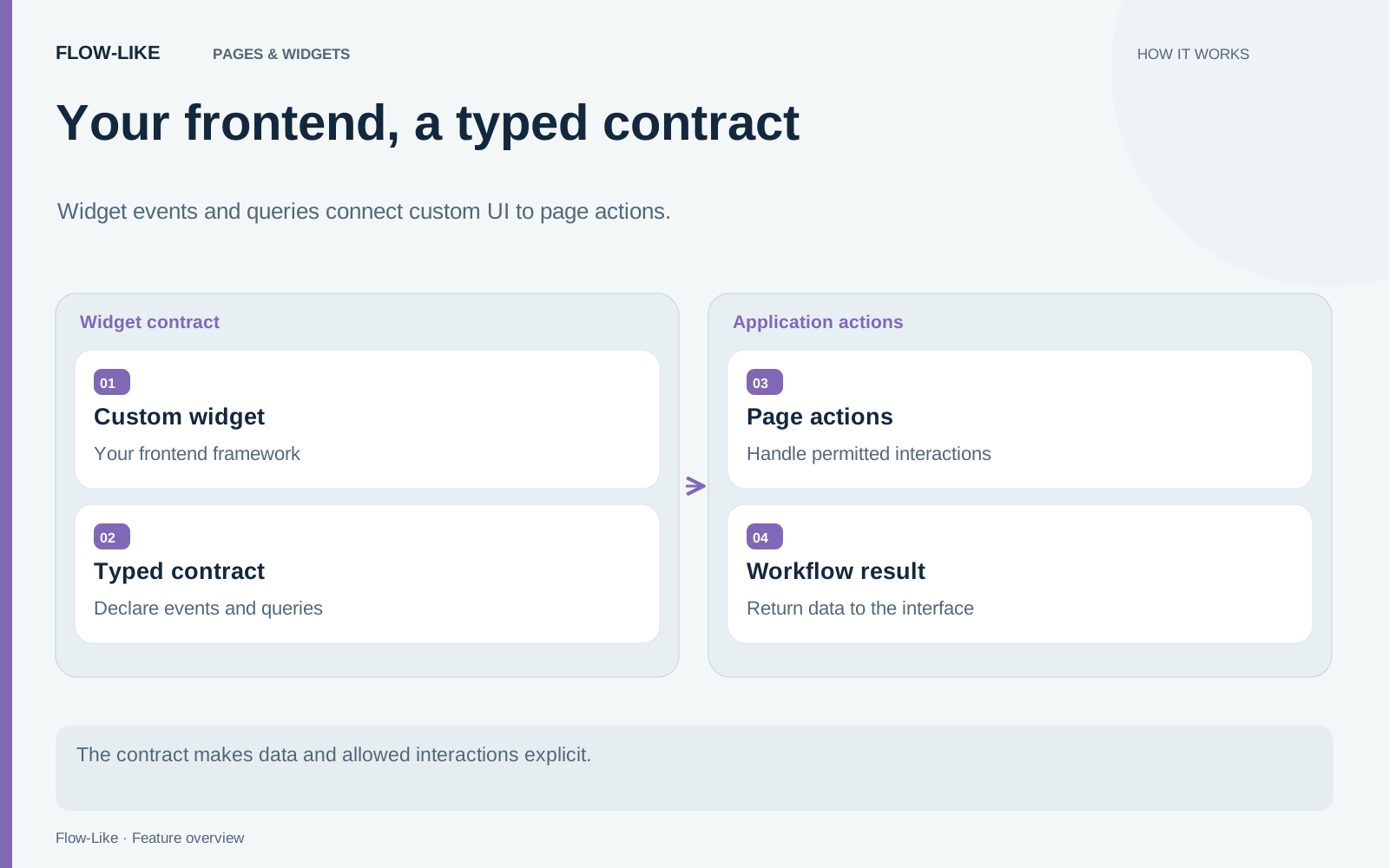
The contract is the useful starting point. It defines the data the widget receives, the events it emits, and the queries the host can call. The widget runs in a sandboxed iframe. Its declared events reach page actions, which decide how the app responds.
Design one complete interaction
Consider a custom chat panel. A person writes a question; the widget emits the conversation history; a page action invokes the appropriate model or agent flow; the response returns to the widget. Give that exchange a request identifier so the frontend can associate updates with the right question.
The widget SDK exports native-compatible types for this exchange:
import {
  defineWidget,
  type LlmHistory,
  type LlmResponse,
} from "@flow-like/widget-sdk";

interface Events {
  asked: { requestId: string; history: LlmHistory };
}

interface Queries {
  /** @mutation */
  pushResponse: {
    args: { requestId: string; response: LlmResponse };
    returns: void;
  };
}

export default defineWidget<{}, Events, Queries>({
  id: "team-chat",
  name: "Team Chat",
});
This declares the boundary; you still implement the interface, register its query handler, and connect its emitted action in the page. The SDK reference includes the bridge and framework setup as well as a streaming variant using LlmResponseChunk.
Connect the action to the workflow
The emitted action payload is a struct. In the chat example, read its history field with Get Field, then connect that value to the model or agent’s History input. Use Query Widget to call the declared response query when the result is ready.
The LLM types carry schema metadata that the host recognizes. That allows the contract’s pins to connect to the corresponding native values. A similarly named custom object is only interchangeable if it serializes exactly as the expected type. Keep the SDK and the package’s built contract together when updating them.
This division also preserves a useful authorization boundary. A widget event asks the page to handle an interaction. It does not give the iframe unrestricted permission to start arbitrary workflows. Keep decisions such as which data source to read or which operation to perform in the app’s handler.
The same approach works for geographic input
A map widget can emit a GeoPoint when a person selects a location. The workflow can then check that point against a service area or store it as typed geometry. SDK geometry uses two-dimensional WGS 84 GeoJSON objects with coordinates in longitude, latitude order.
Use the geometry types directly rather than wrapping them in a GeoJSON Feature. The supported profile is part of the contract. This is especially valuable when the map and workflow are maintained by different people: both can inspect the type at their boundary.
Bring the interface into the app
Standalone development mode supplies defaults and logs events while you build the frontend. Installing the package in Flow-Like connects that interface to the host’s page actions, permissions, and queries. The package widget guide covers the path from a framework project to a placed widget.
Use the request identifier to keep an older conversation visible while a new answer arrives. Represent an empty answer or a failed request in the same interface instead of discarding the conversation. The contract gives the page and widget a shared way to identify which exchange needs updating.
If the widget needs network or microphone access, declare the relevant capabilities and provide a useful response when access is declined. Microphone capture is mediated by the host and bounded in duration. A custom frontend keeps its own design while participating in the app’s explicit data and permission boundaries.
Get automation insights delivered
Sign up for our newsletter to receive the latest updates on Flow-Like, automation best practices, and industry insights. No spam — just valuable content.