

A catalog can contain the right app and still fail to help someone find it. New colleagues do not know which package is maintained, which example fits their work, or which of several similarly named tools they should try first. A curated Explore page gives those decisions some context.
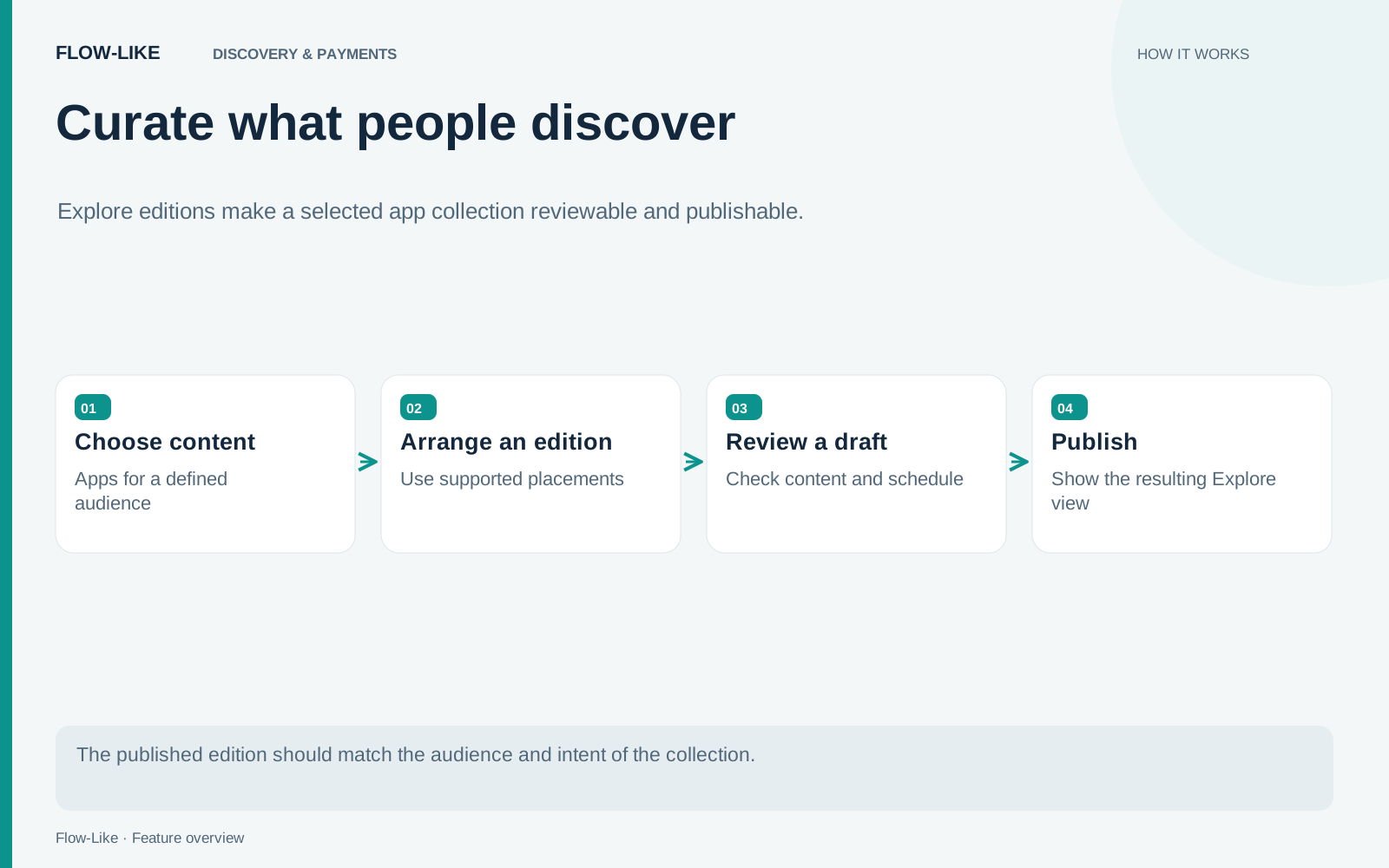
Flow-Like’s Explore administration separates the page being edited from the edition people currently see. Curators can arrange app and package placements, choose their audience and timing, and publish a reviewed edition. That creates room to prepare a useful collection without changing the live page one tile at a time.
Curate around a task
Start with a collection that answers a recognizable need. For a support team, that might be finding a knowledge assistant, a case-triage app, and the package used to connect an approved data source. Explain what each item helps someone do and what they need before opening it.
Keep the collection short enough to compare. A featured area loses its purpose when it reproduces the entire catalog. Choose the items you can describe accurately, and give each placement a reason to occupy that space.
The content can include apps and packages, which have different setup paths. An app is an experience a person may open or adopt. A package provides components a builder may install and use. Make that difference visible in the copy so a newcomer knows what clicking an item will lead to.
Work in the draft edition
Prepare the layout and placement copy in the draft. Set the intended audience and any display window, then review the page as that audience will encounter it. Scheduling a seasonal collection is useful only if the dates and the selected audience agree with the purpose of the collection.
Audience targeting is a discovery choice. It does not replace an app’s access rules or a package’s membership and purchase requirements. A person who can see a placement may still need access to the underlying item. Include that expectation in the description when it affects the first-use experience.
The edition backend maintains separate draft and live layouts. Publishing validates the draft and replaces the live edition within the coordinated operation. The backend also checks draft revisions, so a curator working from stale content receives a conflict rather than silently overwriting someone else’s changes.
Make the next step clear
A placement should answer the question that brings someone to Explore. A support agent looking for a knowledge assistant needs to know which sources it covers and whether access is already included. A builder looking for the matching connector package needs installation instructions and the required account. Give each reader a useful next step in the placement copy.
Separate availability from relevance. An app can be relevant to a team while requiring an invitation; a package can be a good fit while requiring purchase or maintainer approval. Naming that requirement helps the reader understand the destination instead of interpreting an access prompt as a broken recommendation.
The Explore page presents the published collection alongside the broader catalog. Curation gives a newcomer a starting point while leaving the rest of the apps and packages available for a more specific search.
Publish, then maintain the collection
Publish the edition when its placements, audience, and timing are ready. The live page changes as an edition, so a seasonal collection can arrive with coherent descriptions and a common purpose. The next set of changes can take shape in the draft while people continue browsing the published version.
Treat the collection as maintained content. Remove a placement when its app is retired, update copy when setup changes, and revisit scheduled windows before they expire. These tasks belong beside the ownership of the apps themselves.
A well-kept collection gives the organization a shared answer to “Where should I start?” The support team sees tools chosen for support work, builders can find their components, and curators can explain why each item belongs there. That context is what turns a catalog into a useful introduction to the organization’s apps.
Get automation insights delivered
Sign up for our newsletter to receive the latest updates on Flow-Like, automation best practices, and industry insights. No spam — just valuable content.