

A summarization workflow should not need a copied API key and a hardcoded model name in every branch. Those choices belong in a configuration that can be selected, reused, and changed deliberately.
In Flow-Like, a model Bit is that reusable configuration. It describes a model and its provider settings so compatible nodes can use it through the existing Model connection. Custom model Bits can represent a hosted provider, a compatible endpoint, or a local model setup.
They are separate from custom node packages. Adding a model Bit configures inference; it does not install a new WASM implementation into the node catalog.
Configure one model for one task
Start with a modest test: summarize a short synthetic support conversation into a few sentences. It needs text generation, an appropriate context size, and a reachable execution path. It does not need every capability the model wizard can describe.
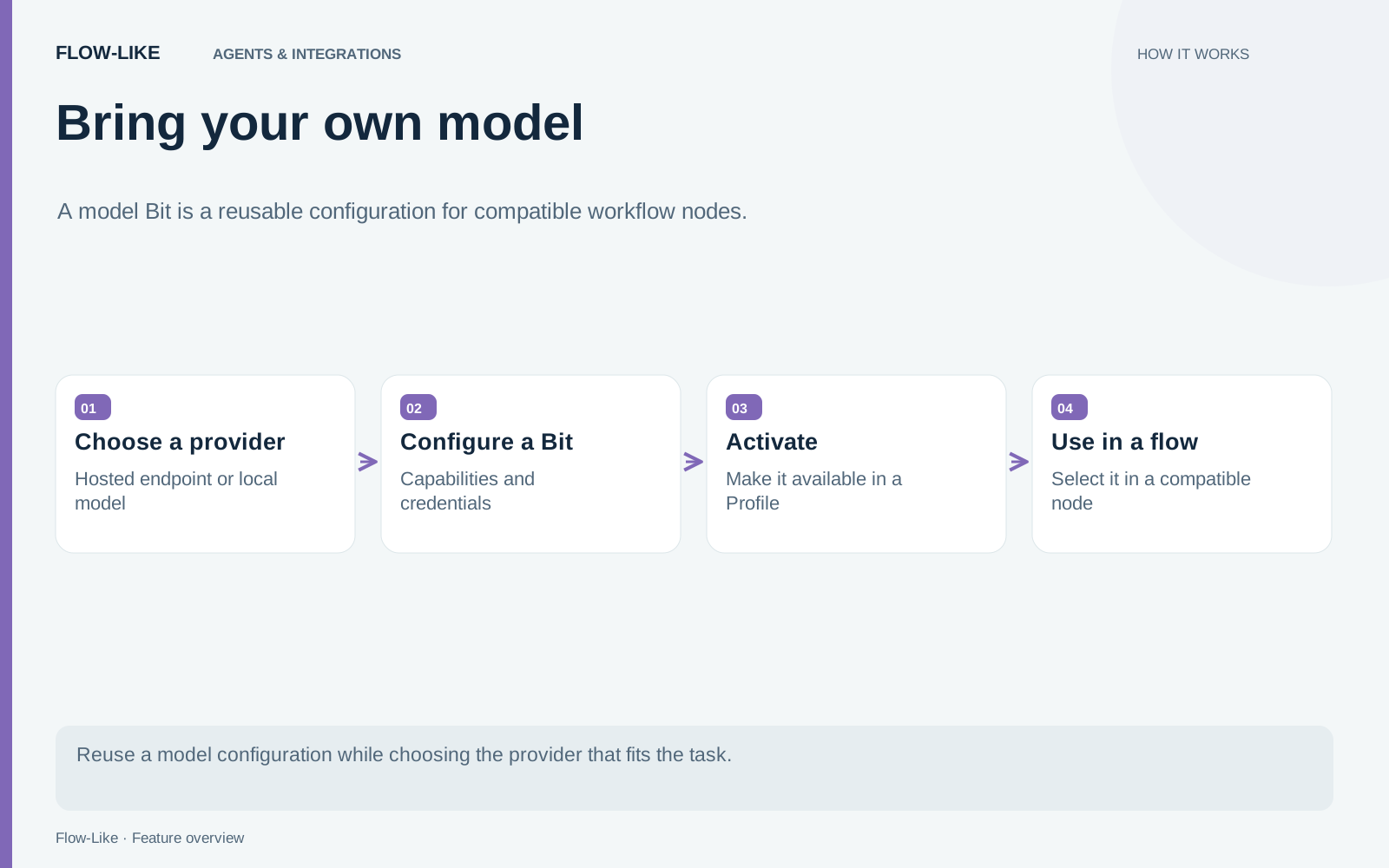
In the model catalog, choose Add model and select the provider. Enter the model identifier and the settings required by that provider, such as an endpoint or credential. Configure capabilities according to the model you intend to use.
The model wizard provides the configuration surface. The model setup guide explains provider setup, selection, and how to test the resulting model.
Save the configuration, activate it in the Profile used for the test, and run a small workflow through Invoke Model. Check which model actually ran and inspect the result before connecting it to an important decision.
A saved configuration establishes your settings. It does not establish remaining quota, provider entitlement, or support for every input type.
Keep credentials out of workflow content
A model credential should not be copied into a prompt, a node description, or a screenshot. Use the provider’s credential fields and the appropriate secret-backed configuration.
For custom Bits stored through the API, recognized credential fields are separated from public parameters and encrypted in storage. The custom-Bit API also has a path for returning the owner’s credentials when local execution needs them. That distinction matters: storage encryption does not mean the runtime can invoke a provider without ever receiving a usable credential.
Treat exported examples and logs as their own surfaces. A well-configured model can still receive a prompt containing information that should not have been sent.
Decide where the request runs
A local endpoint is local to the machine that makes the request. If a workflow executes on a server, an address that worked on your laptop may point somewhere entirely different from that server.
For a local model, confirm that the execution backend can reach its service and that the machine has the required resources. For a hosted provider, identify the destination and the data it will receive. A desktop workflow can still send its prompt over the network.
To compare configurations, keep the synthetic support conversation and summarization instruction fixed. Run once with each intended model. Record correctness, omissions, failure behavior, and any measurements you actually collect. The shared workflow structure makes the comparison convenient, but it does not make the models equivalent.
Select explicitly when the choice matters
A provider-specific model selection is useful when a workflow has been evaluated against one configuration or must use a particular endpoint.
Find Model offers preference-based selection from active Profile models. It can take preferences and capability requirements into account. Those preferences guide selection; they are not guarantees that the chosen response will be correct.
If a compatible alternative is acceptable, define the task accordingly and record the actual selection. If it is unacceptable, make the provider choice explicit and handle unavailability as an error the workflow can report.
When the summarization example behaves as intended, reuse the same Bit in another compatible workflow. The benefit is concrete: provider configuration lives in one place, while each workflow still owns its input, output requirements, and decision about what to do when generation fails.
Get automation insights delivered
Sign up for our newsletter to receive the latest updates on Flow-Like, automation best practices, and industry insights. No spam — just valuable content.