
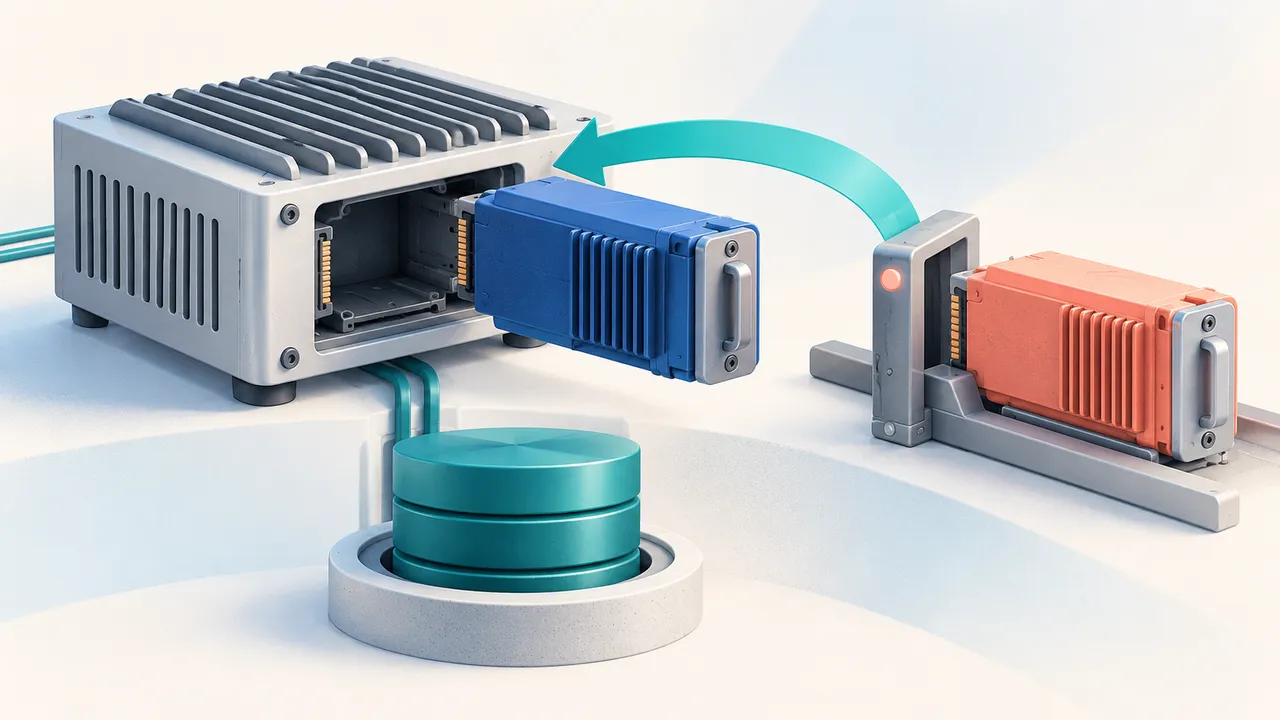
A device update can fail after it has already changed data. That is the awkward case for a rollback button: restoring the previous program configuration does not rewind everything the candidate touched.
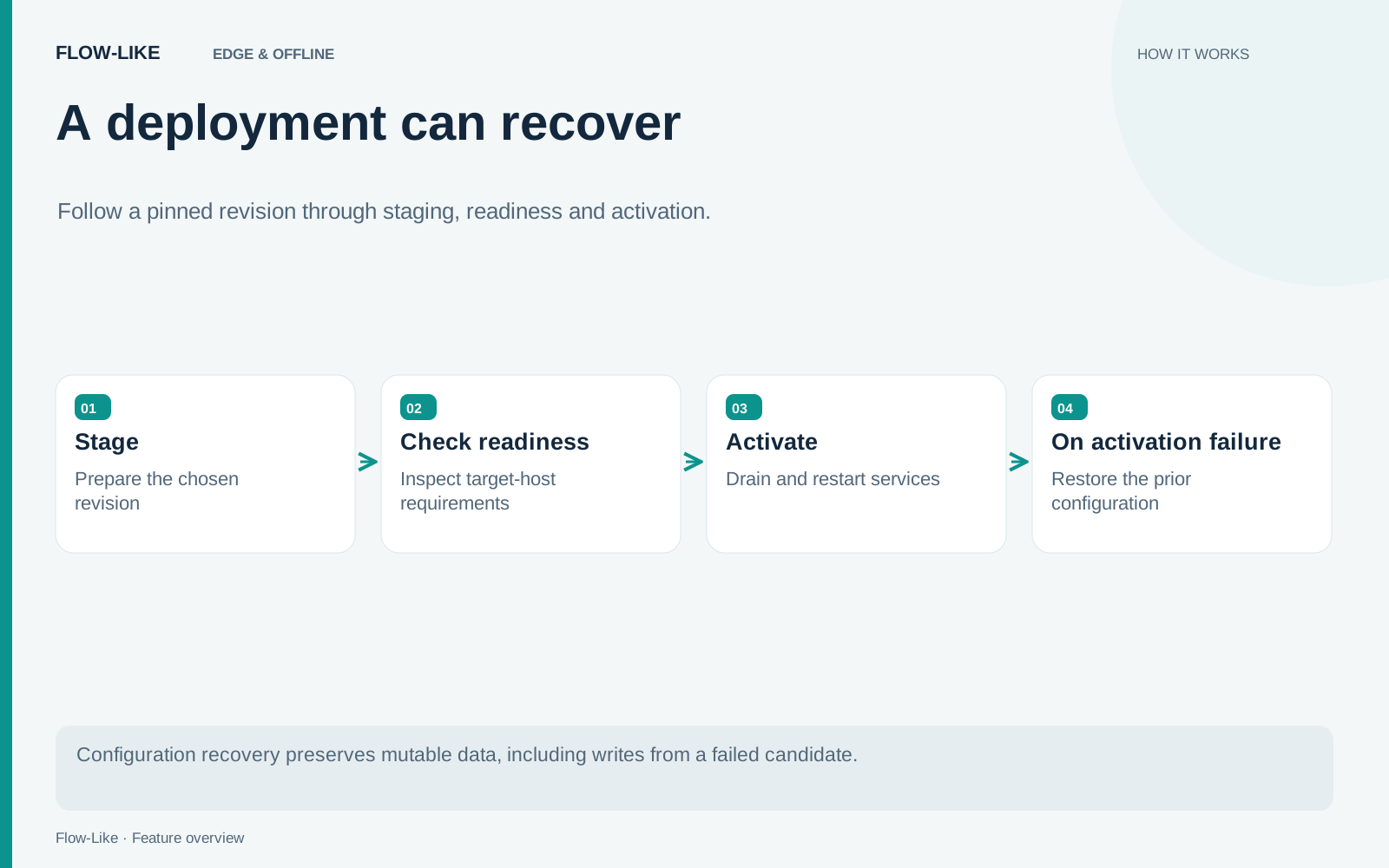
Flow-Like’s standalone runtime separates a staged deployment from its activation and records the recovery path when startup fails. You prepare a pinned candidate, inspect readiness on the device, and activate it with the previous configuration available for recovery.
An inspection service makes the distinction concrete. Revision A is collecting readings. Revision B adds a new processing step, but its startup configuration is wrong. The operator wants A running again, while keeping every reading collected during the attempted update.
Stage a particular revision
A deployment should identify the version you intend to run. Pinning a revision prevents a later edit from quietly changing the candidate while you are examining it.
Staging prepares that candidate without immediately replacing the running configuration. The rollout journal records both the previous and candidate configurations, along with the revisions needed to tell whether the placement has changed since staging.
That last check matters when more than one person can operate a device. If another operator changes the placement while you are preparing an update, the original assumptions may no longer hold. The rollout implementation checks that state instead of treating an old staged candidate as unconditional authority to overwrite newer work.
Readiness belongs to the target
A workflow that runs on a developer’s machine may depend on facilities absent from the device. Inspect the target’s deployment readiness before activation. This is where host requirements, placement configuration, and available capabilities have practical consequences.
For the inspection service, use a disposable target with the same host setup as the intended device. Confirm the valid candidate first. Then introduce one controlled startup failure, such as an unavailable required resource, so the recovery path can be observed without putting real collection at risk.
The deployment code is the reference for these checks. A readiness result describes the checked conditions at that point in time. A dependency can still disappear after activation begins.
Activation includes an interruption
Activation drains and restarts services. Plan for that interruption; this mechanism does not establish a zero-downtime update.
The runtime observes whether the candidate’s replicas reach the expected running state and remain healthy for the configured stabilization period. A failed candidate or an activation deadline can start configuration recovery. Recovery itself is observed and bounded, so a failed return to the previous configuration remains visible as a failure.
Keep the rollout state and the service’s actual output visible together during an update. A configuration can be selected without the process having reached the desired state. The journal and the observed replicas answer different operational questions.
REST, MCP, and daemon placements also have replica restrictions. Check the selected placement type before designing an update around multiple simultaneous instances.
What recovery preserves
When revision B fails, the runtime restores revision A’s configuration. Mutable data stays where it is, including writes produced by B before failure.
That is useful for inspection readings: the attempted update should not discard them. It also means an incompatible migration can make A unable to understand the data it finds. Configuration recovery cannot reverse that migration for you.
Design a test that writes a recognizable record during the candidate run, triggers the controlled failure, and checks that the record survives after recovery. Separately verify that the restored workflow can read the resulting data. Those checks establish more than seeing the old revision number return.
For deployments that change persistent formats, plan data compatibility and recovery explicitly. Keep a backup or migration strategy appropriate to that data store, and test it separately from the rollout mechanism. The operator should finish with two clear answers: which configuration is running, and which data that configuration will encounter.
Get automation insights delivered
Sign up for our newsletter to receive the latest updates on Flow-Like, automation best practices, and industry insights. No spam — just valuable content.