
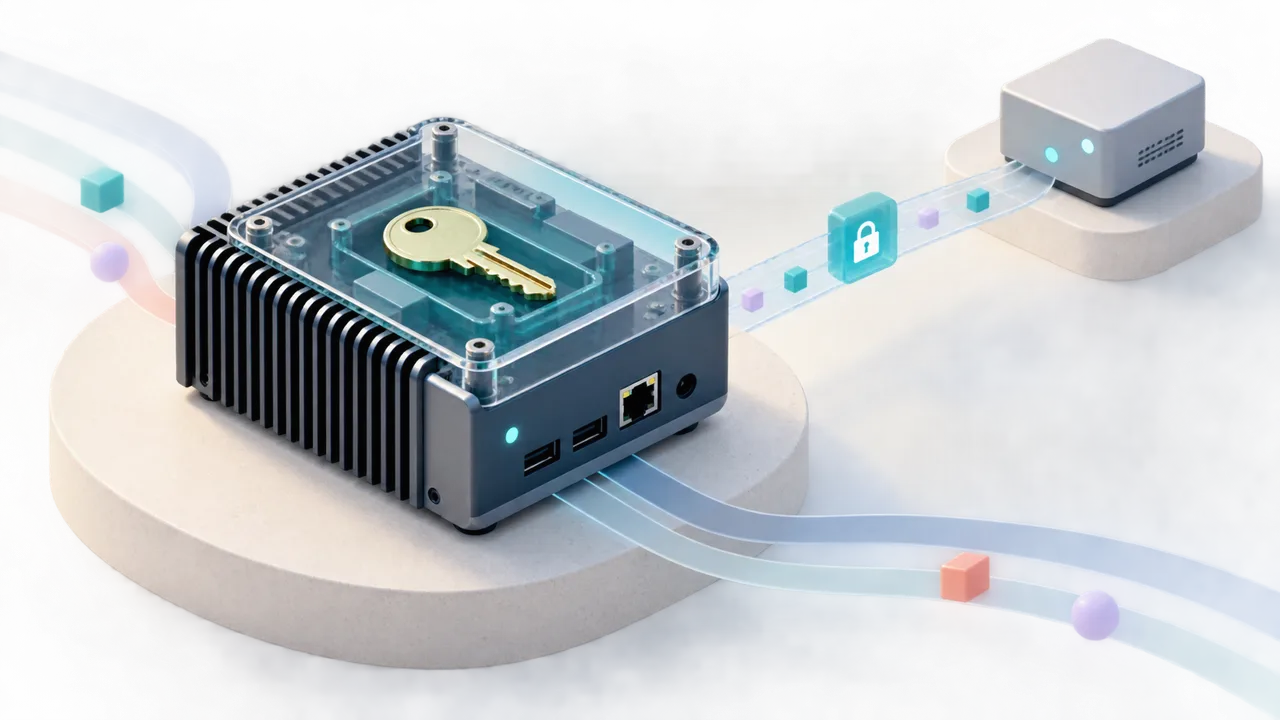
A workflow running beside a machine can read local files, use nearby services, and keep working close to the equipment it controls. The moment someone needs to manage that workflow remotely, another set of questions appears. Who can restart it? Who can read its logs? Where are the credentials kept? What happens when access is revoked while the device is disconnected?
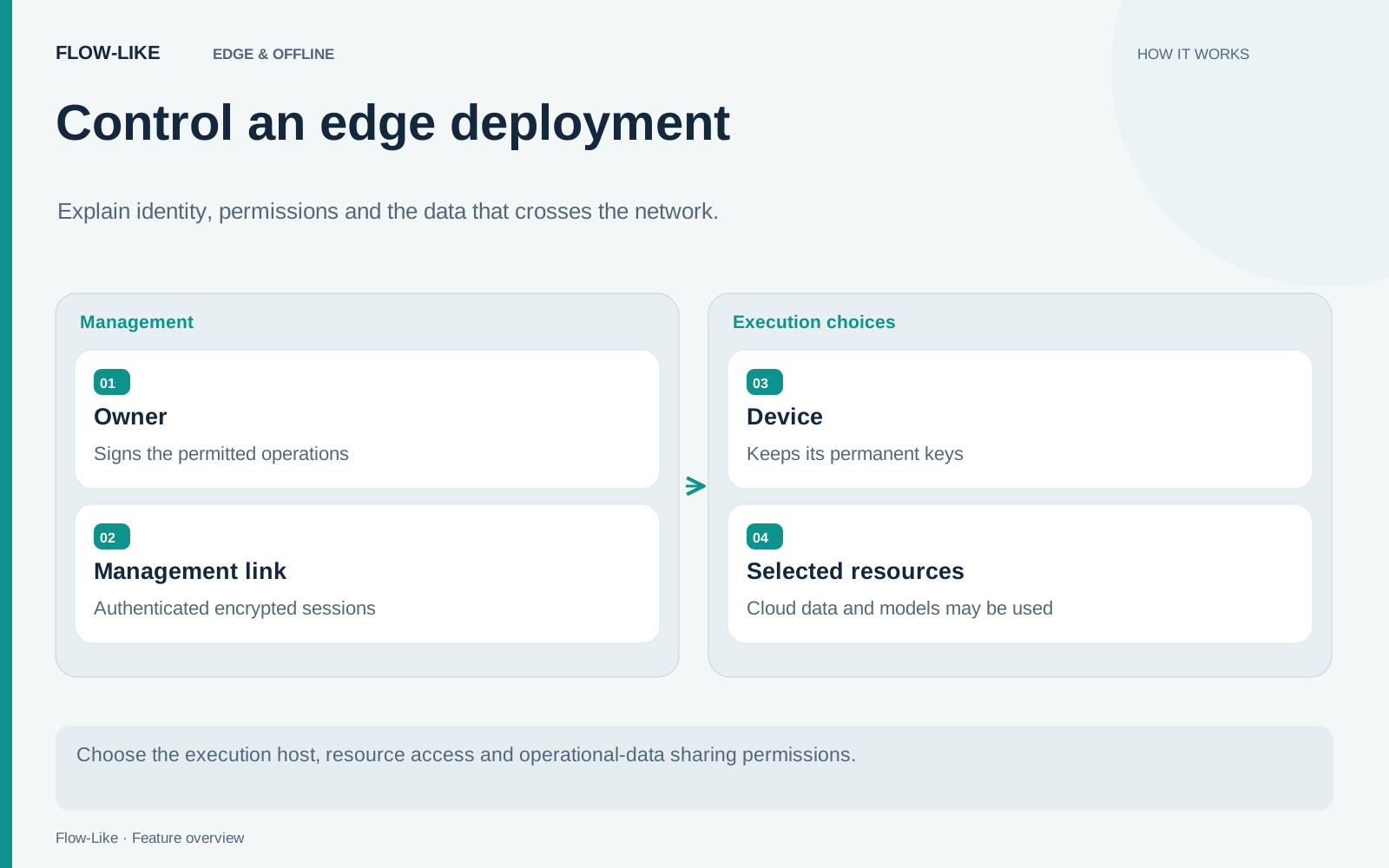
Flow-Like’s standalone device runtime brings device identity, remote permissions, and encrypted management into the deployment model. An owner can deploy a workflow to the device and share selected operating permissions with the people who support it.
Consider a small computer collecting inspection results at a workshop. Its owner needs deployment access. A support engineer needs enough visibility to diagnose a stopped process. Giving both people the same unrestricted device access would make that distinction meaningless.
Start with the device’s identity
Enrollment connects a device to its owner, but the permanent device keys are generated on the target. They remain there. Bootstrap information gets the device through enrollment; it does not turn the remote controller into a holder of the device’s permanent signing key.
Subsequent management traffic uses authenticated Noise sessions. Noise supplies the cryptographic handshake and encrypted session in the management runtime. Establishing a connection is only the beginning of authorization. Owner-signed policies bind a shared user’s key to capabilities and scope.
For the workshop example, define the support engineer’s permitted operations before inviting them. Then test an allowed action and a denied action. A successful status read demonstrates one permission. It says nothing about whether the same person should be able to deploy a different project or change sharing policy.
Logs need their own decision
Operational data can reveal more than a process name. A log might contain a document identifier, a customer reference, or input copied from another system. Decide what the workflow writes before deciding who receives its history.
Retained logs and metrics have encrypted sharing controls separate from live management. The archive implementation checks the recipient roster against current scoped access. That gives the owner a concrete way to grant diagnostic visibility without treating every management user as a reader of all retained history.
Revocation has a physical limit. Once an authorized reader has downloaded plaintext, a later policy change cannot remove that copy. During an outage, already issued credentials may also remain usable until their validity ends. Account for those intervals when choosing which data to share and how long access should last.
Local execution is one part of privacy
Running a workflow on the workshop computer does not establish that every part of the workflow stays there. An online placement can still access cloud tables or call a hosted model when its grants and configuration allow that use.
Trace the example from input to output. A local inspection file could be processed by a local model, sent to a hosted model, or summarized locally before a result reaches a cloud table. Each is a different data path. Document the path you actually deploy, including model endpoints and telemetry, rather than using “edge” as shorthand for complete network isolation.
Choose an appropriate host boundary
The default trusted-process profile assumes a dedicated, trusted account. It provides no workload isolation.
The opt-in Linux sandbox adds host-dependent enforcement. Its requirements include the relevant Linux facilities and resource controls; requesting it must not silently fall back to the trusted profile. It still shares the host network. The isolation implementation explicitly calls out loopback and link-local metadata access, which require host firewall policy and authentication on local services.
Before putting the workshop deployment into service, check restricted operator actions and telemetry access from the support account. Record the configured model endpoints, retained logs, and outage validity periods with the deployment. When staff or responsibilities change, review those permissions and remove access that is no longer needed.
Get automation insights delivered
Sign up for our newsletter to receive the latest updates on Flow-Like, automation best practices, and industry insights. No spam — just valuable content.