
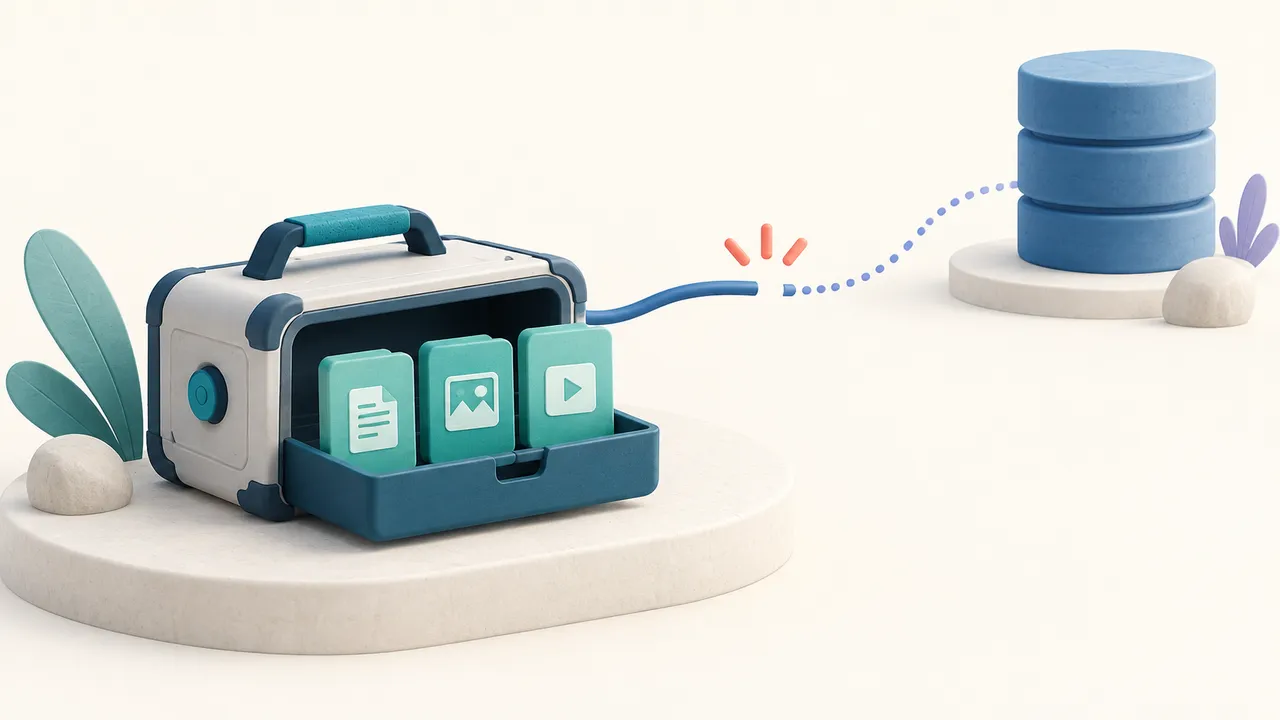
A field inspection should not lose its observations because the connection drops halfway through a route. It also should not tell the inspector that the cloud has accepted data that exists only on the device.
Flow-Like’s standalone runtime supports opt-in write buffering for selected resources in online projects. The device keeps eligible changes in a durable local outbox, then attempts replay when connectivity returns. Local collection and cloud acknowledgement are separate states.
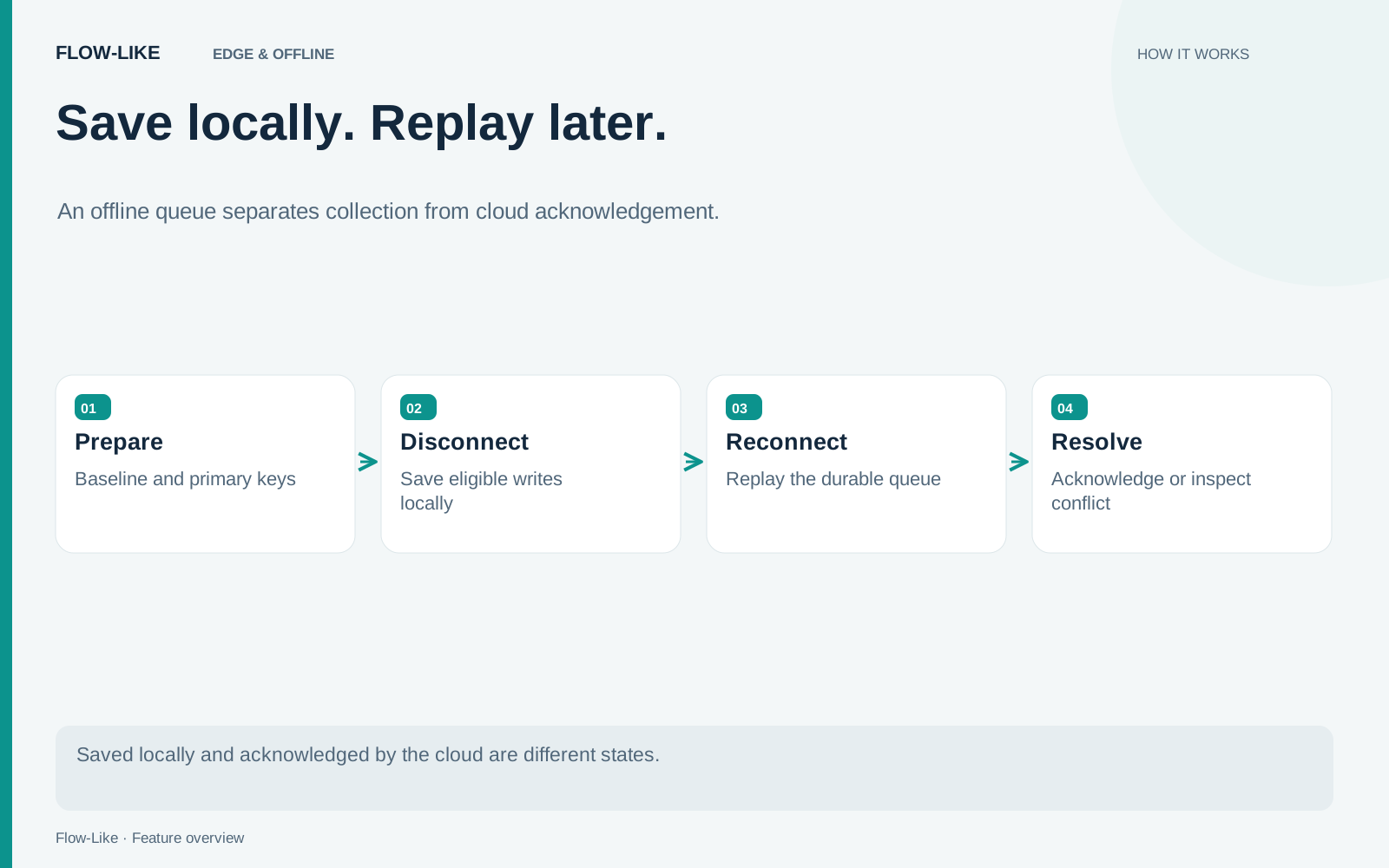
The first task is preparation. Offline behavior needs a known starting point, an identifiable record, and enough local capacity to retain the work until replay succeeds.
Prepare the tables before leaving
Suppose an inspection workflow records an equipment identifier, an observation, and a timestamp. Give each record a stable primary key. Select the table for buffering in the device deployment and let it obtain a complete baseline while connected.
A partial local view is insufficient for the supported offline table behavior. Confirm readiness before disconnecting. A downloaded project and a prepared table are different things, and a table can still be downloading when the workflow itself is available.
The device integration connects the placement to the shared write engine. The outbox retains pending operations under configured size, count, and age limits. Those limits deserve an operator’s attention: a full queue needs a visible response from the workflow.
Start with one test table and a small set of synthetic observations. Confirm the primary-key behavior before expanding the scope to a field deployment.
Show the inspector what happened
While disconnected, an eligible write can be saved locally. The interface or output you build around that operation should say so. Avoid presenting a local save as confirmation that another user can already see the row in the cloud.
A useful example exposes the number of pending operations and a clear local-save result. On reconnection, it changes that state only when replay is acknowledged. If the connection fails again, the pending work remains a separate concern from the latest user action.
One replica owns the queue. Do not scale a buffered placement as though each replica could independently replay the same local state. Queue ownership is part of the consistency model.
Reconnection can reveal a conflict
Disconnect the test device after its baseline is ready. Add one inspection locally, then change the cloud table through another client before reconnecting.
Conflict detection is whole-table. An unrelated cloud change can therefore matter to the device’s expected revision. The server replay checks compare the request with current authority and resource state before accepting it.
Treat a conflict as a decision to inspect, not a reason to repeat requests until one goes through. The appropriate resolution depends on the workflow: preserve both observations, reconcile the record with a newer value, or ask someone to review it. The buffering mechanism cannot choose the business meaning of that merge.
If access is revoked, queued data is quarantined rather than erased. That preserves a recoverable record of pending work while preventing normal replay under denied authority.
Keep the supported scope explicit
Arbitrary SQL mutations and schema changes are outside this offline path. Build the inspection example with the supported table operations and fixed schema.
File behavior also depends on the storage provider. Creating a new object and replacing an existing object require different checks. Existing S3 and R2 overwrites or deletes lack the stronger revision fence needed here; other providers have different capabilities. Do not infer support for every file mutation from a successful table replay.
Keep enough disk space for the outbox and include it in the device’s recovery procedure. Before sending a device into the field, disconnect it with pending observations, restart it, and reconnect. Confirm that the workflow still distinguishes retained local work from cloud acknowledgements.
The result to look for is modest and valuable: an inspector can keep collecting, can see which work remains local, and has a clear path to resolve anything the cloud cannot accept.
Get automation insights delivered
Sign up for our newsletter to receive the latest updates on Flow-Like, automation best practices, and industry insights. No spam — just valuable content.