

You have a string on the canvas and want to trim it. Searching the entire node library can answer that question, but the wire already supplies useful information: the next operation needs to accept the value you are holding.
The Board’s context menu uses that information. Opening it from a pin or a selection gives it a different starting point from opening it on an empty canvas. Compatible-node filtering then helps narrow the candidates before you inspect their details.
Try this while building a small text-cleanup flow. Use a string input containing a few spaces at each end. The intended result is easy to inspect, which keeps attention on the search and connection behavior.
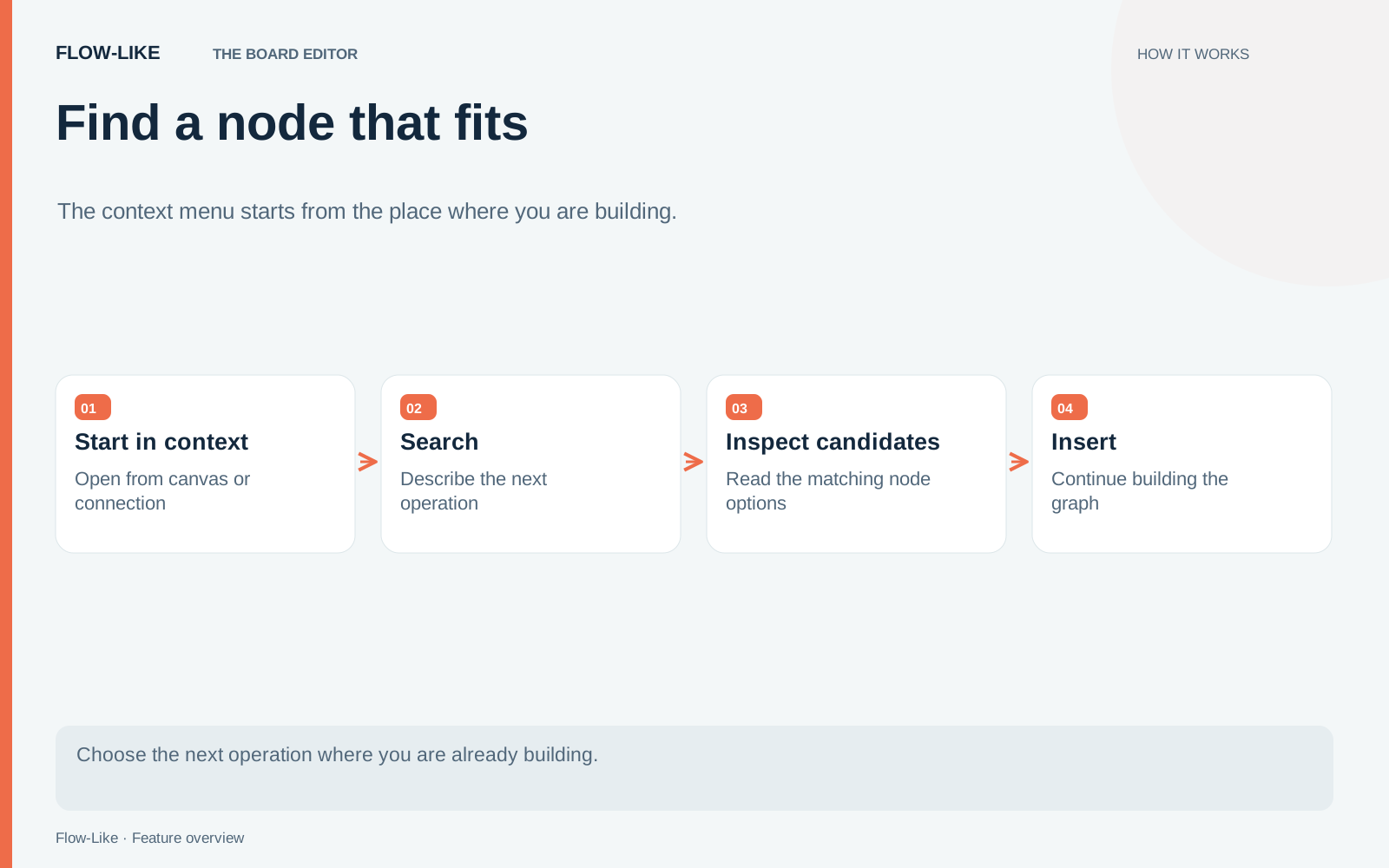
Carry the type into the search
Drag a wire from the string output into empty space and open the node search at that location. Search for the operation you want, such as trim. Inspect the compatible results before placing a node.
The palette starts with compatible-only filtering enabled for a connection context. That saves you from treating every name match as an equally useful next step. A name may be relevant while its inputs expect a different value or collection shape.
Read the candidate’s signature and description. Confirm which input will accept your value and what the output represents. In this example, you want a trimmed string that can feed the next operation. A similarly named operation acting on a collection would need a different arrangement.
Place the node and inspect the connection that was created. Then send its output to a log or another visible result in your test flow. Run the padded string and check the value you receive. Search has helped you choose an operation; this small run checks your understanding of it.
Treat compatibility as a starting point
A compatible type does not prove that an operation matches your intent. Two nodes may both accept strings while doing very different work. One might normalize text, another parse it, and another make an external request using it.
The same distinction applies to execution pins. Follow the execution path as well as the data path, particularly when the next node performs an action. A value connection answers where an input comes from. It does not by itself explain when an operation runs.
If a search produces no compatible candidate, broaden it deliberately. Check the filter and the type you are carrying. You may need an explicit conversion or validation step, or the source may be a collection when you expected one value. Keeping that mismatch visible is more useful than placing a vaguely related node and discovering the problem later.
The palette implementation combines the search model with connection compatibility and recent entries. Recent nodes help repeated work, but they still need to fit the current context.
Use selection context for a different kind of task
Once the cleanup chain works, select its nodes and reopen the context menu. The useful actions now concern that selection. Where supported by the backend, Edit selection as FlowScript opens the text editor with the selected work in scope. Moving a selection into another module is another way to act on an already understood region.
From a pin, Create variable from pin addresses a different need: giving a value a named place in the Board and placing a node wired to it. Check the variable’s type and intended role before treating it as persistent application data. A convenient authoring action does not decide the lifetime your application needs.
These are context-driven menu actions. They are separate from learned ghost-node suggestions that may propose a next node. You can use search deliberately even when you do not want a prediction.
For your next small flow, try starting each search from the value or selection you already understand. You still make the design decision, but the menu can bring the relevant type and scope into that decision with you.
Get automation insights delivered
Sign up for our newsletter to receive the latest updates on Flow-Like, automation best practices, and industry insights. No spam — just valuable content.