
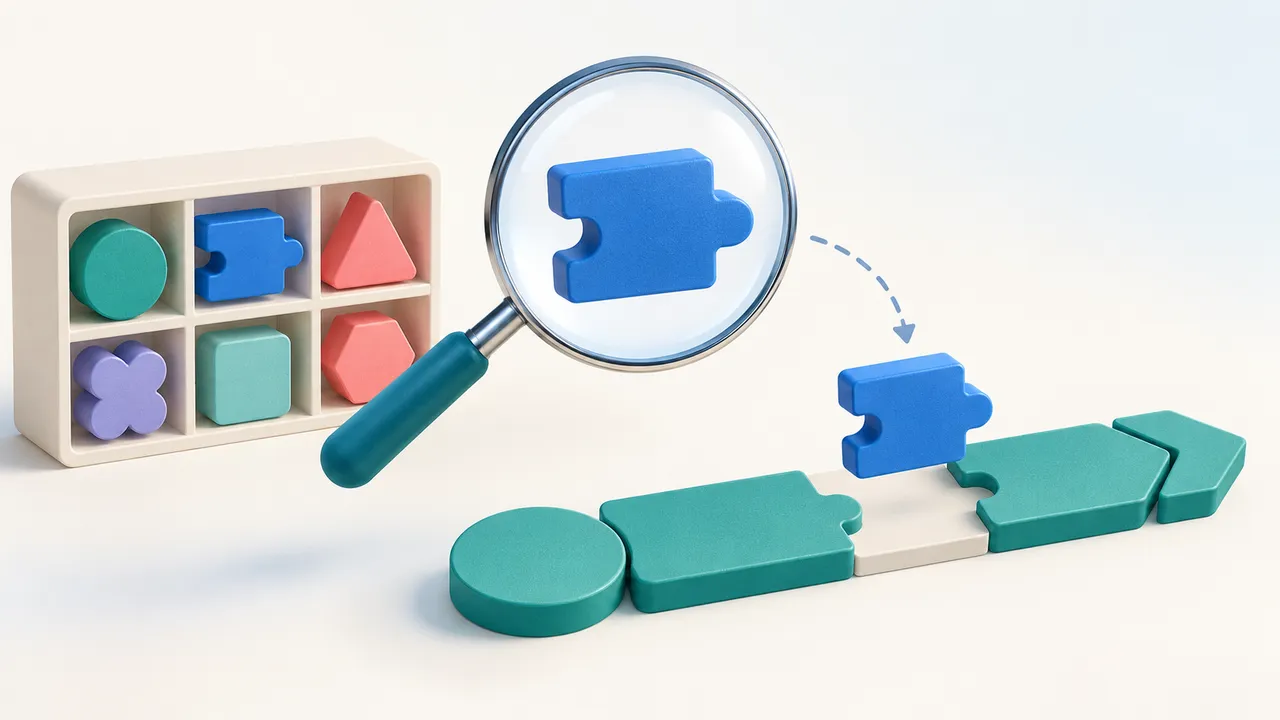
An app already has a helper that normalizes customer references. A new feature needs the same behavior. If an AI builder creates another helper because it never found the first one, the app now has two places to fix when the reference format changes.
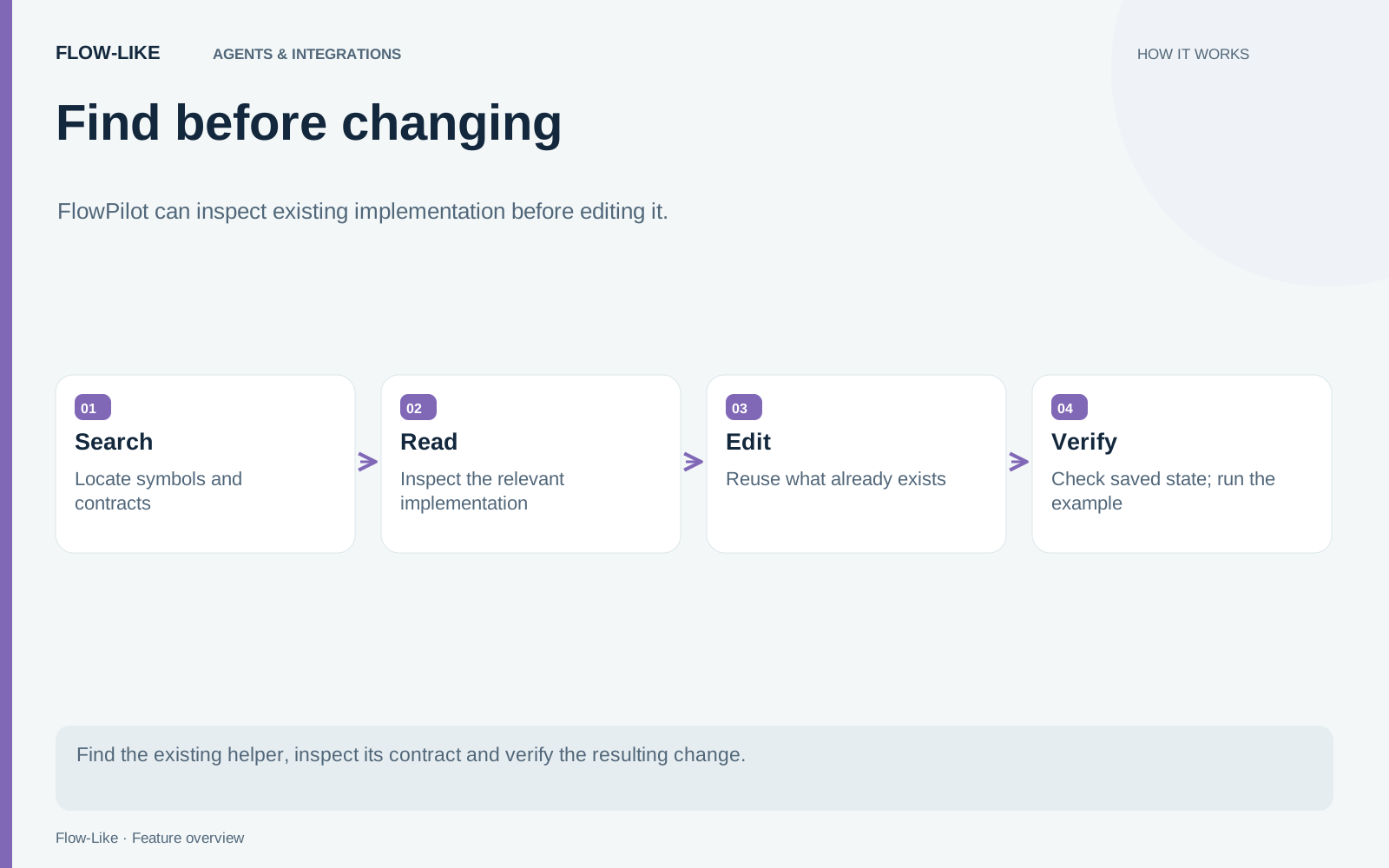
FlowPilot’s workspace search gives its specialists a way to inspect persisted implementation before editing it. They can search workflow source and related contracts, then read the exact symbol behind a result.
The practical goal is a focused edit that reuses what is already there. Search and source inspection support that goal; they do not establish that the resulting workflow works at runtime.
Ask for a behavior the app already partly implements
For an example, add customer-reference normalization to a new incoming request Event. State that the existing app should be inspected for a suitable helper before another implementation is added.
A concrete identifier such as account_reference gives search something useful to work with. If the relevant app or Board is known, narrow the scope. That reduces unrelated results and avoids treating a broad inventory as though it were an exhaustive understanding of the project.
The search covers canonical FlowScript function, Event, and interface bodies, Event input contracts, table fields, page bindings, and selected bundled documentation. It can connect a field used in an Event to the helper that processes it and the page that displays the result.
Table schemas are useful context here. The search does not expose table rows, so it should not be mistaken for a query of customer records.
Read the result before deciding to reuse it
A search hit is a candidate. A function called “normalize reference” might strip whitespace, change case, or apply a rule intended for a different source system.
FlowPilot’s specialists can take the returned resource identifier and revision into an exact symbol read. The host reads the source again and rejects a changed revision. That prevents a result found against one version from silently standing in for another version after someone edits the Board.
The workspace search implementation bounds both search replies and exact reads. Longer content can require continued reads. The important review point is whether the helper’s actual behavior and input contract fit the new Event.
For the example, check how the helper handles an empty value and an already normalized value. Those two cases often reveal whether reuse is appropriate without requiring a broad rewrite.
An empty search has a scope
Search reports coverage and freshness because its inventory is bounded. Within an app, resources can be omitted by limits or read failures. Outside an app, search examines a limited set of apps from the active Profile.
Indexes can be retained briefly for follow-up queries, and returned resources are checked again. The cache does not continuously poll for every newly created resource. A cached answer with no hits cannot establish that no implementation exists anywhere in the current workspace.
The developer guide describes those limits and the coverage fields. When coverage is incomplete, narrow the search or inspect the relevant resource directly. Repeatedly rephrasing a broad request can produce more words without improving the evidence.
Keep the edit small enough to inspect
Once the helper is understood, connect the new Event to it and adapt only the needed inputs and outputs. Inspect the saved result to confirm that the intended implementation was reused and that the Event contract remains correct.
A saved-edit receipt answers whether an edit was applied to the expected state. It does not answer whether the helper handles the new request correctly. Execute representative cases separately, including an invalid or missing reference.
When reviewing the change with a colleague, show the search result, the helper that FlowPilot read, the focused edit, and the resulting run. They can then see which behavior was reused and how the new request reaches it.
The existing helper remains the place to maintain reference normalization. FlowPilot can connect new work to that implementation, while the developer can inspect the match and check the cases that matter to the app.
Get automation insights delivered
Sign up for our newsletter to receive the latest updates on Flow-Like, automation best practices, and industry insights. No spam — just valuable content.