
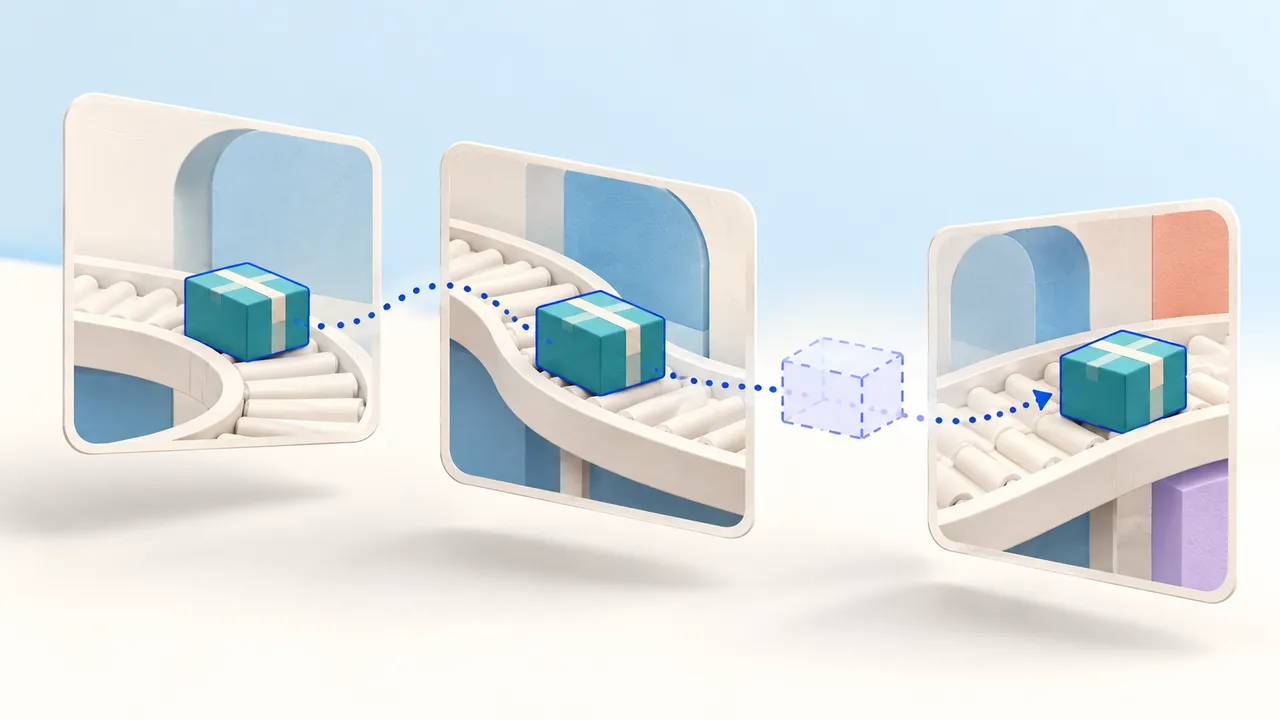
An object detector sees a box in one frame. On the next frame, it returns another box. Your application still needs to decide whether those observations belong to the same moving object and how long to keep that conclusion when the object disappears.
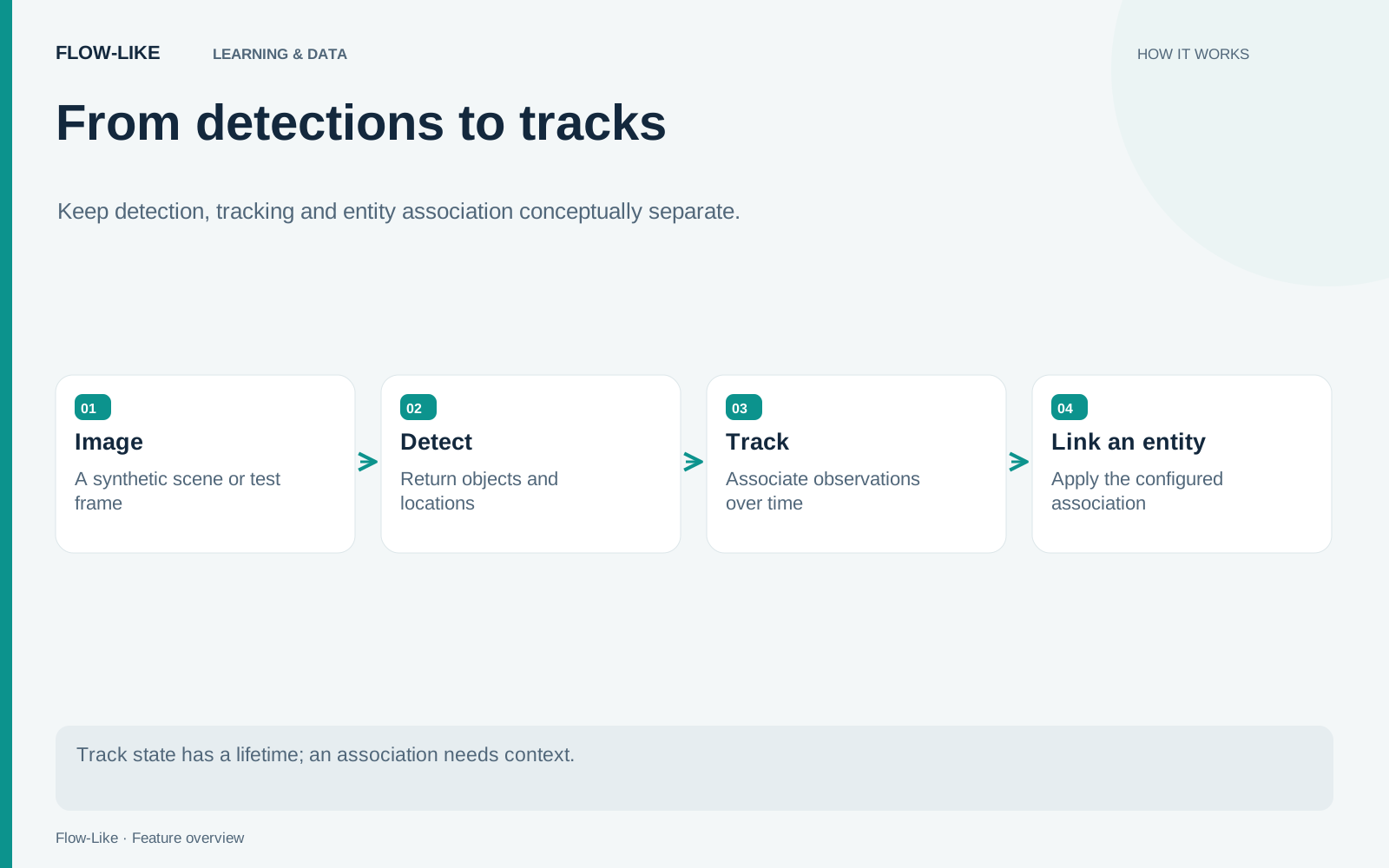
Flow-Like separates that work into tracking and entity association. Track Detections follows observations over time for a camera. Extract Appearance adds model-derived appearance features. Associate Entities uses those features to relate tracks, including tracks from different cameras when the evidence and configuration support it.
Start with synthetic detections or sample footage you have permission to use. A short sequence with one object moving, briefly disappearing, and returning makes the state changes easier to understand than a crowded scene.
Establish one camera and one clock
Feed the per-frame detection boxes into Track Detections. Set a Camera value and a Session value deliberately, and provide the frame capture time in Unix milliseconds. Use a new session for a new stream when you want a fresh tracker.
The node uses timestamps for motion and expiry because frames may arrive at irregular intervals. Treat the capture time as part of the observation. Supplying processing time instead can obscure the actual gaps between frames, especially when replaying recorded footage.
Inspect the returned track ID together with tracker_id. Track IDs are unique within a tracker instance, so a bare numeric ID is not a durable identifier for every object your app has ever observed. A new tracker can begin its numbering again while carrying a different tracker identity.
The Track Detections implementation describes the scope and timing inputs. In a small test, keep those inputs stable while the object moves so you can see whether consecutive detections retain the track.
Make absence visible
Remove the detection for a few frames. With lost-track output enabled, the tracker can return a predicted box marked lost. That box is an estimate based on prior state, not a new observation of the object.
Keep the state visible in downstream displays and decisions. A count of currently observed objects should not silently include predictions as though the camera detected them. When the object returns within the configured lost interval, inspect whether it reacquires the previous track.
Test a longer absence too. The expiration settings express how long your application is willing to connect separated observations. There is no universal value that works equally well for a fast conveyor and a slowly changing scene.
Add appearance only with a suitable model
Place Extract Appearance before Track Detections when you want the tracker to use embeddings for appearance matching. An embedding is a numeric description produced by the selected model from the detected crop. It contributes another matching signal alongside the boxes and motion.
The built-in appearance choices are person re-identification models. Do not assume they provide useful parcel or vehicle matching. Use a model suited to your objects, with the expected input layout and normalization, or keep the initial exercise focused on box tracking. The appearance implementation validates the model input and output shapes.
Connect the output of Track Detections to Associate Entities when you need the additional association stage. Keep the appearance embeddings and track IDs in those observations: observations without a track ID can match an existing entity, but cannot establish a new one. All cameras in the same association task must use one shared clock for their Unix-millisecond timestamps.
The minimum-observation setting lets a track accumulate evidence before creating or matching an entity. The ambiguity margin can leave an observation unresolved when competing candidates are too similar.
Inspect the unresolved output as part of the normal workflow. Pending, ambiguous, or missing-embedding results should lead to an explicit application decision. Lowering a threshold until every observation receives an association hides uncertainty rather than removing it.
Plan for the state to end
Tracker state lives in process memory, scoped by the user, Board, node, Camera, and Session. It can end after idle expiry, capacity eviction, or a process restart. Multiple worker processes maintain independent state.
Entity association has a different scope: Boards and users in the same app share identities when they use the same task ID. The association state is also process-local and expires. Choose task IDs intentionally so unrelated exercises or camera groups do not accidentally share their association history.
An entity association expresses a model-based relationship between observations. It is not proof of a person’s real-world identity. If you persist results, keep their scope, timestamps, and uncertainty alongside them. That gives later consumers enough context to interpret what the camera workflow actually established.
Get automation insights delivered
Sign up for our newsletter to receive the latest updates on Flow-Like, automation best practices, and industry insights. No spam — just valuable content.