
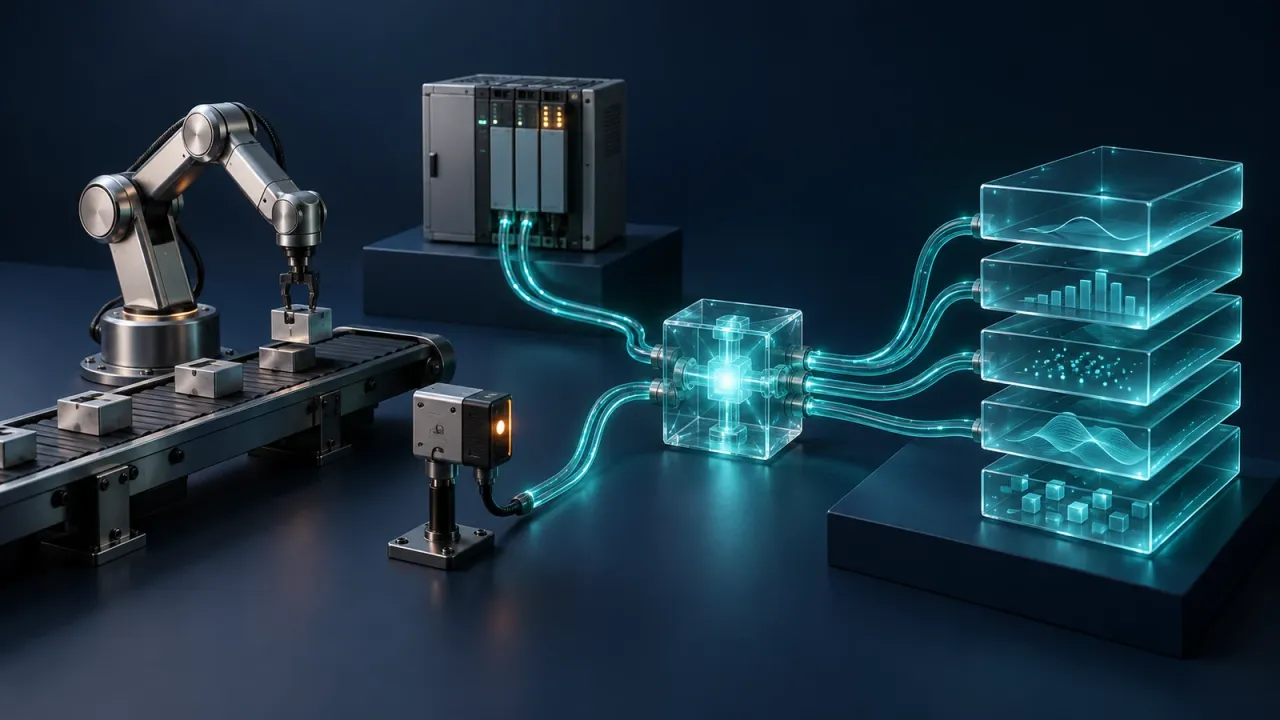
Factory data is often split between systems. A controller holds the cycle count while the production system knows which batch is running. Bringing those records into the same decision can mean maintaining separate adapters, with another service to decide what happens next.
Flow-Like’s new industrial nodes bring equipment and message brokers into the workflow itself. Read a controller, subscribe to changing values, decode a sensor measurement, and carry the result into the same graph that updates a database or runs a model. The connection and the consequence become parts of one inspectable process.
That gives teams a practical way to extend an existing installation. Keep the controllers, networks, and brokers already serving the plant. Build the missing connection between their data and the people or systems that need it.
Start with the equipment you already have
The right starting point is the interface your equipment exposes. A programmable logic controller, or PLC, may offer named variables through OPC UA, ADS, or EtherNet/IP. A power meter may expose Modbus registers. A plant-wide event stream may already arrive through MQTT or Kafka.
For Modbus TCP and serial RTU, Flow-Like provides persistent connections, reads and writes, and polling. OPC UA adds browsing and native monitored-item subscriptions, so a workflow can react to value changes. Its readings carry quality status and timestamps alongside the value, giving downstream logic the information needed to interpret a measurement.
Beckhoff installations can use ADS reads, writes, and native notifications. Rockwell Logix controllers can expose typed tags through EtherNet/IP explicit messaging. These nodes preserve the interface’s useful structure: named tags remain named tags, while register-based devices get explicit decoding.
Use the explorer below to follow a signal from its source to a useful workflow action.
From equipment to workflow
Keep the protocol. Connect the process.
Explore four ways to bring industrial data into Flow-Like.
Give a register value its business context
Read equipment values, decode the device's representation, then add the units and identifiers that make the reading useful downstream.
- Modbus TCP / RTU
- IO-Link
- HART
- ConnectDevice endpoint or adapter
- ReadRegisters or process values
- EnrichUnits, asset and timestamp
- UseStore, alert or predict
For Modbus, the register map determines addresses, data types, byte order and word order.
A connection becomes a reusable part of the run
Industrial communication usually has a lifecycle. Open a connection, perform work through it, and close it when the workflow ends. The Connect nodes return a session reference that subsequent nodes use within that run. Several reads can share the same session, and a listener can keep it open while handling incoming data.
For continuous collection, start with a daemon event and connect it to a Subscribe, Consume, or Poll node. That node calls a referenced workflow function for each delivery. The function can receive the complete event or selected fields, then perform the work appropriate to that source.
This structure gives the graph a clear division of responsibilities. Connection configuration lives at the entry point. The handler contains the decisions: which values matter, what context to add, and where the result should go. The listener waits for each handler invocation to finish before processing the next delivery.
Turn a register reading into a production record
Consider a temperature reading from a Modbus device on a packaging line. The useful output is a timestamped measurement attached to the right machine and batch. A pair of raw registers is only the starting point.
Build the workflow in the order the data needs to travel:
- Connect Modbus with the device endpoint and timeout. For RTU, configure the serial connection on the executor attached to the adapter.
- Poll Modbus using the unit ID, register type, zero-based start address, and count from the device’s register map. Choose the collection interval and whether to deliver only changed values.
- In the handler, use Decode Sensor Registers with the device’s numeric encoding, byte order, and word order. Apply the documented scaling to express the result in engineering units.
- Attach equipment identity and batch context, then store the record or route it to the appropriate operational action.
The decoding step deserves a visible place in the graph. Two devices can report the same physical quantity with different register layouts. Keeping that transformation explicit makes the workflow easier to review when equipment changes or a second line comes online.
Carry work through the brokers already in use
Many plants already have a messaging layer between equipment and business systems. Flow-Like connects to it through MQTT, NATS and JetStream, Kafka and Redpanda, RabbitMQ, and Redis Streams. Zenoh supports publish, subscribe, and query interactions; Iroh connects Flow-Like peers directly.
Choose the delivery model that fits the action. A live status view and a maintenance-record consumer have different needs. For JetStream, RabbitMQ, Redis Streams, and Kafka, the industrial consumer acknowledges or commits a delivery after its workflow handler succeeds. A failed handler leaves the delivery unacknowledged.
Give actions a stable identity as well. A consumer that creates a maintenance record can use the message ID or an equipment-event key to find an existing record on a retry. This keeps broker delivery and business processing connected without accidentally creating duplicate work.
Sparkplug B adds equipment state to MQTT messaging. Its nodes handle the protobuf payloads and the birth, data, and death transitions that describe an edge node and its devices. Metric definitions, shared sequence tracking, and rebirth detection give a workflow the machinery to participate in a Sparkplug installation. The workflow explicitly controls publication order and persists the session state it needs.
Bring fieldbus data to the workflow layer
Closer to the equipment, Flow-Like includes native EtherCAT and PROFIBUS DP-V0 master support. Dedicated workers perform the bus cycles, while workflow handlers receive snapshots for processing. A database write or model invocation can therefore sit downstream of a snapshot without setting the bus-cycle frequency.
PROFINET and other cifX fieldbuses connect through an installed Hilscher controller. Its driver and commissioned firmware run the bus; Flow-Like reads and writes the controller’s process image, the mapped input and output data exchanged with devices.
Instrumentation has its own paths. IO-Link nodes use the master’s JSON Integration 2.0 REST API for discovery, process data, and indexed parameter access. HART nodes expose commands and read-only polling through serial, transparent TCP, or HART-IP connections. Place the executor where it has the required device access, network reachability, and drivers.
Build toward learning from the process
Once measurements enter a workflow with consistent units and equipment context, they become useful inputs for analysis and model training. The deep learning and ML nodes extend that path from prepared data to models. The AI training agent helps organize the training work around the problem you want to solve.
Start with one signal and one consequence: a temperature record, a controller-state change, or a broker event that creates a task. The industrial protocols guide covers connection configuration and deployment requirements. From there, expand the same workflow as the operational question grows.
Get automation insights delivered
Sign up for our newsletter to receive the latest updates on Flow-Like, automation best practices, and industry insights. No spam — just valuable content.