

Changing a few words in a condition is easy. Knowing which operation those words belong to, which branch they affect, and where to inspect the result takes a little more context.
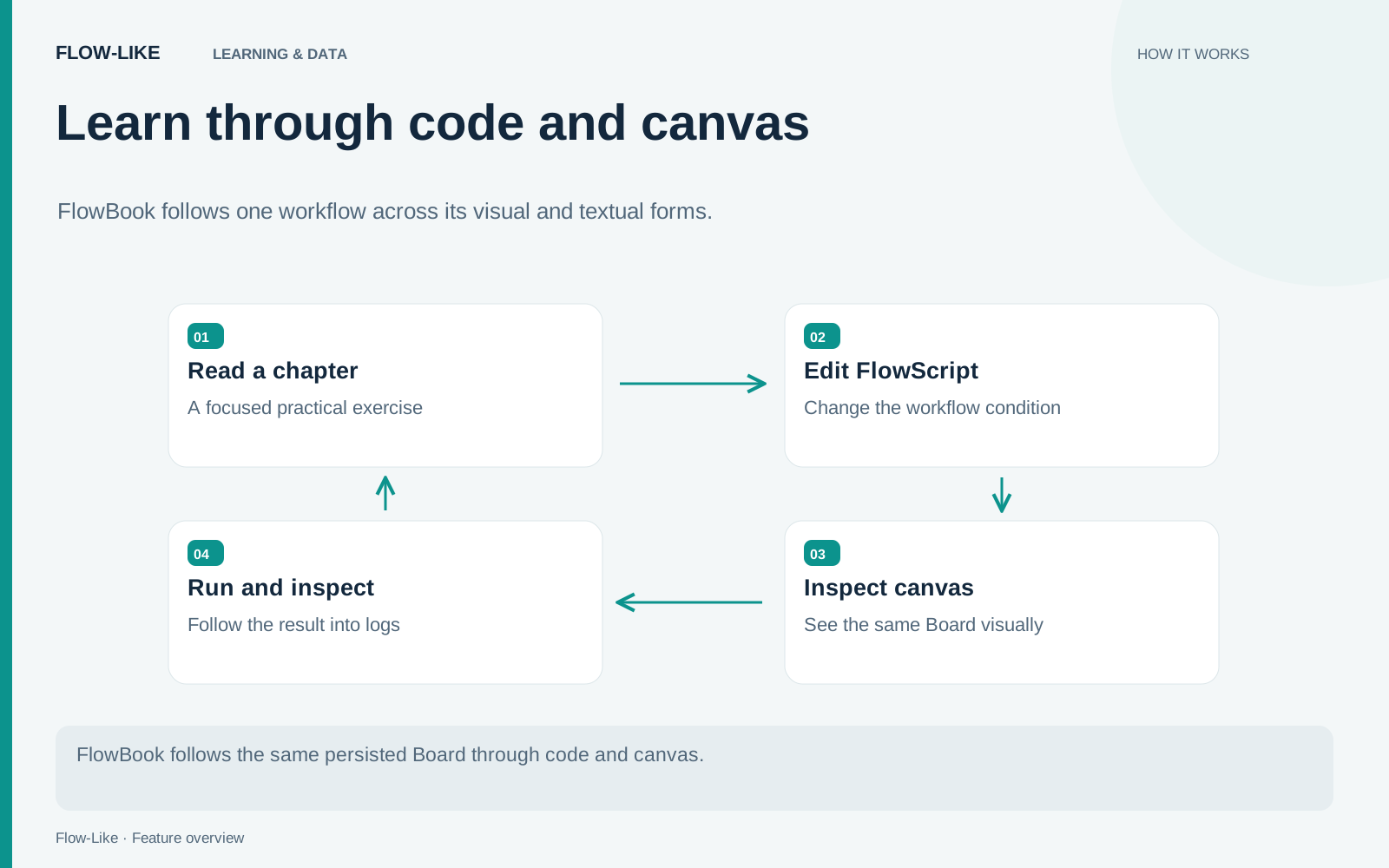
FlowBook teaches that connection through Flow-Like’s two authoring views. You can edit a workflow in FlowScript, inspect it on the canvas, and trace its behavior through the same Board. The book assumes basic programming familiarity; TypeScript experience is helpful, but the early chapters introduce the flow model before exploring the language internals.
The contents take you from a first flow through types, catalog calls, control flow, state, functions, and app interfaces. Start with Incident Triage if you want to learn by changing a small rule and observing what happens.
Begin with a rule you can predict
The first worked flow is Incident Triage. It receives a string called report, trims surrounding whitespace, checks for the phrase production is on hold, and chooses a log level. The phrase match ignores letter case.
The rule is deliberately narrow. A report containing that phrase follows the Error-log path; another report follows the Info-log path. There is no external service or language model deciding what the incident means. Given an input, you can predict the branch and then compare your prediction with the run.
The Incident Triage chapter builds the flow from six operations: a Generic Event, Trim String, Contains, Branch, Log Error, and Print Info. That is enough structure to learn data connections, execution connections, and the relationship between a condition and its branches.
Try two reports:
Database latency is elevated, but production continues.
  PRODUCTION IS ON HOLD after an interface timeout.
The surrounding spaces and capital letters in the second input make the normalization and comparison settings observable. Inspect the trimmed value as well as the selected branch.
An Error-level log records the classification in this exercise. The logging operation can complete successfully. A red severity indicator therefore does not, by itself, prove that the runtime failed to execute the flow.
Make the same change from both views
Open the source and find the phrase used by the Contains operation. Change it to another explicit phrase, apply the edit, and inspect the corresponding node on the canvas. The important observation is the correspondence: a text edit changes the Board element you can inspect visually.
Next, add an appropriate logging step from the canvas and look at the source again. Follow the new operation and its connections. You are learning how the views express the same structure, including details that may be less obvious in one representation.
FlowScript is an authoring language. Studio parses its text and reconciles the edit into the persisted Board; the Rust runtime executes the graph. The book’s introduction explains this contract before asking readers to reason about larger programs.
That model matters when a result is surprising. You can move from the run to a node, then inspect the statement that authors it. You do not have to maintain a separate explanatory diagram alongside the executable workflow.
Read the run at the right boundary
Include a malformed input, such as a numeric value where report should be a string. Follow the rejection back to its source. A typed form can reject a value before starting a run; an API adapter or an executing node handles a different boundary. Check whether an execution started before looking for an error inside the graph.
For a successful invocation, open the run in Studio and find the logging node reached by the branch. Compare the input, the trimmed value, and the selected path. If the result differs from your prediction, those three observations tell you whether to inspect normalization, the phrase match, or the branch wiring.
Once the small flow makes sense, continue through types, catalog calls, control flow, state, functions, and app interfaces. Chapters 14 and 15 examine the round trip and stable identities behind the two views. You can read the book on the web or use its PDF and text exports alongside Studio.
Start at FlowBook with one question in mind: after changing a rule, can you find the corresponding graph operation and explain the result of a run? The Incident Triage exercise gives you a compact place to answer it.
Get automation insights delivered
Sign up for our newsletter to receive the latest updates on Flow-Like, automation best practices, and industry insights. No spam — just valuable content.