

A workflow loops over a batch of records and reports the same warning hundreds of times. Near the end, one operation fails. Scrolling through every line is possible, but it is a poor way to preserve the sequence of events in your head.
The logs console gives you several ways to narrow that investigation: folding similar messages, filtering by node or severity, jumping to errors, and opening the responsible node on the Board. Use them to collect evidence for a specific explanation of the failure.
For practice, choose a test run with repeated messages and a controlled error. A sample import with one malformed record works well. Keep it separate from a production run so you can repeat the investigation after changing the input or the flow.
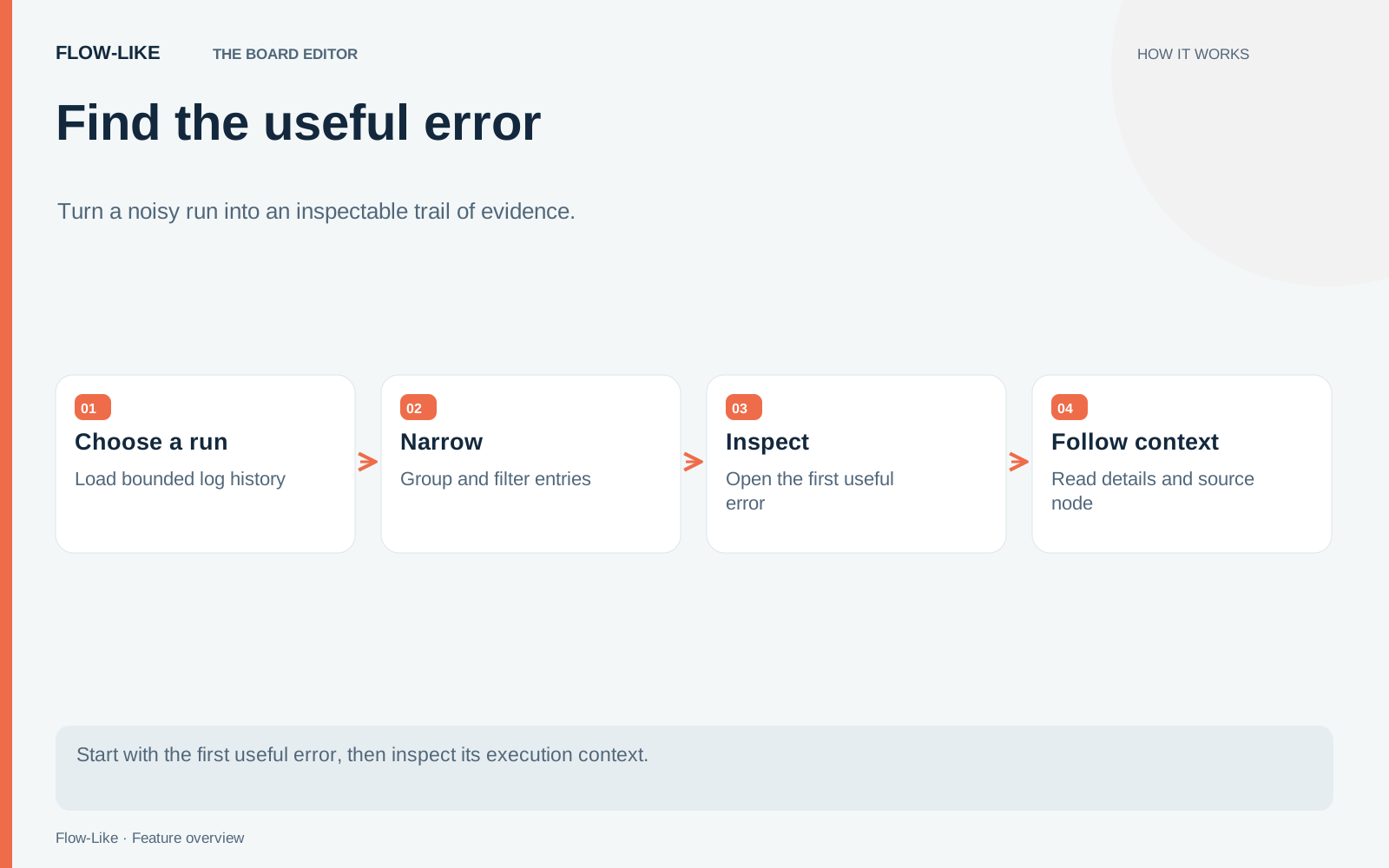
Establish which run you are reading
Start by checking the selected run and its time. Similar failures from different runs can look almost identical. Before filtering, note the overall counts and the first error so you have a reference for what the filters hide.
Turn on folding to reduce repetitive messages. The console can present similar entries as a group with a count and a range. That makes a repeated warning occupy less visual space while retaining evidence that it happened many times.
A folded group is still worth inspecting. Hundreds of repeated warnings may explain the conditions that preceded the error, even if none is itself fatal. Expand a relevant group or open its details before deciding it is background noise.
Folding depends on fingerprints recorded with the logs. Older runs without those fingerprints have reduced folding behavior. The query implementation explicitly handles tables without the fingerprint column, so an older run may present differently from a new one.
Narrow by meaning, then by location
Use the severity controls to focus on warnings and errors. If a message contains a distinctive phrase, search for that phrase. Quoted phrases, node filters, and exclusions let you describe the slice of the run you want to inspect.
Do not apply every filter at once. Begin with a broad question, such as where parsing first failed, then narrow to the responsible node. That keeps you from removing the evidence that would tell you your first theory was wrong.
The row actions can scope the view to a node, exclude that node, or show only similar messages. Choose one based on the investigation. Scoping to the parser helps compare its repeated attempts; excluding a noisy progress node may make an earlier failure visible.
Open the detail pane for the selected entry. Read the full message and structured fields rather than relying on the first line in the list. Record identifiers and input context that distinguish this failure from the next similar-looking one.
Follow the error back to the Board
The first-error controls can jump to an error and show its node on the Board. Previous and next error navigation help inspect a sequence without manually finding each line. If filters hide the relevant entry, check that state before concluding the error has disappeared.
Once you reach the node, trace its inputs and the upstream steps. The console can identify relevant upstream nodes that did not run, but that is evidence about execution, not an automatic diagnosis. A missing upstream step might follow from an earlier branch decision or failure that still needs investigation.
For the malformed-record example, determine whether the wrong shape entered the flow, a conversion produced it, or a parser received the wrong field. The same final error can result from each, and the appropriate fix differs.
Copy the selected evidence as text, JSON, or Markdown for the issue or review. Include the run, relevant node, observed input shape, and the behavior you expected. Remove sensitive values before sharing outside the people who should see the run.
After the fix, repeat the controlled input and inspect the same part of the new run. Also run a valid record through the path. A quieter log is encouraging; the useful result is that the failing case now has the intended outcome and ordinary input still works.
Get automation insights delivered
Sign up for our newsletter to receive the latest updates on Flow-Like, automation best practices, and industry insights. No spam — just valuable content.