

A colleague needs the current installation requirements. One part is on the website, another is in a PDF, and the exception for an older product lives in a separate document. Finding all of it takes longer than answering the question.
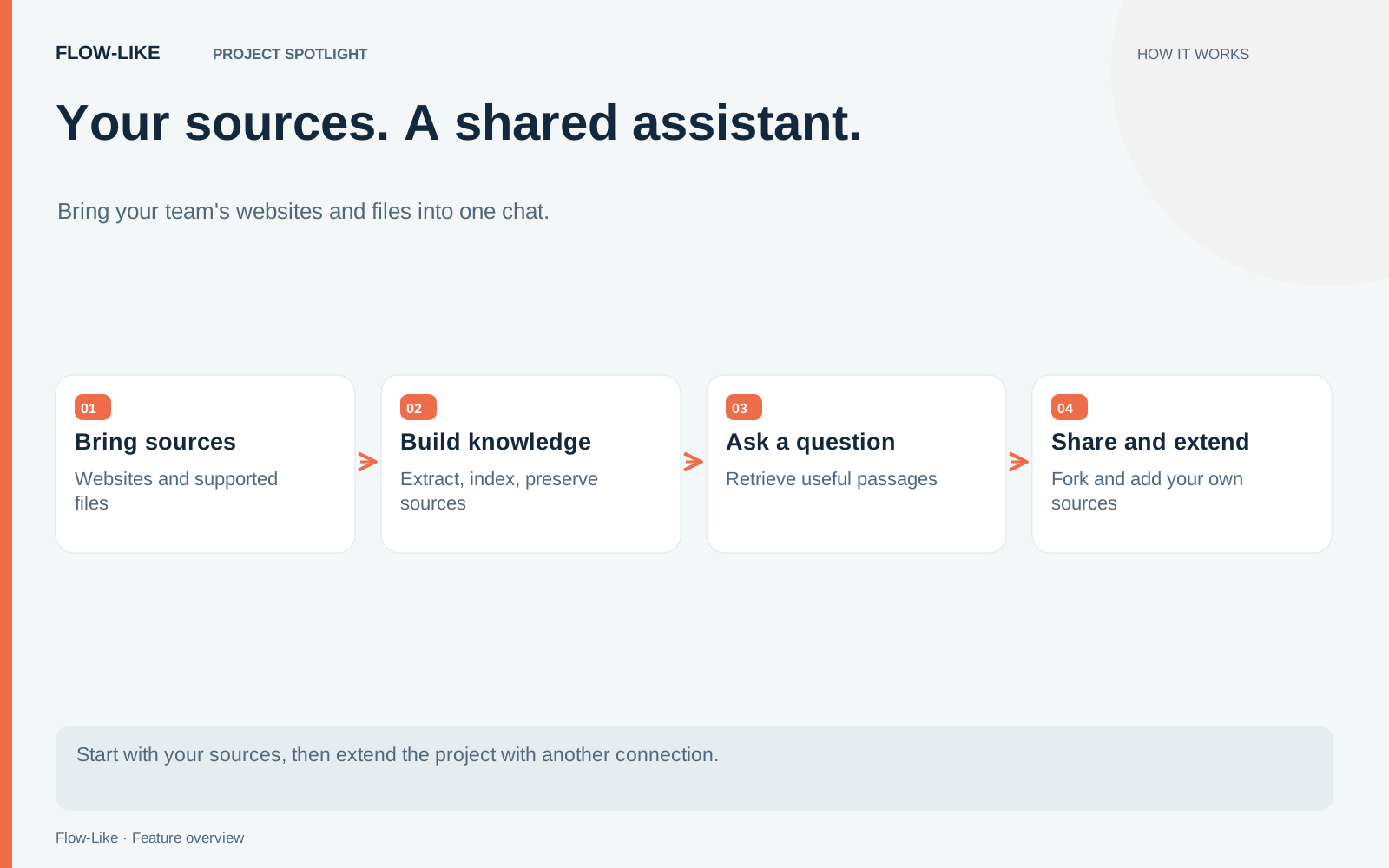
Knowledge Chat brings that material into a shared assistant. You add source content, prepare it for search, and give people a chat interface for asking questions about the material your team maintains.
We’ll use Knowledge Chat to bring product pages and internal guides into one assistant your team can share. You can use the same approach for a support handbook or a research collection.
Open Knowledge Chat in the Flow-Like web app. Access depends on the connected catalogue and the project’s sharing settings. Fork the project and bring the sources your team uses.
Begin with the questions people already ask
Choose a narrow topic for the first version. For onboarding, that might be installation requirements, supported environments, and the first troubleshooting steps. Collect a handful of representative questions before adding documents. They will tell you whether the assistant is useful.
Select source material that answers those questions and belongs to the same audience. A public product guide and a confidential contract can both contain relevant facts, but they should not automatically become one shared collection.
Website content and files also need different preparation. A website workflow can retrieve a page, convert its HTML to readable text, and retain the source URL. Following more links requires a deliberate choice about which pages belong in the collection. For files, use an extractor suited to the format and inspect the extracted text, especially for scanned pages or complex layouts.
The retrieval guide explains the underlying process. Long documents are divided into smaller passages. An embedding model turns those passages into values that help the system find related content. When someone asks a question, the workflow retrieves passages before asking the language model to compose an answer.
Check the answer against the source
Start with a question whose answer you know. Then inspect what the workflow retrieved. If the relevant paragraph never reached the model, rewriting the final prompt may not fix the problem. You may need clearer source text, a different search method, or a better way of splitting documents.
Keep document titles, URLs, and section information attached to passages as they move through the flow. Include those references in each answer so colleagues can open the document behind it, using their own access to the source.
Also ask something the collection cannot answer. An onboarding assistant should be able to explain that the available material is insufficient. A confident answer about an undocumented exception is a reason to improve the workflow before sharing it more widely.
Source text needs its own boundary. A paragraph copied from a website is evidence to examine. Instructions embedded in that paragraph should not become instructions for the assistant. Keep that distinction in the response prompt and in the tools the chat can call.
Share the result with the right people
An app gives colleagues a stable place to use the assistant. Set its sharing permissions for the intended group, then try the user journey with an ordinary member account. A builder’s view can hide missing permissions because the builder already has access to the underlying resources.
Check both the chat and its supporting content. A source link that works only for the owner leaves colleagues unable to verify an answer. Conversely, a useful answer should not expose material the reader was never meant to see. Apply the access boundary before source passages enter the model context.
Give someone responsibility for keeping the collection current. Replacing a document should also replace or retire its old passages. Deleting the original file does not, by itself, define what your indexing workflow does with previously stored content.
Keep the project open to change
Fork the project to adapt the workflow for your team. The owner’s copy policy controls access to that action and determines which resources come along. Reconnect your credentials and add the files and indexed knowledge your copy will use.
That is useful when the next requirement arrives. You can add a SharePoint library as an ingestion source, change the retrieval stage, or route certain questions to a review step. The chat interface can stay familiar while the workflow behind it grows.
Start with one collection and a short set of questions. When colleagues can find a correct answer, inspect its evidence, and recognize when the sources are insufficient, you have a sound basis for extending the assistant.
Get automation insights delivered
Sign up for our newsletter to receive the latest updates on Flow-Like, automation best practices, and industry insights. No spam — just valuable content.