
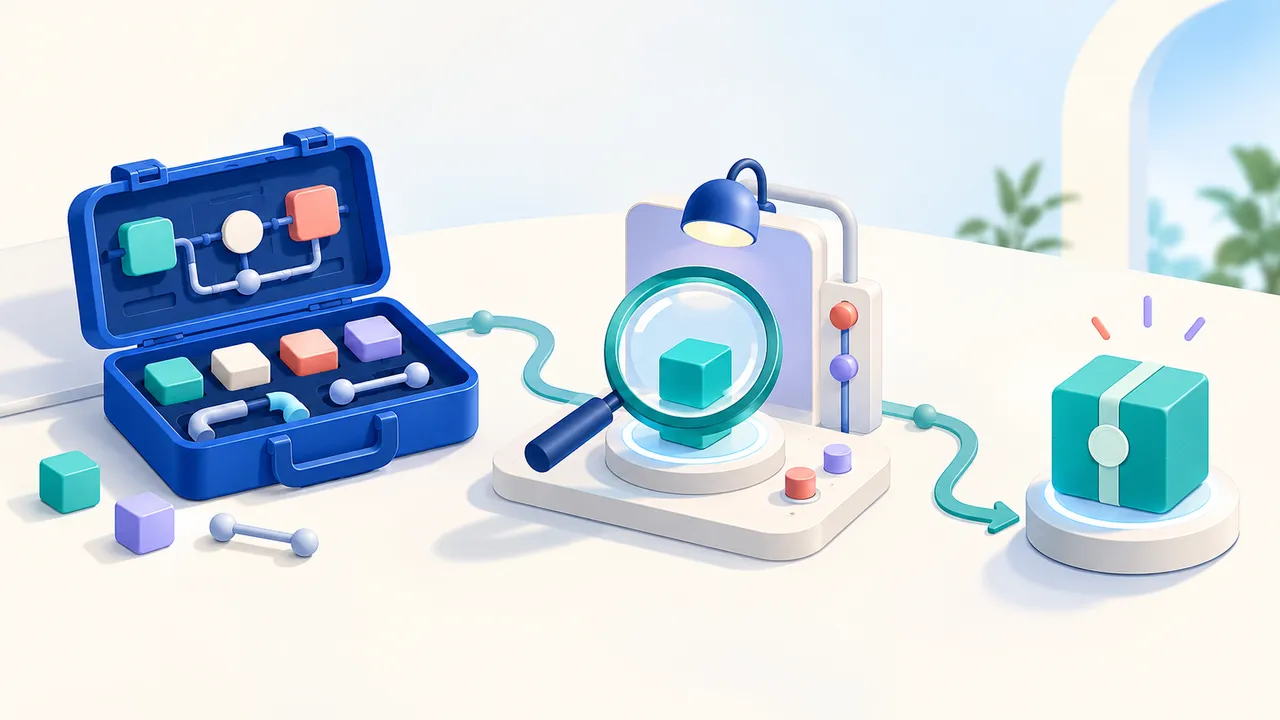
A custom node becomes more useful when a colleague can find it, understand its permissions, and install the right version. That requires more than a compiled WASM file. It needs a stable identity, a readable listing, a release history, and someone responsible for access and updates.
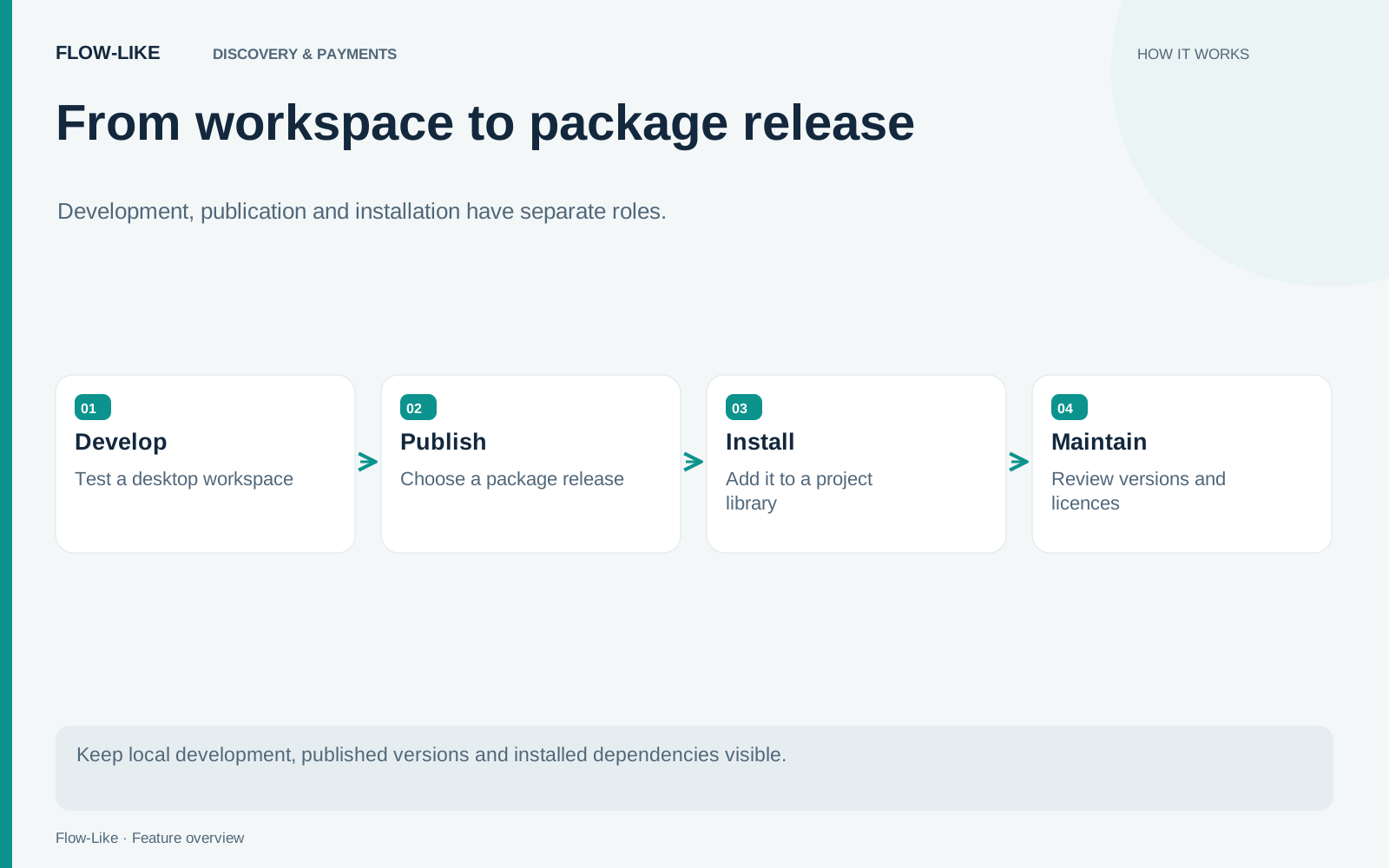
Flow-Like’s package workspace brings those jobs together. Mine is for packages you build or maintain. Library is for packages you use. Desktop also connects those registry records to folders and installed artifacts on the current computer.
Begin with the local package
Enable Developer Mode and open Packages → Mine. Start with New package or add an existing folder containing flow-like.toml. Replace a template ID beginning with com.example. with an ID you control. The ID connects the local project to its registry identity, so choose it before other people depend on the package.
Build the package and use Reload into catalog when the WASM output changes. The Nodes and Test tabs help inspect exported nodes and exercise them with representative inputs. A local development source can change repeatedly without publishing every build.
Use that local loop to make the node’s contract useful to another builder. A missing input should identify what is required; an external-service failure should leave enough context to recover. The Test tab lets you exercise those cases beside the exported definition before creating a release that others depend on.
Publish a version you can identify later
Publishing from Desktop works with the package folder. Review its ID and version, metadata, resource tiers, and allowed hosts. The registry receives the release artifact and a versioned manifest. An ID and version pair is immutable, so a changed artifact needs a new version.
New packages are private first. After publication, use Listing to finish the store description and artwork, then request public publication review if that is the intended distribution. An active private version can be usable by its members without being publicly listed. Visibility and usability are separate states.
The registry guide describes the review process and version states. A submitted update does not immediately replace the active public artifact. Review history and the Releases tab show what has happened and what still needs attention.
Explain what the package can do
The manifest owns settings such as memory and execution-time tiers, allowed hosts, and OAuth scopes. Each node declares its capabilities in code. The registry derives the displayed capability listing from the compiled node definitions.
Review that listing against the implementation. A node that reads a remote service should explain the external data transfer and expected setup. Do not put credentials in the manifest or binary. Also read the documented enforcement boundaries for allowed hosts rather than assuming the same restriction applies identically in every runtime.
Good listing copy describes a concrete input and result, includes the required connections, and shows what an error means. That information reduces the support burden after the first installation.
Keep the three version scopes straight
The registry contains published releases. A device installs a selected release. An app declares its own package dependency. Updating the device copy does not automatically rewrite every app’s dependency declaration.
Use Library to inspect the installed copy and App → Packages to choose the version used by a particular app. That separation lets a developer work with a newer device installation while an app remains on its selected dependency. An app’s dependency record is the place to answer which release it uses. The Packages guide walks through these scopes.
Paid, private, and access-request packages also have project licence rules. An eligible owner or admin holds the app’s licence, and app members can use the package through that app. If eligibility changes, the licence can transfer or enter the documented grace period. Include a continuity plan for packages a team relies on.
When a colleague adopts the package, the listing explains its purpose, Library manages their installation, and the app records its chosen version. Keep a small working example with the release so they can connect a real input to a result. Future updates then have a clear destination: a new immutable version, with enough context for a maintainer to decide when to adopt it.
Get automation insights delivered
Sign up for our newsletter to receive the latest updates on Flow-Like, automation best practices, and industry insights. No spam — just valuable content.