

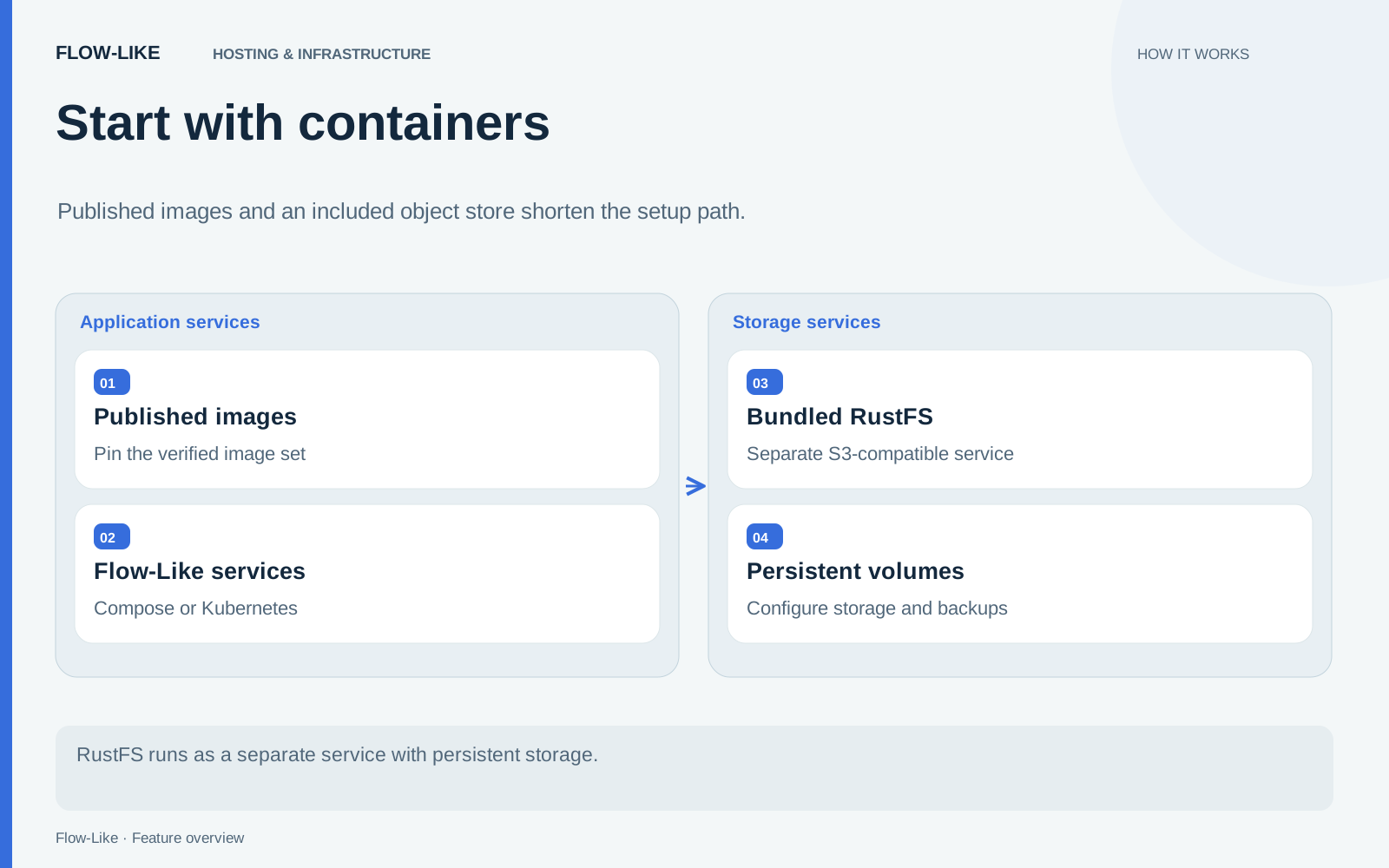
Preparing a new Flow-Like host used to include a substantial build step. Published container images move that work into the release pipeline. You can pull the services for your target architecture, pin the image set, and spend installation time on the settings that belong to your environment.
Object storage comes with the deployment too. Compose and Kubernetes include RustFS, an S3-compatible store used for the installation’s objects. A new host no longer needs an external object-storage account just to get started.
For an operator, these changes make the starting point more reproducible. The application build has an identity, the configuration belongs to the installation, and the data lives on storage you provision and maintain.
Prepare the host before pulling the images
The default Compose execution path requires a Linux Docker daemon configured with gVisor, plus the tools listed in the prerequisites. An ordinary Docker Desktop installation does not provide that execution setup by itself. A workstation can operate a suitable remote daemon.
You also need an identity provider configuration and enough capacity for the application services and execution slots. For a public installation, prepare the web, API, storage, and signaling origins with their TLS configuration. The supplied examples contain placeholders that belong to your deployment.
From a checkout, enter the Compose deployment and generate the private environment file:
cd apps/backend/docker-compose
python3 scripts/setup-env.py
Use this for a new installation. The script refuses to overwrite an existing environment file. It generates separate service credentials and signing keys rather than relying on shared sample secrets.
Review the resulting settings. Create your maintained Hub configuration from the example and select it with FLOW_LIKE_RUNTIME_CONFIG_FILE. Set the intended identity and public URLs before bringing users onto the host. The installation guide contains the complete sequence and the public-hosting variant.
Select one build and keep its identity
The self-hosted image repositories are public. Compose references names such as ghcr.io/rheosoph/flow-like-docker-compose-api; the selected tag chooses the build.
Pull and resolve the image set with:
python3 scripts/pull-images.pyThe helper uses the configured image tag and writes digest references into the environment file. You can select a reviewed tag with its --tag option. A moving channel is useful for a development host, while retained digest pins make a deployed build identifiable after that channel advances.
The runtime and execution-manager image pins also need to match the corresponding sandbox images. The helper records those relationships, and preflight checks them. This avoids treating the API version as the whole release while an execution service quietly runs another build.
For Kubernetes, use the chart’s configuration, image-resolution, and deployment helpers described in the Kubernetes installation guide. The same decision applies: select a coherent image set and retain its resolved references with the deployment configuration.
Storage is included; its lifecycle is yours
RustFS is a separate container in Compose and a persistent workload in Kubernetes. The checked-in deployment pins 1.0.0-rc.5. Storage initialization creates the required private buckets and service identities.
The Kubernetes default uses one persistent storage Pod. That topology still depends on its volume and host arrangements. Plan backups and recovery for the object data and storage identity state, alongside the database, signing keys, and other persistent service state.
Enabling the bundled store on an existing installation does not migrate objects from an external bucket. Treat that as a data migration with its own verification. For a fresh installation, choose the storage volumes before you begin saving work you intend to keep.
Start the services and run your first workflow
After configuration and image selection, validate and start the Compose deployment:
python3 scripts/preflight.py
python3 scripts/up.py
docker compose ps --all
The startup helper repeats validation and uses the selected images without silently building replacements. Database and object-storage initialization must finish successfully before dependent services can start.
Once the services are healthy, sign in and create your first app. Upload a file to its storage, use it in a workflow, and open the run’s logs to follow the result. The included object store holds the file alongside the rest of the installation’s objects.
Keep the image pins, protected configuration, and recovery procedure as one deployment record. When you return to upgrade the host, you will know both which application build ran and which data it depended on. The container release guide explains the image names, architectures, and tag scheme in detail.
Get automation insights delivered
Sign up for our newsletter to receive the latest updates on Flow-Like, automation best practices, and industry insights. No spam — just valuable content.