
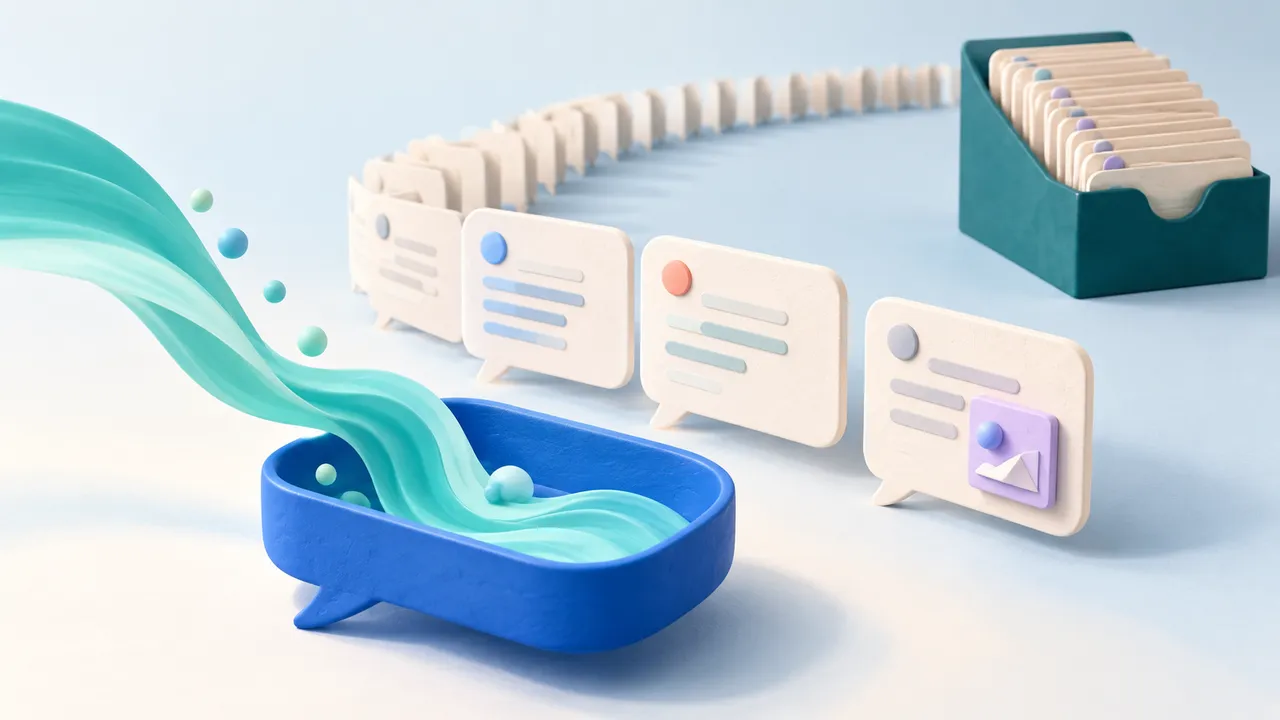
A long chat is a small application. It contains settled messages, a response still arriving, and perhaps charts, maps, or forms that remain interactive after their original message. Treating all of that content as one constantly changing document makes a token arriving at the bottom of the thread more expensive than it needs to be.
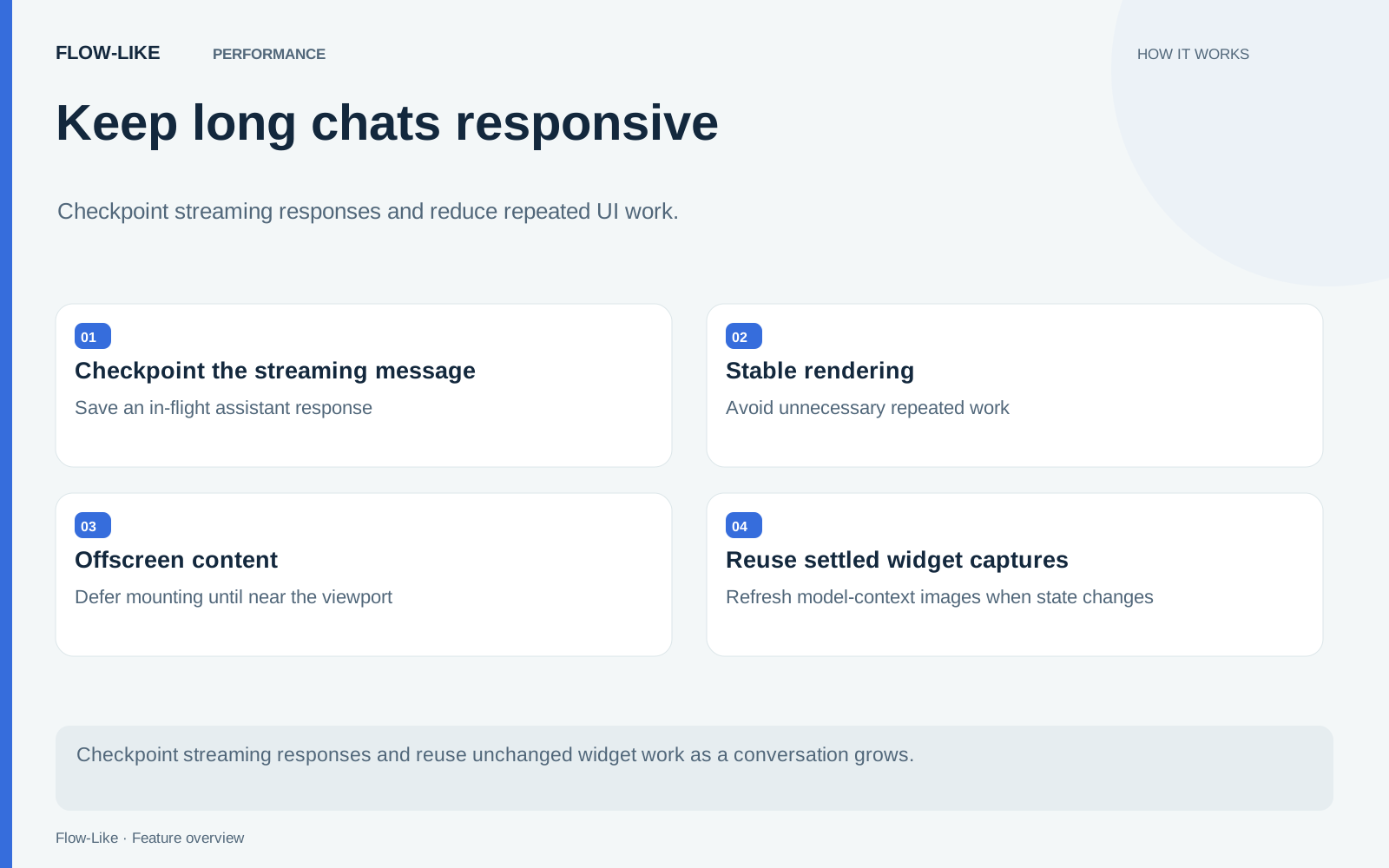
Flow-Like separates work with different lifetimes. A streaming checkpoint has different persistence needs from a completed message. An old row far from the viewport does not need to mount immediately. An unchanged widget does not need its history replayed each time nearby text changes.
Give the streaming response its own persistence path
The chat database stores in-flight response checkpoints in a separate drafts table. Here, a draft means a message still being streamed by the execution, rather than the text a person is composing in the input box.
This separation means saving another checkpoint does not rerun the settled-message query on every streaming save. When the message finishes, the code writes it into the message table and removes the session’s drafts in the same transaction.
There is also a recovery path for drafts left by a crash or reload. It runs when the execution engine no longer holds a stream for that session, so it does not compete with an active writer. A draft whose message already settled is discarded instead of overwriting the completed message. The chat database implementation keeps those rules together.
Delay work until a row is nearby
When opening a long session, the message shell can defer mounting settled rows until they approach the viewport. An intersection observer reveals a row near the current scroll position. The person can jump to older content without first mounting every intervening message.
Once revealed, a row stays mounted. That boundary is useful to understand: this mechanism does not continuously recycle every offscreen row or promise a fixed memory footprint for an arbitrarily long session. It reduces the initial work and brings content into the rendered tree as it is approached.
The message shell falls back to immediate rendering when observation is unavailable. Browser capabilities and the content of the conversation still influence the result.
Update the widget that changed
An embedded widget has state beyond the text around it. Action feedback may update a table or selection while the model continues to stream. Rebuilding that widget from its original state could erase the visible result of the person’s action.
The renderer applies newly appended updates to the existing surface. It checks the previously applied update by content, because database queries can recreate JavaScript objects even when their meaning is unchanged. If the update history shrinks or diverges, the renderer rebuilds from the relevant replay state.
Rendered snapshots used for model context have a content signature too. When snapshots are enabled, a settled capture can be reused until tracked widget updates or action feedback change that signature. This avoids unnecessary capture work on the send path. The widget renderer documents the interaction between replay, feedback, and snapshot capture.
Keep earlier work useful while the answer arrives
Consider a conversation containing a comparison table, a chart, and a follow-up question. The new answer streams at the bottom while the person returns to the chart to inspect an earlier result. The settled history and the incoming response have different update paths, so saving the next checkpoint does not require querying that history again.
When a widget action returns feedback, the renderer applies that feedback to its existing surface. A later model turn can use an enabled snapshot whose tracked state matches that surface. The relationship between the person’s action, the displayed result, and the next question stays understandable even as the conversation grows.
These mechanisms reduce repeated interface work; the model still takes its own time to produce an answer. Their benefit is in how the conversation remains usable during that wait. Streaming checkpoints preserve the response in progress, deferred mounting brings older content into view when needed, and incremental updates keep interactive results connected to the actions that changed them.
Get automation insights delivered
Sign up for our newsletter to receive the latest updates on Flow-Like, automation best practices, and industry insights. No spam — just valuable content.