

You return to a workflow after a colleague has edited it. The graph looks different, but appearance alone leaves several questions open. Did someone move a node, change a threshold, or add a path that now calls another service?
Board comparison puts two workflow states side by side in graph and FlowScript views. Choose the versions that matter to your review, then inspect changed values, connections, and positions together. An invoice-approval rule gives us a useful example: a small numeric edit can send different invoices down a different path.
Give the comparison a question
Consider a sample invoice workflow. It reads an amount, compares it with an approval threshold, and either continues or requests review. Make an earlier version with a threshold of 500. In the draft, change the threshold to 750, add a failure-handling branch, and move the amount-reading node closer to its consumer.
These changes have different consequences. The threshold changes which invoices need approval. The new branch changes what happens after a failure. Moving a node changes how the graph reads. A review should account for each without confusing visual movement with executable behavior.
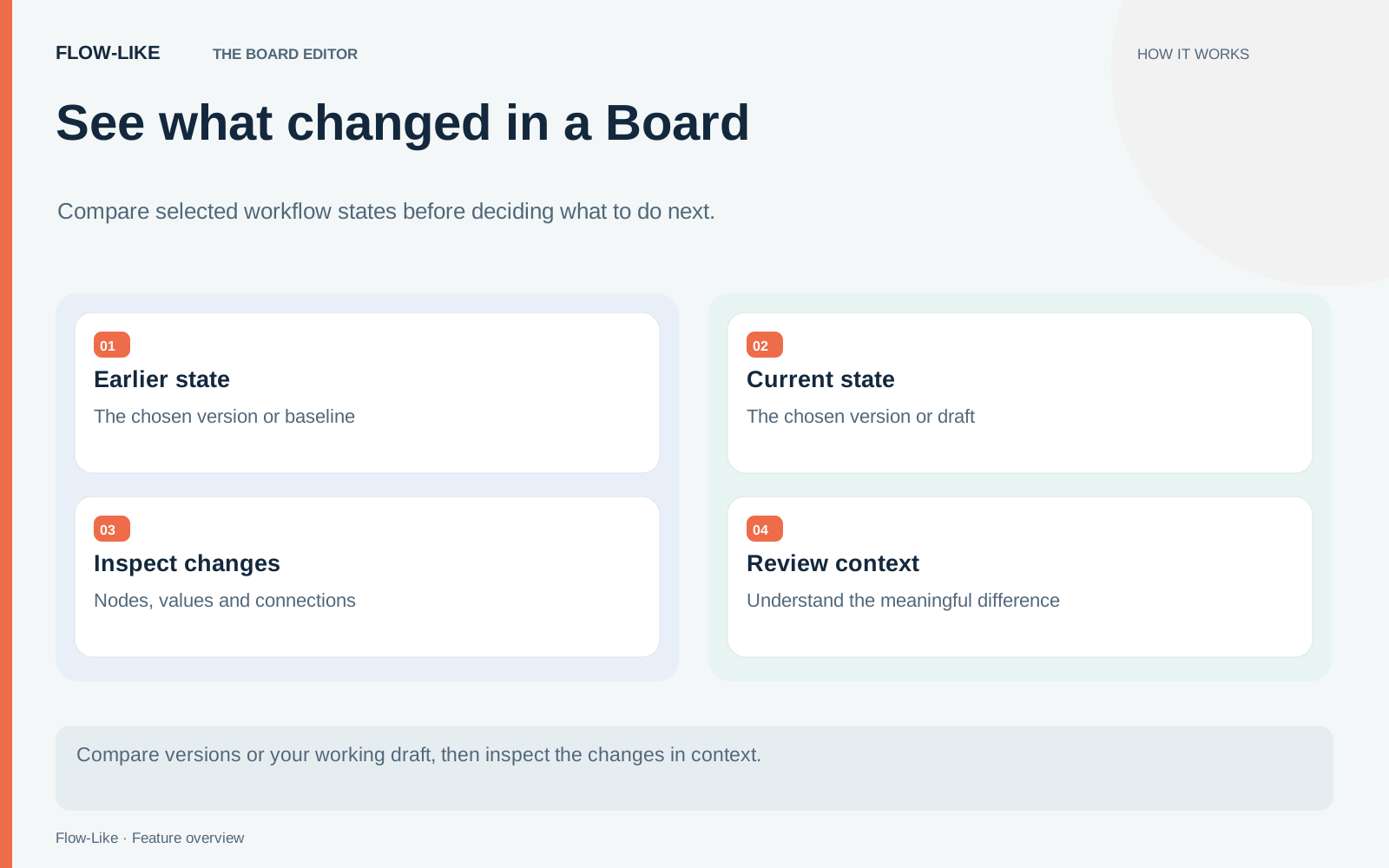
Choose the earlier version as the base and the current draft as the other state. Check those selections before interpreting any difference. A useful review answers a specific question, such as which behavior changed since the last tested version. Comparing against an unrelated baseline makes even a precise change list hard to use.
The comparison controller also supports a last-visit baseline. That is helpful when the immediate question is what changed since you last looked, rather than what changed since a release.
Read the value in text, the consequence in the graph
Start with the threshold. Inspect the changed value and confirm that the operation still compares the same invoice field. In FlowScript, the small literal change should be easier to isolate than it is in a wide graph. Then inspect the graph connections around it. A correct number on the wrong input is still the wrong rule.
Next, follow the new failure path. Identify where it starts and where it ends. Does it record an error, return a result, or perform an external action? The surrounding graph gives the change its operational meaning. Review the new nodes along with their connections, rather than treating their presence as sufficient evidence that failure handling is complete.
Finally, examine the moved node. Verify that its values and connections remain the same. A layout adjustment can improve readability without changing the intended behavior, but that conclusion comes from inspecting the content, not from the author’s description of the edit.
Graph and text views answer complementary questions here. Text helps you inspect exact values and statements. The graph helps you follow the path those statements participate in.
Finish the review with a run
For the invoice example, choose inputs below, between, and above the two thresholds. An amount of 600 is particularly useful because the old and new rules should choose different paths. Exercise the new failure path separately with a controlled failing input or test dependency.
A comparison describes a change; it does not establish that the changed workflow behaves correctly. Keep the selected revisions and the test inputs with your review so someone else can repeat the check.
Use the comparison to decide which changes you intend to keep. Return to the editor to make any corrections, then compare again against the same baseline. Keeping the baseline fixed lets a reviewer see how those corrections affect the original change.
When you use the last-visit notice, marking the changes as seen advances that review baseline. Do it after inspection. The next visit can then focus on subsequent work, while a comparison against an explicit version remains the better choice for a release review.
Get automation insights delivered
Sign up for our newsletter to receive the latest updates on Flow-Like, automation best practices, and industry insights. No spam — just valuable content.