

A workflow can be correct and still be difficult to review. As its nodes spread across the canvas, a reader has to reconstruct which operations belong together and which connections carry the important decisions.
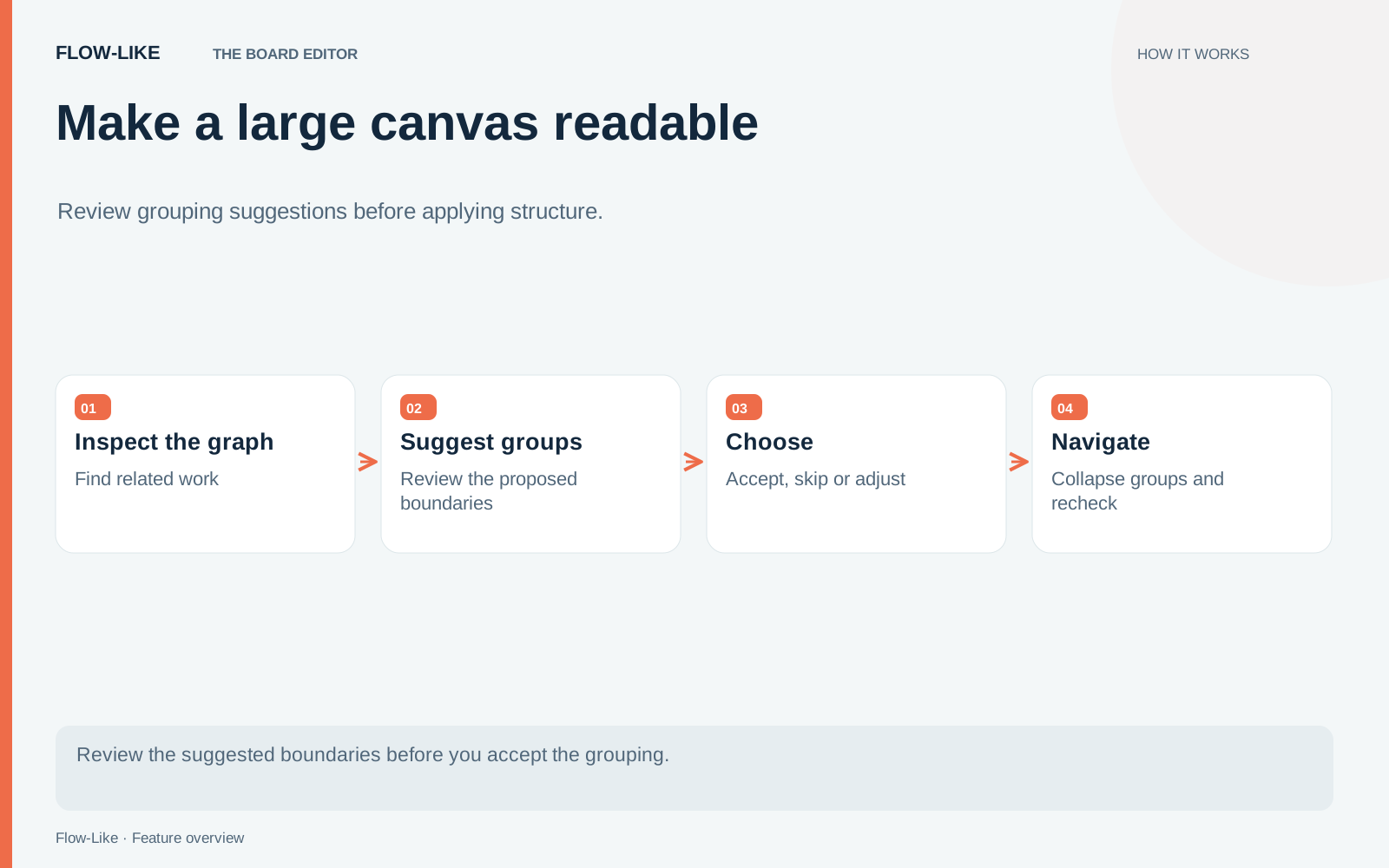
Group suggestions offer candidate regions that you can inspect and choose to collapse. The useful part is the review: you decide whether a proposed boundary corresponds to a responsibility worth naming.
Try this on a copy of a working support workflow. Use a flow that accepts a request, normalizes its fields, selects a team, and produces a response. Keep a few known inputs so you can compare behavior before and after organizing it.
Judge the boundary before the name
Open the group-suggestion review and preview a candidate. First identify its member nodes. Then follow the connections that enter and leave the proposed region.
Suppose the candidate contains string trimming, a fallback for an empty subject, and construction of a normalized request. That is a plausible unit: it accepts an incoming request and produces a cleaned representation. A name such as “Normalize request” tells the next reader what to expect when opening it.
Now suppose a candidate also includes the billing-team lookup and an unrelated error notification. Collapsing that region might reduce the number of visible boxes while making the responsibilities harder to explain. Skip it and inspect another suggestion. You do not need to accept every candidate to improve the board.
Boundary connections are a useful test. Ask what each input means and what each output guarantees. A group with many unrelated connections may need a different boundary, or it may simply be better left expanded while the design is still changing.
Apply one suggestion at a time
Choose a candidate you can explain in a sentence and collapse it through the review controls. Open the resulting group and confirm that its contents match what you inspected. Follow its external connections again from the surrounding canvas.
The review hook builds the command against the current Board when you apply a suggestion. If the candidate no longer fits, it refreshes the review rather than applying a stale proposal. That matters in a shared editor, where another person may have changed the nodes after you first saw the suggestion.
Continue with one other coherent region, such as formatting the response. Leave the routing branch visible if it is the decision most readers need to inspect. Grouping is selective: the most useful final view may contain a mixture of collapsed regions and individual nodes.
This operation organizes nodes into groups on the Board. It does not automatically design a file hierarchy or convert the flow into a set of module folders. Moving responsibilities into modules is a separate authoring decision with its own naming and dependency considerations.
Review it at two levels
Zoom out until the overall process is visible. Can you follow a request from entry to result? Are the exceptional paths still apparent? A clean row of groups is not helpful if a failure branch disappears from the reader’s mental model.
Then open each accepted group. Check whether its name still matches the operations inside. Small differences matter: “Validate request” implies a stronger guarantee than “Normalize request.” Choose the name based on what the nodes actually do.
Run the known inputs again and compare their results. Organizing the canvas should preserve the behavior you intended, and the test gives you a concrete check alongside the visual review. If a result differs, inspect the command and the affected connections before making further structural changes.
For a final pass, use layout to improve the spacing around the accepted boundaries. Layout and grouping solve different reading problems. A route through crowded wires can become easier to follow without changing the group structure, while a meaningful group can remain useful even when you prefer to position its neighbors by hand.
Stop when the board tells the story of the process at a useful level of detail. The number of collapsed regions is less important than whether the next person can find the decision they came to inspect.
Get automation insights delivered
Sign up for our newsletter to receive the latest updates on Flow-Like, automation best practices, and industry insights. No spam — just valuable content.