
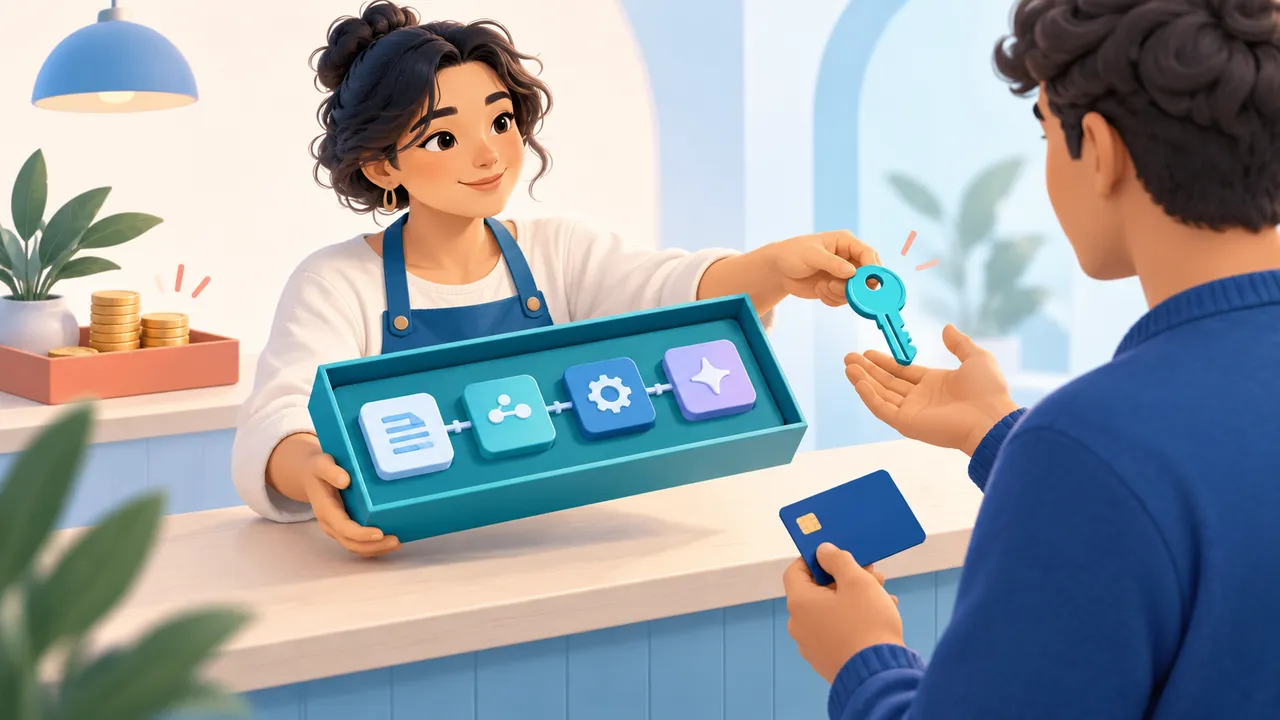
A buyer needs to know what an offer includes, what setup remains, and when access becomes available. A creator needs a listing that makes those expectations clear and a payout account that can receive the purchase. Both sides matter when turning a useful workflow into a product.
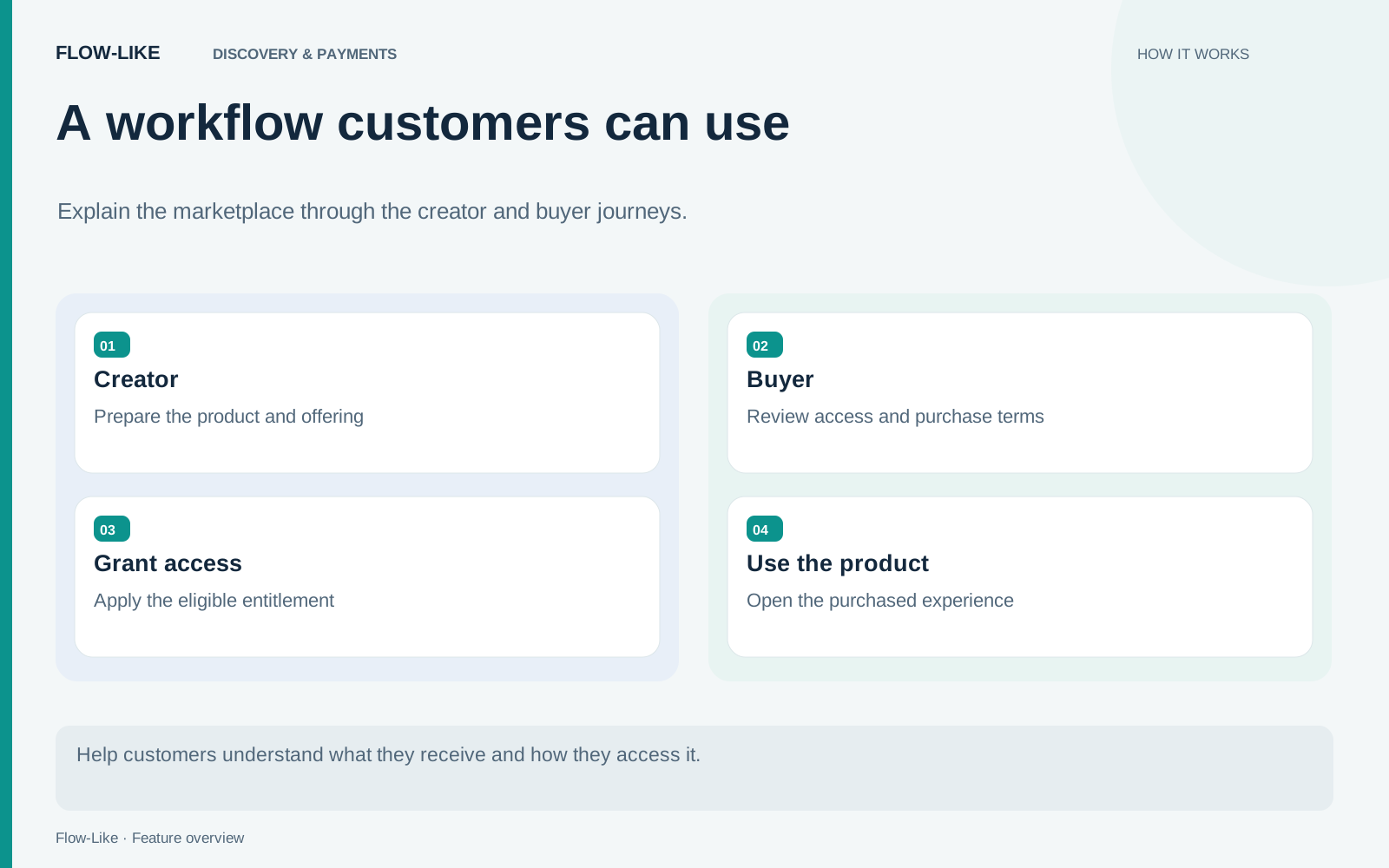
Flow-Like brings marketplace checkout, purchase history, seller onboarding, and payouts into that journey. Creators can price their work and prepare a listing; buyers can review the offer, complete checkout, and receive access after payment confirmation. The purchase record gives both the transaction and the resulting access a place in the product experience.
Describe what the customer receives
First decide whether you are offering an app experience or a package used to build apps. An app buyer expects a usable entry point. A package buyer expects installable components, documentation, and a compatible version. Those are different promises even when both products solve the same business problem.
Write the listing around a task the buyer can recognize. Explain required accounts, models, data sources, or permissions before purchase. Show a representative result and explain which parts the customer supplies. If a workflow depends on an external paid service, make that dependency visible rather than letting the buyer discover it after checkout.
Describe setup from the buyer’s starting point. Your connected database or model account does not automatically become theirs. A useful listing makes the included app or components easy to distinguish from the connections a buyer supplies, so they can judge the offer before entering checkout.
Prepare the seller account
Open Account → Payouts to begin seller onboarding. Stripe collects business and payout details. Returning from that process refreshes the status in Flow-Like, where you can see the account’s capabilities and any outstanding requirements.
Complete the displayed requirements and accept the applicable seller terms. The account status tells you whether further business information is needed before payments or payouts can proceed. Return to Payouts when those details change or a new requirement appears.
For packages, the registry guide describes pricing and eligibility. A creator can prepare a price while a package is private, but buyers can purchase it only once it is public. Packages that grant access by maintainer-approved requests use a different access path and cannot be sold through that configuration.
Follow checkout through confirmation
The buyer reviews the displayed offer and purchase terms before continuing to Stripe. Flow-Like grants access after the server confirms payment. Closing the checkout browser or seeing a return page should not be treated as independent proof of fulfilment.
The purchase record gives the buyer somewhere to inspect the order. Account → Purchases is also the place to return when checkout was interrupted or the result is still pending. Before starting another purchase, check the existing order rather than assuming a delayed screen means that no payment occurred.
Checkout distinguishes app and package offers and follows the order state reported by the server. Some native app distributions restrict purchase creation. If purchasing is unavailable in that distribution, use a supported marketplace checkout surface; visibility of a listing does not override the device’s purchase rules. The checkout implementation applies that boundary.
Explain package access after the sale
A paid package unlocks installation after confirmation. Using it in an app has a further project licence rule: an owner or admin who holds the package adds it to the app and holds that licence. Members can then use it through the app without each buying their own copy.
If that licence holder leaves or loses access, the licence can move to another eligible owner or admin. Otherwise a grace period begins, with update and version-change restrictions before eventual disablement. Refunds can affect package access too. The project licence guide explains that lifecycle.
For the creator, maintain the release and the offer together. A new requirement belongs in the listing; a changed binary belongs in a new package version. For the buyer, keep the purchase record and the app’s dependency information available to the people who will operate it. That is how a checkout becomes a product someone can continue to use.
Get automation insights delivered
Sign up for our newsletter to receive the latest updates on Flow-Like, automation best practices, and industry insights. No spam — just valuable content.