
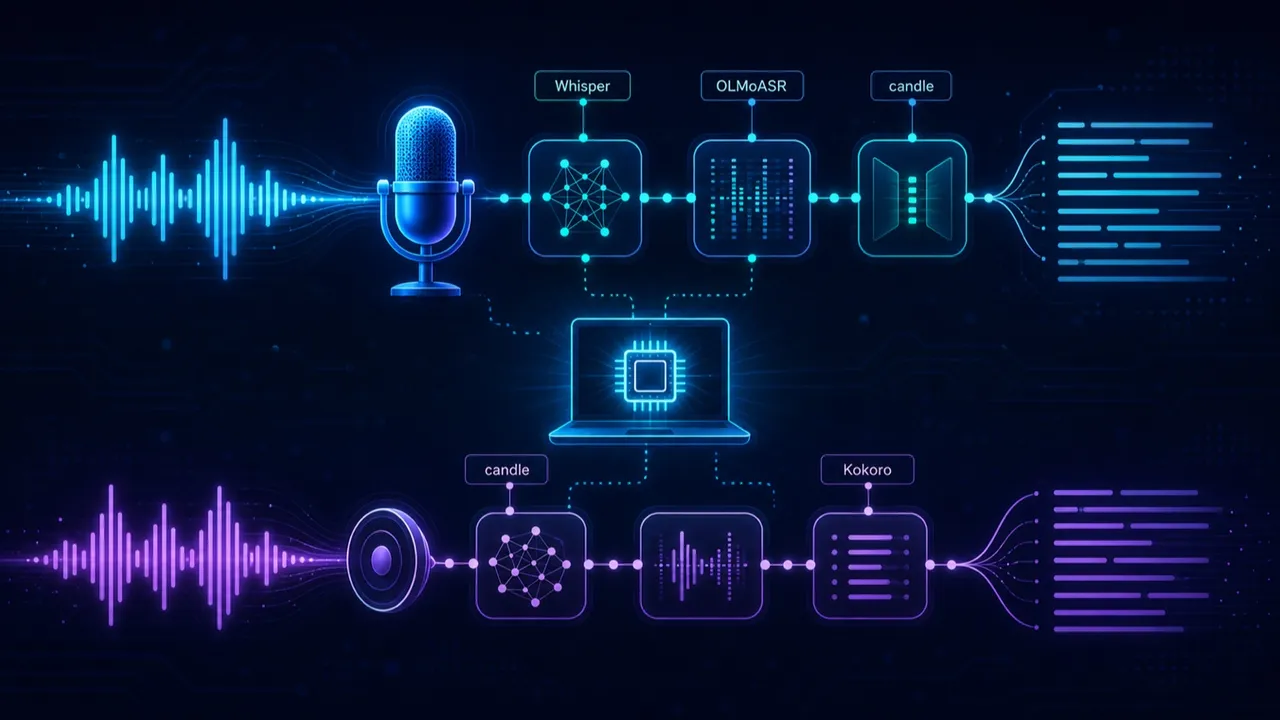
Flow-Like can now hear and speak — and, if you want, it can do both without a single byte leaving your machine.
This release rounds out the audio-AI story with a family of speech-to-text (STT) and text-to-speech (TTS) nodes, in two flavors: hosted, backed by the usual providers, and local, running entirely on-device. The headline of the latest push is the local Speech to Text node — the last piece needed to run a full voice loop offline.
Four nodes, two worlds
The catalog now carries four audio nodes under AI / Generative / Audio:
- Text to Speech and Speech to Text — hosted, talking to OpenAI-compatible, Azure, xAI, Google, Together, Hugging Face, OpenRouter and Mistral endpoints.
- Local Text to Speech and Local Speech to Text — on-device, no API key, no network.
The hosted nodes give you reach and the latest cloud models; the local nodes give you privacy, offline capability, and zero per-minute cost. Same graph, same pins — you choose per node.
Local means local: it runs on candle
The local models don’t shell out to Python and they don’t use ONNX. They run on candle, Hugging Face’s Rust ML runtime, compiled straight into Flow-Like. Two small Rust crates do the heavy lifting — any-speech-to-text for transcription and any-tts for synthesis — and the models download from Hugging Face on first use.
On the STT side you get a broad menu — 21 model types, defaulting to Whisper Large v3 Turbo:
- Whisper (tiny through large-v3, plus the English-only variants and Distil-Whisper)
- OLMoASR (AllenAI’s open ASR family, tiny.en through large.en-v2)
- Qwen3-ASR (multilingual)
- Moonshine (fast, tiny, English)
On the TTS side there are six, defaulting to Kokoro: Kokoro, VibeVoice (and a realtime variant), Qwen3-TTS, Voxtral, and OmniVoice. Local TTS outputs WAV and supports voice cloning — hand it a short reference clip and it synthesizes in that voice.
A match is all it takes to map our enum onto the underlying crate:
SttModelType::OlmoAsrLargeEnV2 => AnySttModelType::OlmoAsrLargeEnV2,
SttModelType::Qwen3Asr17B       => AnySttModelType::Qwen3Asr17B,
SttModelType::MoonshineBaseEn   => AnySttModelType::MoonshineBaseEn,
Under the hood, any-tts even ships native multilingual text normalization — Japanese kana-to-phoneme, Chinese pinyin, morphological analysis — so on-device speech isn’t limited to English.
It eats whatever your browser records
A subtle but important detail: the local STT node decodes the audio formats real apps actually produce, including the ones a browser’s MediaRecorder hands you:
Decodes WAV, MP3, FLAC, OGG (Vorbis/Opus), WebM/Opus, M4A/MP4 (AAC) and PCM, including browser MediaRecorder output (Chrome WebM/Opus, Safari MP4/AAC).
Pair that with the new Voice Input element and you have the whole loop: record in the browser, transcribe locally, act on the text, speak the reply — none of it leaving the device.
Fast where it can be, honest where it can’t
The local nodes expose runtime and precision knobs — Auto / CPU / Metal / CUDA / Accelerate and Auto / F32 / F16 / BF16 — with Metal and Accelerate compiled in on Apple platforms. Acceleration is opt-in via build features; the default is Auto, which detects the best available runtime. Loaded models are cached in memory keyed by model and settings, so a chatty flow reuses the same weights instead of reloading them.
Transcription output is rich, too: full text, detected language, per-segment timestamps (with optional speaker), duration, and a Whisper-style translate task if you want the transcript in English regardless of the spoken language.
Setting expectations
A couple of honest notes. The models are real downloads — a few hundred megabytes for the small ones, several gigabytes for the largest OLMoASR checkpoint — so the first run pulls weights before it runs. And CUDA/Metal acceleration is a build-time choice, not automatic on every machine. But once the weights are on disk, you have a private, offline, no-subscription voice stack sitting inside your flows.
We rolled this out in stages — hosted first, then local TTS, and now local STT — and it all clicks together now. Go build something that listens.
Get automation insights delivered
Sign up for our newsletter to receive the latest updates on Flow-Like, automation best practices, and industry insights. No spam — just valuable content.