

A support workflow may need one decision from a piece of text: is this a billing question, a technical problem, or an account-access request? A paragraph explaining the message can be useful to a person, but the next workflow step needs a value it can branch on.
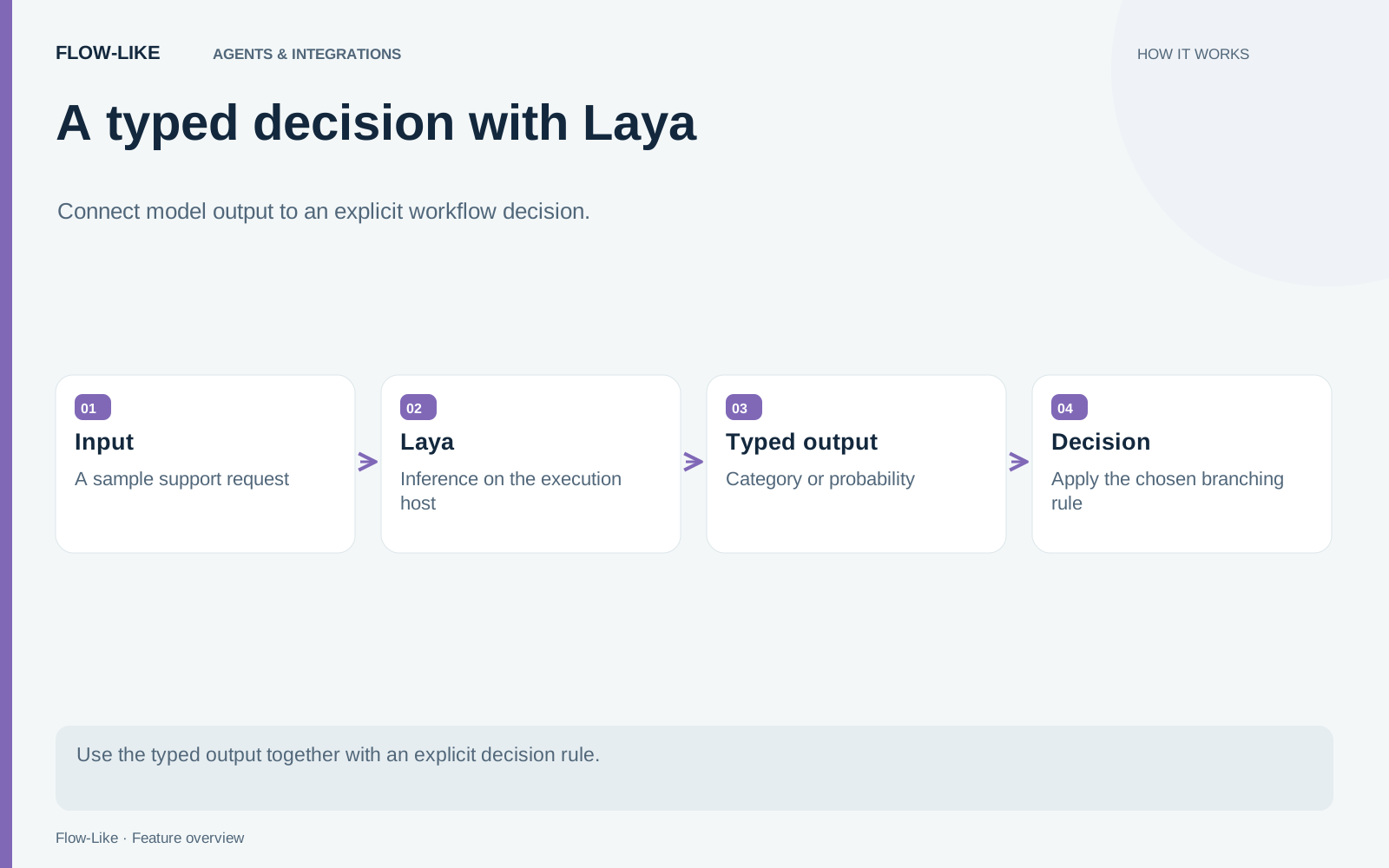
The Typed Decision node uses Laya to answer a constrained question about text. It supports choosing a label, scoring against an ordered rubric, and estimating the probability that a statement holds. Those outputs connect directly to the decisions you define in the rest of the workflow.
Inference uses ONNX on the execution host once the model assets are available. Choose your desktop or another configured runtime according to where the text may be processed.
Start with a small classification task
For a support-routing example, choose the node’s choice mode and provide distinct labels. Write an instruction that explains the classification you want, then pass the request text as input.
Make the labels useful to the next step. “Billing,” “technical support,” and “account access” can map to separate queues. Include a deliberate way to handle requests that do not fit your intended scope rather than assuming every message has an obvious category.
The node returns the selected choice and a structured result containing option probabilities and related statistics. Connect the choice to a branch that records or displays the proposed destination before adding an irreversible action.
The node reference describes the pins. The implementation validates the question type and requires non-empty, unique labels for choice questions.
Use the mode that matches the output
Choice mode answers with a label. Score mode treats the criteria as ordered rubric levels and returns an expected zero-based level. That score can sit between levels, so a downstream rule should not assume it is always an integer category.
The true-probability mode, named noul in the node, answers whether a statement holds. Its criteria can provide false and true descriptions in that order. The output is a probability value that your workflow can compare with a chosen rule.
These are different contracts. A routing choice, a quality rubric, and a binary statement can concern the same text while asking different questions. Select the mode from the decision you need to make, rather than converting every task into a free-form generation prompt.
For the support example, choice mode is the clearest starting point. A second experiment could ask whether the message describes loss of account access, but it should be evaluated as its own decision.
Treat confidence as a model statistic
The node exposes confidence and calibrated option probabilities. Confidence is calculated from the model’s output distribution; its interpretation differs by mode.
A high value does not establish that the chosen category is correct for a real request. Ambiguous wording, an unfamiliar domain, or incomplete input can still produce a confident mistake. Set any routing threshold using representative cases from the task, including difficult and out-of-scope examples.
Keep a review path for cases your process cannot safely resolve automatically. That path is a workflow decision you design. It should not be inferred from a confidence label alone.
Prepare the execution host
Connect a Model Directory where the runtime can find the assets. Existing files are loaded, and missing built-in files can be downloaded automatically. The loading code pins the built-in assets and verifies their expected hashes. Loaded models are reused within the execution cache.
If the deployment must run without network access, prepare and test those assets in advance on the intended host. A successful run on a connected development machine may have downloaded something that a disconnected device will lack.
Run a small set of synthetic requests through the same node and inspect the chosen label, probabilities, and resulting branch together. Change the criteria only when you can explain the effect on that task. The useful deliverable is a decision whose input, output type, and next action are visible enough to test.
Get automation insights delivered
Sign up for our newsletter to receive the latest updates on Flow-Like, automation best practices, and industry insights. No spam — just valuable content.