

A teammate can open an app but cannot edit its workflow. Another can invoke an Event but cannot inspect the Flow behind it. Those can be intentional access arrangements. The useful question is which permission controls the action they are trying to perform.
Flow-Like separates an app’s sharing state from the permissions assigned to its members. Publishing an interface also has its own controls. An owner should check each layer before changing broad access to fix one locked action.
Start with the app’s sharing state
An online app starts Private, accessible to its owner. Prototype enables sharing with other Flow-Like users and unlocks the Team area. Public Request and Public belong to the App Store publication path.
The owner controls visibility changes. Returning a Prototype app to Private removes other members, so use a member’s role when the aim is to change what one person can do. The sharing guide explains how visibility and invitations work together.
Within Team, the Access workspace separates People, Join requests, Invites & links, API keys, and Connected apps. A permission error in one of these sections is different from a list that happens to be empty. The person managing access must have the rights to inspect or change the relevant section.
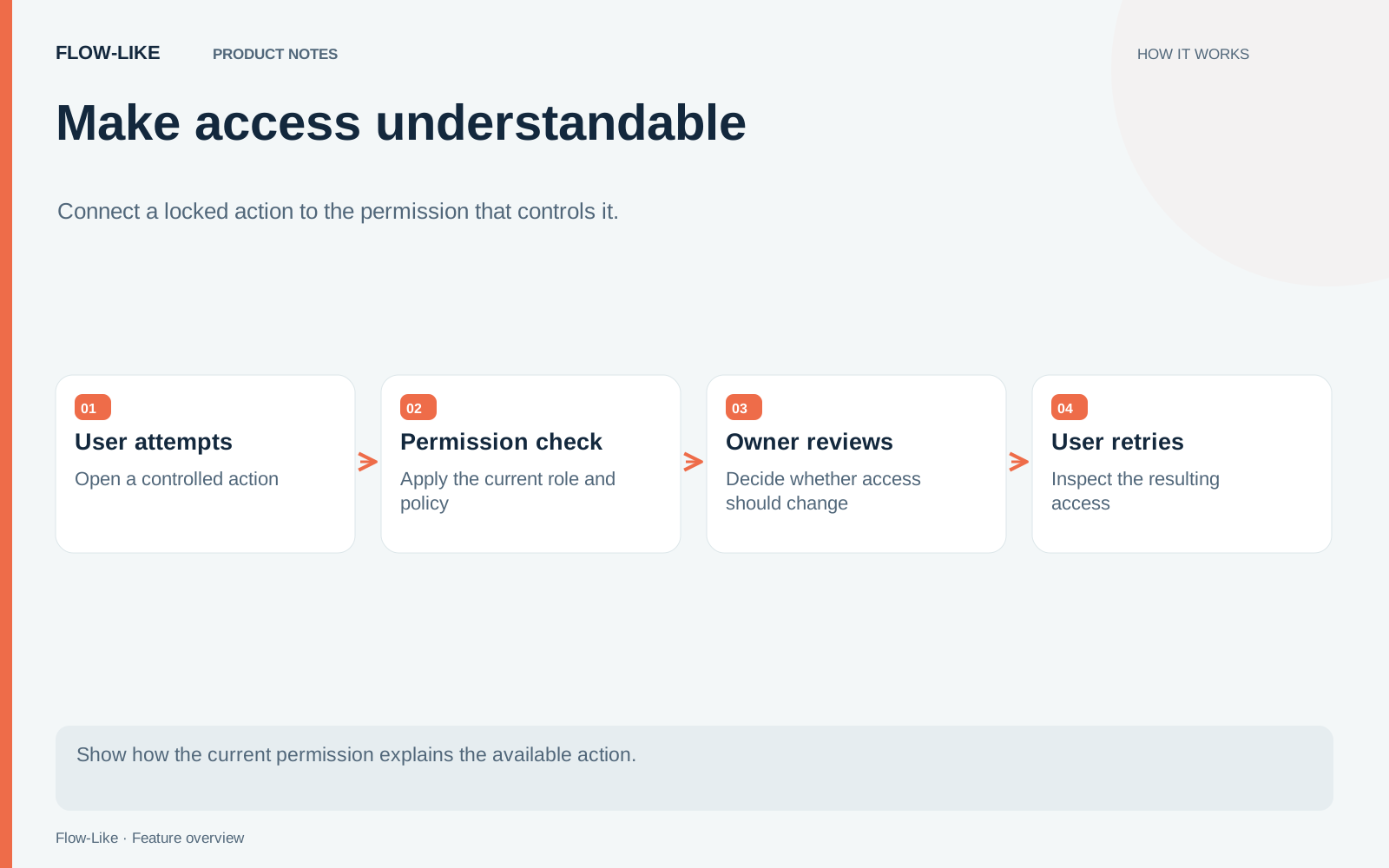
Match the role to the work
Enable Developer Mode to expose Roles in the app navigation. An owner or authorized administrator can inspect permissions and review the default role used for new members. That default deserves attention before a group invitation or join-request approval.
Permission to invoke an Event does not automatically grant permission to read or edit its Flow. Local execution also needs enough access to load the Flow. A teammate who only needs to use a hosted form may therefore need a different role from someone maintaining its logic.
For a support app, that might mean giving agents access to invoke the case-summary Event while reserving Flow editing for the team maintaining it. The role describes the work each person can perform. Change that role when their responsibilities change, without making the whole app private or public again.
Review publication separately
An App Store listing, a hosted browser interface, and anonymous access describe different decisions. Hosted Event settings control the browser entry point; app visibility alone does not make it anonymous. The Event documentation explains that separate release path.
Pair the access decision with the intended release. A hosted form can point to a pinned Flow version while its users receive the permissions needed to submit it. People using the app get a clear entry point, and the maintainers retain control over its logic and publication.
Get automation insights delivered
Sign up for our newsletter to receive the latest updates on Flow-Like, automation best practices, and industry insights. No spam — just valuable content.