
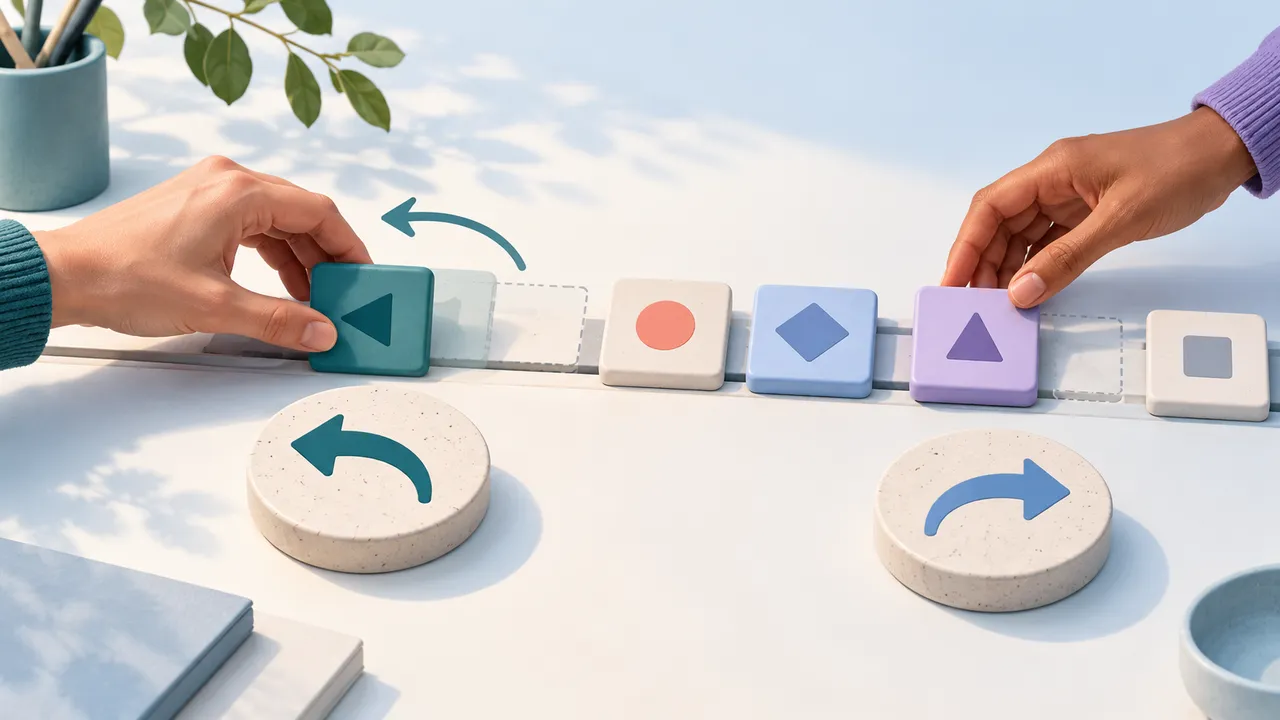
Undo has an apparent simplicity that disappears in a shared editor. A person makes a change, another update arrives, and the first person presses Undo while an earlier operation is still finishing. The editor must decide which command it is reversing and which Board state that command belongs to.
Flow-Like keeps a linear command timeline for each Board. Ordinary remote updates preserve that history. A reset that replaces the Board clears it, because the recorded commands describe a state that has been replaced.
That distinction is useful both for editor engineers and for people trying to understand what Undo will do during collaboration.
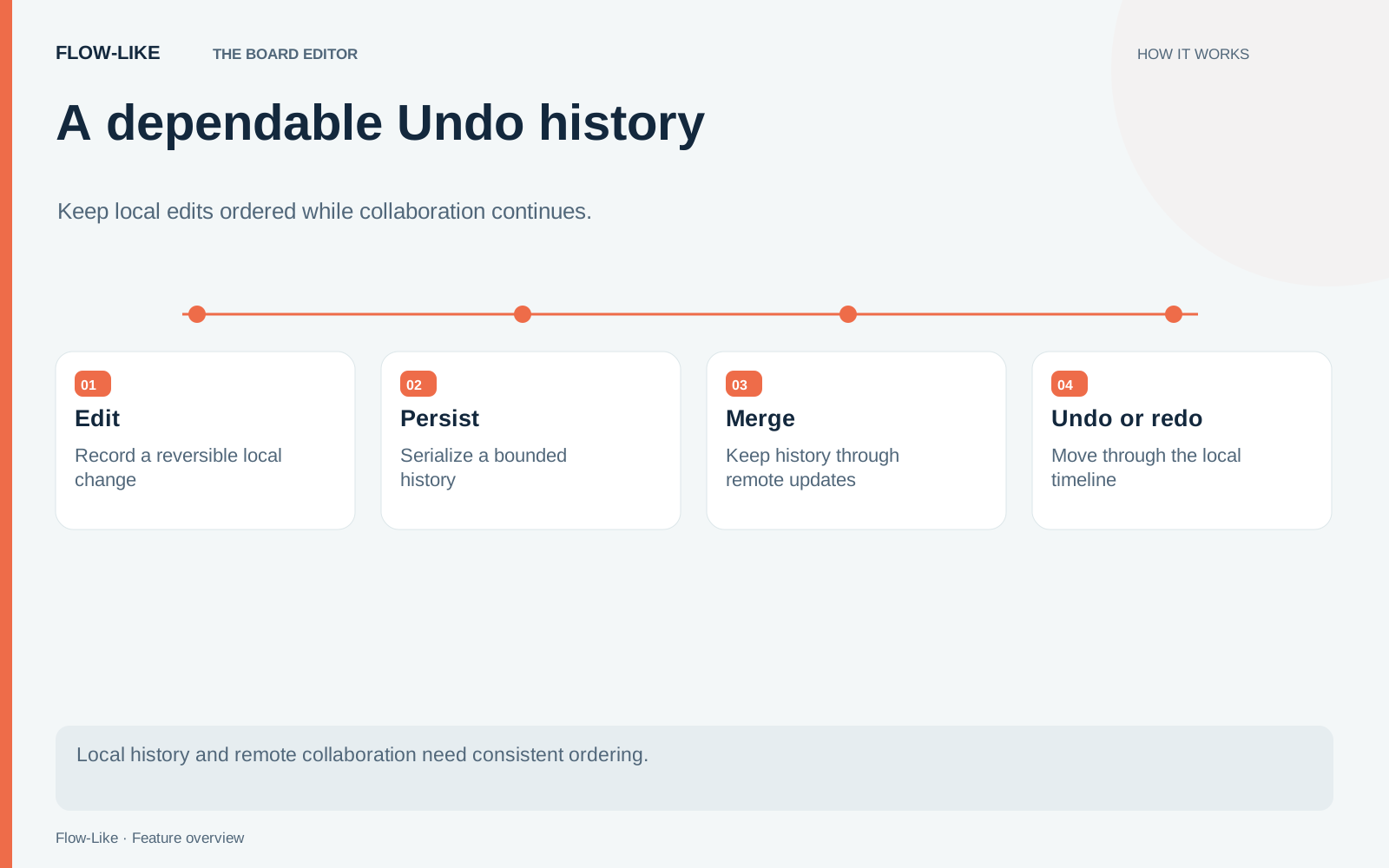
A cursor through applied commands
The history model stores command batches as entries and keeps a cursor between applied and undone work. Entries before the cursor have been applied. Entries after it are available to redo.
Suppose you move a node, change a value, and add a connection. Undoing the connection moves the cursor back one entry. Redo applies that entry again. If you instead make a new edit after the undo, the redo tail is discarded because it no longer describes the linear path you chose.
A history entry represents a command batch, so the boundary is an editor operation rather than necessarily one visible box. That lets a compound change remain one reversible step. It also means the command pipeline and the history store must agree about what actually executed before recording it.
Each entry receives a monotonic sequence number within its Board. Persistence can reconstruct the order and the applied position from those values instead of depending on incidental array order or the timing of storage callbacks.
Why operations wait for one another
Imagine pressing Undo twice while the first reversal is still in progress. If both requests inspect the same cursor, they may choose the same entry. If one updates the cursor while the other is applying commands, the Board and history can disagree about what happened.
The history store supplies an exclusive operation chain per Board. An operation starts after earlier exclusive operations settle, including when an earlier operation fails. This gives edit, undo, and redo work a defined order.
The practical consequence is that an in-flight change may need to finish before the next history action can proceed. Letting the interface accept a faster sequence of clicks would not make the underlying sequence correct. The visible Board and the history cursor need to advance together.
The queue also belongs to a particular Board. Work on one Board does not need to become a single global history for every open app.
A remote update is not necessarily a reset
Suppose you move a node while a colleague edits a different part of the Board. Their update arrives before you press Undo. Your recent editing history remains available, so you can reverse your move without treating the remote update as a new editing session.
An ordinary merge does not automatically clear local history. The implementation reserves clearing for an explicit reset notification. A reset replaces the Board wholesale, making the old inverse operations unsafe to treat as a continuation of the same editing session.
This is a statement about preserving the timeline, not a guarantee that every possible overlapping edit can be reversed without conflict. If two people change the same underlying element, inspect the result and the command feedback. An Undo control cannot determine which business decision the team intended to keep.
History has a budget
History is bounded at 200 entries and 8 MiB of serialized command payloads. Entries are serialized once when recorded and decoded when replayed. The same representation supports persistence and the size budget.
These limits keep editing history from growing indefinitely, but they also make Undo unsuitable as a permanent archive. Save tested workflow versions for durable reference. Use Undo for the recent editing path and versioning for states you deliberately want to retain.
Before making a new edit after Undo, decide whether you still need the undone work. The new edit discards that redo path. If you want to retain a larger alternative for later, save a workflow version so it remains available beyond the recent history budget.
Get automation insights delivered
Sign up for our newsletter to receive the latest updates on Flow-Like, automation best practices, and industry insights. No spam — just valuable content.