
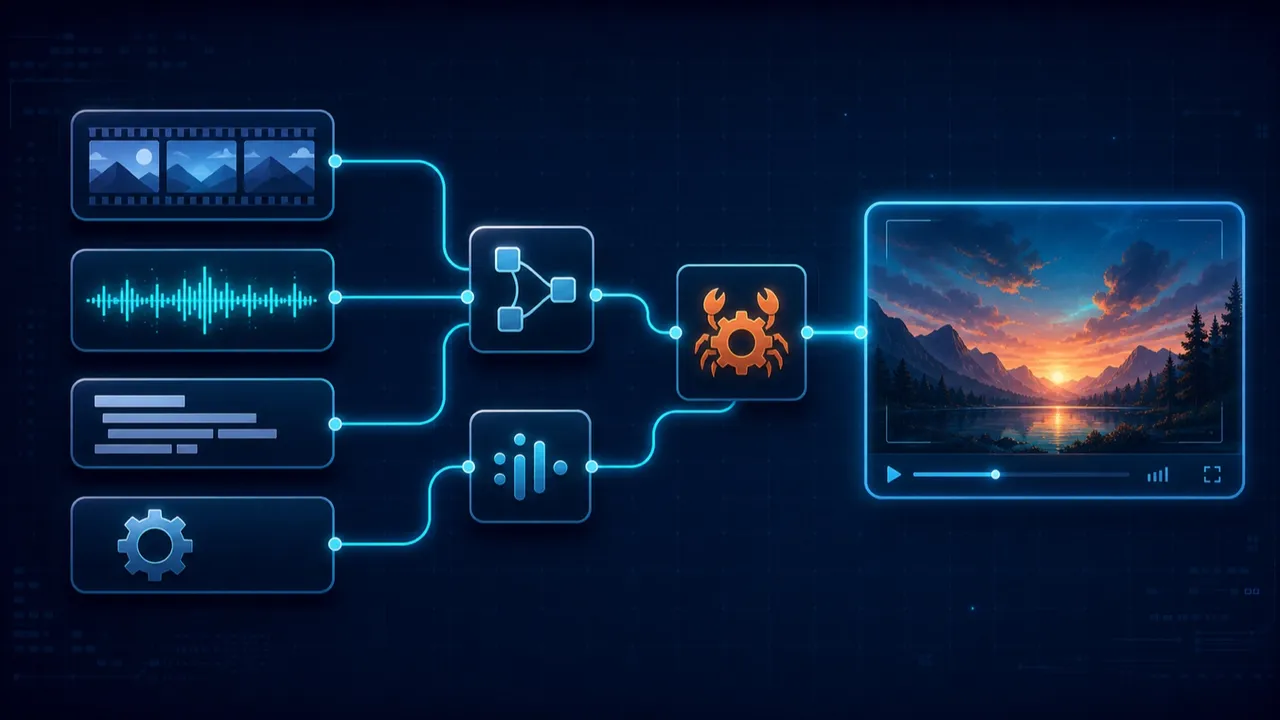
If you have ever tried to ship video processing inside an app, you know the drill: you end up shelling out to an FFmpeg binary, wrestling with its licensing, and praying the build machine has the right version. We didn’t want that in Flow-Like — not on desktop, not on iOS, not in a Kubernetes pod. So we built our own.
This release adds 30 video and media nodes to the catalog, and every one of them runs on video-utils-rs — a pure-Rust media toolkit written by the team. There is no FFmpeg, no libav, no external process to install. The whole pipeline compiles into the binary and runs wherever Flow-Like runs.
What you can do now
The nodes fall into a handful of families. Drop them onto a board and wire them like anything else:
- Inspect — Probe Media Info, Detect Video Container
- Containers & transcode — Remux Video (rewrap streams into a new container without re-encoding), Transcode Video (packet-copy when it can, decode/encode when it must), Encode AV1, Transform Video
- Editing — Concatenate Videos (packet-copy concat), Trim On Keyframes (keyframe-aligned, lossless), Extract Track
- Packets — Bitstream Convert (H.264/H.265/AAC Annex-B ↔ length-prefixed / ADTS), Normalize Timestamps, Check Remux Compatibility
- Preview — Extract Thumbnail, Contact Sheet
- Audio — Audio To WAV, Transform Audio (gain, normalization, fades), Analyze Audio (waveform, peak/RMS, silence), Detect Silence
- Image — Convert Image Format (PNG/JPEG/GIF/WebP/AVIF), Transform Image (crop, resize, rotate, blur, color)
- Subtitles — Add Subtitle Track, Burn Subtitles Into Video, Extract Subtitle Track, Parse Subtitles, Shift Subtitle File, Write Subtitles
- Streaming — Package HLS VOD (writes an HLS playlist plus MPEG-TS or fMP4 segments)
- Diagnostics — Pick Codec Backend, Probe Codec Backends, Probe Platform Codec
That last family matters more than it looks. Codec support is not the same on every machine, so instead of guessing, you can ask.
Pure Rust, all the way down
Under the hood, video-utils-rs leans on a stack of focused Rust crates rather than one giant C library: matroska-demuxer, muxide and re_mp4 for containers; rav1e for AV1; rust_h264 / rust_h265 for H.264/H.265; symphonia for audio decode; image and friends for stills; m3u8-rs for HLS playlists; and ab_glyph to actually render subtitle glyphs when you burn them in.
Encoding AV1 looks exactly like you’d hope — a builder, some knobs, go:
let options = video_utils_rs::Rav1eAv1EncoderOptions::new()
    .with_speed(u8::try_from(speed.clamp(0, 10))?)
    .with_quantizer(usize::try_from(quantizer.clamp(0, 255))?)
    .with_max_key_frame_interval(u64::try_from(max_key_frame_interval.max(0))?)
    .with_threads(usize::try_from(threads.max(0))?);
For codecs where a pure-Rust encoder isn’t the right tradeoff, the crate also compiles in native platform lanes — Apple VideoToolbox, Android MediaCodec, Windows Media Foundation, GStreamer, an OpenH264 FFI path, and WebCodecs in the browser. The Probe Codec Backends node reports exactly which of these your current build has, so a flow can pick the fastest available path at runtime instead of assuming one.
Built for the cloud, not the temp folder
The detail we’re proudest of: none of these nodes touch a local scratch directory. video-utils-rs works over the same object_store abstraction that Flow-Like’s storage layer uses, with ..._between_stores helpers that stream directly from one object store to another.
That means Package HLS VOD can read a source video from S3 and write its playlist and segments straight back to S3 — no download-to-disk, no re-upload:
let package_report = video_utils_rs::package_object_hls_vod_between_stores(
    source_store.as_ref(), &source_location,
    playlist_store.as_ref(), &playlist_location,
    &job,
)?;
The same is true for remuxing, audio extraction, subtitle sidecars — anything that moves bytes. Whether you run Flow-Like on your laptop or in a container with an S3 bucket bolted on, the video nodes behave identically.
A note on scope
These 30 nodes are for processing video you already have — transcoding, trimming, packaging, analysis. They’re separate from the AI video generation nodes (Sora, Veo, Runway, and friends), which call out to cloud APIs and live elsewhere in the catalog. Think of this release as the plumbing: the fast, local, license-clean layer that turns “I have a video file and a flow” into “I have exactly the video file I wanted.”
Give them a spin, and let us know on Discord what you build.
Get automation insights delivered
Sign up for our newsletter to receive the latest updates on Flow-Like, automation best practices, and industry insights. No spam — just valuable content.