
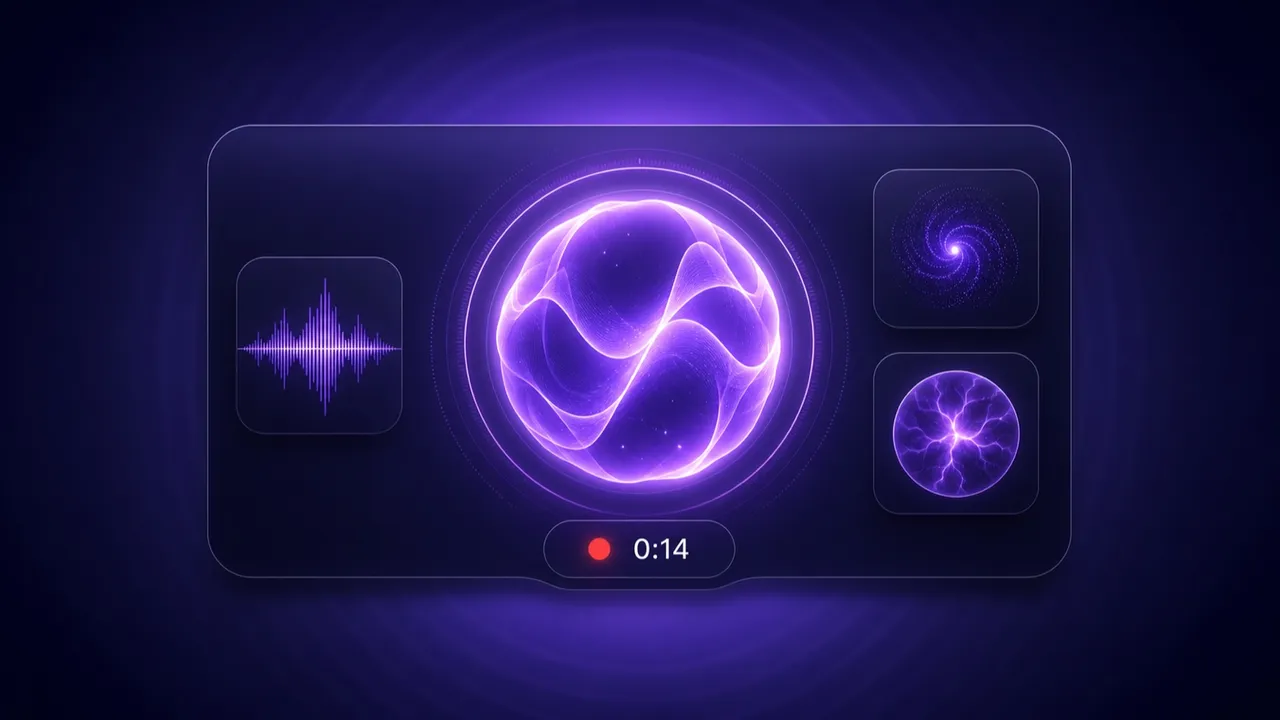
Voice is one of those features that looks tiny in a mockup and turns into a swamp the moment you build it: microphone permissions, MIME types that differ per browser, an audio graph that has to react in real time, a recording that clips the last word because you stopped a beat too early. We went through that swamp once, extracted everything we learned into a shared toolkit, and used it to ship three things at once.
A recorder that behaves
At the center is a single useVoiceRecorder hook wrapping MediaRecorder and a Web Audio AnalyserNode. It handles the fiddly parts so your app doesn’t have to:
- It starts instantly. Hover over the mic and — only if permission is already granted — the recorder pre-warms the audio stream in the background, releasing it again after a few seconds. Your click then starts recording with no
getUserMedialatency and, importantly, no surprise permission prompt on hover. - It doesn’t lie. The “recording” indicator flips on the recorder’s actual
onstartevent, not when you click, so the red dot never gets ahead of reality during warm-up. - It doesn’t clip. Audio is flushed every 250ms, and a short trailing buffer on stop means the last word makes it in.
Seven ways to look like you’re listening
A recorder is invisible without feedback, so the toolkit ships seven visualizer styles behind one interface: conservative (a tasteful icon disc), waveform, orb, vortex, pulse, and two WebGL fragment-shader styles, shader and aurora. Ask for one by name; unknown values fall back to waveform.
export const VOICE_VARIANTS: Record<VoiceVariant, ComponentType<VoiceVisualizerProps>> = {
  conservative: Conservative, waveform: Waveform, orb: Orb, vortex: Vortex,
  shader: Shader, aurora: Aurora, pulse: Pulse,
};
The Canvas-based ones (waveform, orb, vortex, pulse) draw from the live analyser each frame; the two shader styles feed audio energy into a GLSL uniform and gracefully fall back to the orb canvas if WebGL isn’t available. Every visualizer reacts to the same four states — idle, recording, processing, speaking — so the same orb that pulses while you talk can pulse while the app talks back.
Three places it shows up
1. The Voice Input element. Drag “Voice Input” onto a page in the builder. It records audio, uploads it, and fires your bound flow action — handing the flow a signed URL and a FlowPath to the recording:
await triggerAction(component.actions, { signedUrls: temporaryFile.url, duration });Switch it to stt mode and, where the browser supports the Web Speech API, it fires a transcript instead. (In desktop webviews, where browser STT isn’t available, it falls back to recording and you transcribe inside the flow — which pairs perfectly with the local speech-to-text nodes.)
2. An animated audio player. The File Preview element can now render audio as one of those same visualizers instead of a plain <audio> bar — the visualizer is the play/pause control — with an optional autoplay for conversation replies.
3. A conversational Voice Mode. The default chat gained a full-screen Voice Mode: it starts listening when you open it, auto-sends when you pause, lets you barge in by tapping while the answer is still speaking, and drives the orb from the reply’s own audio so it visibly “talks back.” The pause detection is plain RMS analysis over the analyser — no server round-trip.
It’s really a de-duplication story
Here’s the part we like most, and it’s not a feature at all. All of this used to exist as three separate, subtly-different copies of the same logic scattered across the codebase. This release extracted them into one recorder hook, one visualizer set, one speaker-activity detector, and one color vocabulary — and in doing so net-removed hundreds of lines while adding capabilities. The Voice Input element, the chat’s Voice Mode, and the audio player now all speak the same dialect.
That’s the quiet advantage of building your own toolkit: the next voice feature is mostly assembly. Go add a mic to something.
Get automation insights delivered
Sign up for our newsletter to receive the latest updates on Flow-Like, automation best practices, and industry insights. No spam — just valuable content.