
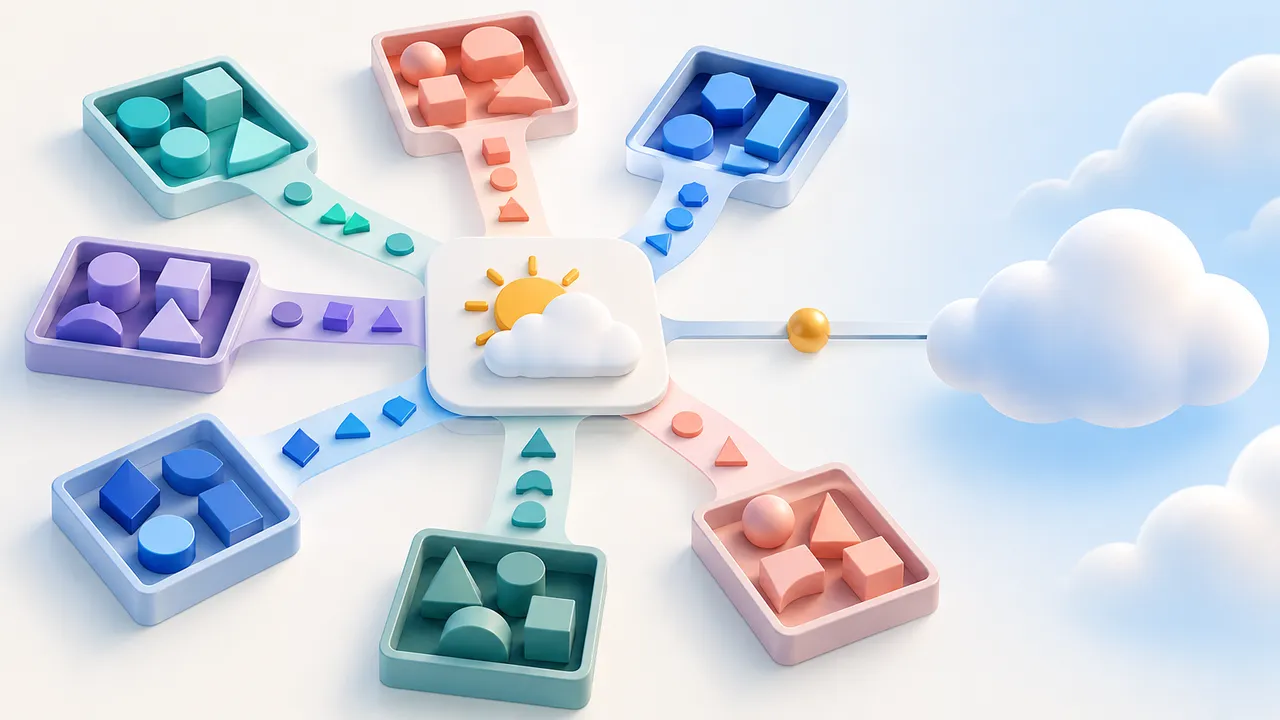
A weather card is a useful first package widget because its entire interaction fits in one sentence: choose a place, request its current temperature, and show the reading. It also crosses the boundaries that matter in a larger frontend integration: typed inputs, an external service, a success event, and a visible failure state.
Flow-Like provides weather examples for React, Preact, Vue, Svelte, Solid, Lit, and Vanilla TypeScript. Choose the framework you can maintain. The host contract stays understandable even when the rendering code changes.
Set the place through typed inputs
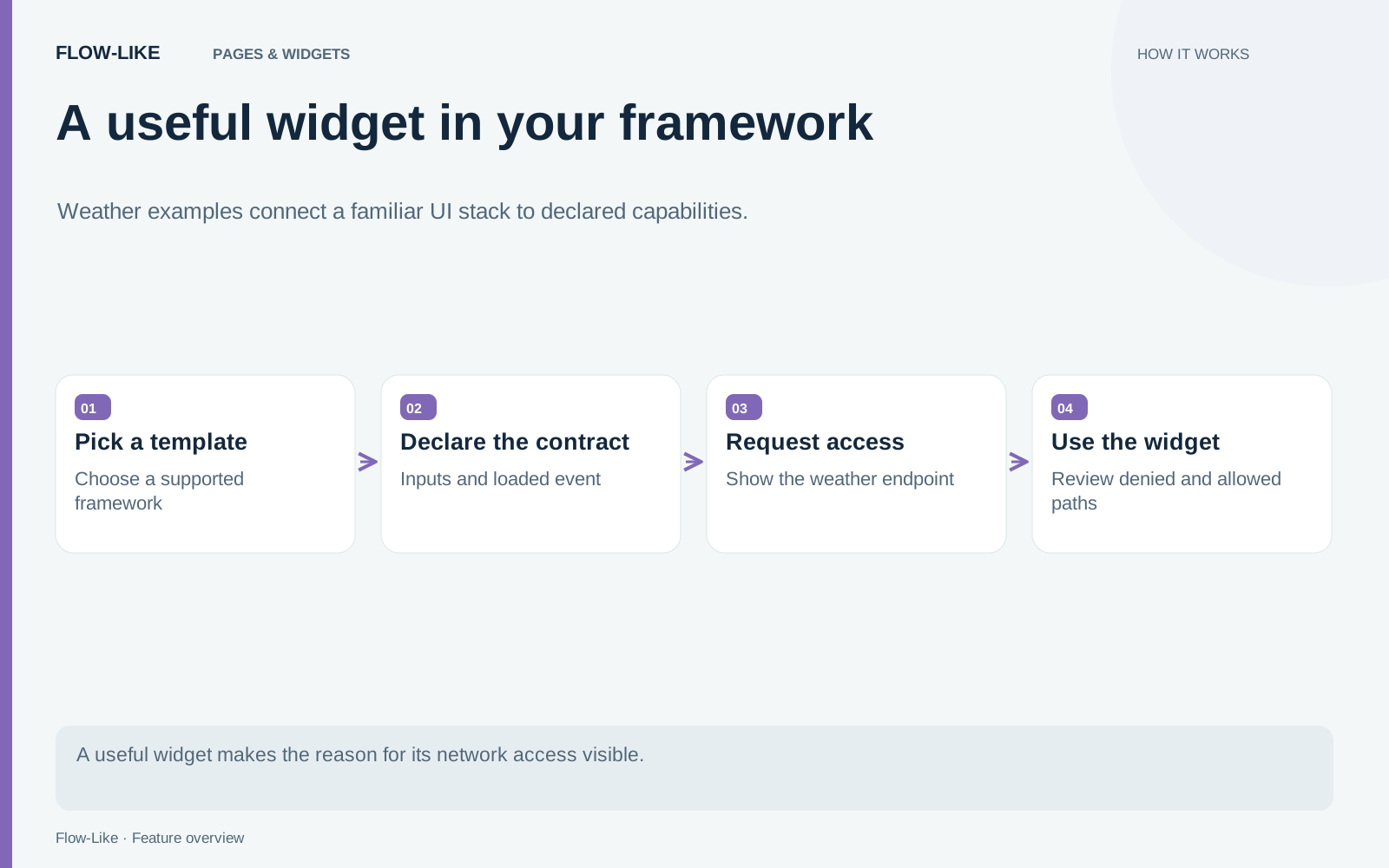
The React example declares a place label, latitude, and longitude as inputs. Latitude and longitude have bounds and defaults. Its loaded event carries a temperature and a unit after a successful reading. You can inspect that complete declaration in the weather contract.
Start by changing the place through inputs. Keep the widget ID stable while you work, and keep IDs unique if you add multiple widgets to one package. Separate the label displayed to the person from the coordinates used for the request: changing the word above the card does not move its geographic location.
The template is an example of a package micro widget, which runs in a sandboxed iframe. That authoring model differs from a declarative A2UI Widget or a native Home Screen widget. The package widget guide describes the package directory, manifest, local preview, build, and installation steps.
Declare the network request where people can inspect it
The example uses Open-Meteo and declares its endpoint in a purpose group:
csp: [
  {
    reason: "Fetches the current temperature from Open-Meteo",
    connectSrc: ["https://api.open-meteo.com"],
  },
]
The reason explains why the widget needs the address. The source list describes where it wants to connect. Keep the declaration narrow enough to match the actual implementation. Adding an unrelated host because it might be useful later makes the permission harder to evaluate.
A Content Security Policy, or CSP, constrains browser resource loading. It is one part of the widget’s host environment, with specific limits. Approval of a source is still a trust decision: data visible to the widget may be sent to an approved source. The network access reference explains the supported declarations, host classification, runtime addresses, and enforcement boundaries.
Turn the loaded event into an app interaction
After the reading succeeds, handle loaded in the app if another part of the interface needs that result. For example, update a small status area showing which reading the page last received. Keep the unit attached to the value; a bare number loses context when it leaves the card.
The same event can feed a larger app. A travel page might keep the selected destination beside its latest reading; a field dashboard might record the reading with a visit. Put persistence in the page action so the app decides what to store and the widget remains focused on presenting the weather.
Handle the connection in the widget’s host
The standalone preview supplies a place to work on layout and default inputs. The development harness exposes emitted events and queries. Installing the built package connects the card to Flow-Like’s permission experience and the page actions that consume its results.
Build the framework group, pack the package, and place the weather widget on a page. The endpoint declaration travels with the widget, giving the host a reason and address to present when network access is requested. The person using the page can decide whether to allow that connection.
In your widget’s interface, distinguish a declined connection from a request that failed after access was granted. A useful error names the problem and offers the relevant next action. Keep a previous reading recognizable as an older result while a refresh is pending; approval to contact a service does not guarantee that it will answer.
The weather card gives you a reference for more specialized integrations. Replace the forecast request with the service your team needs, retain the explicit inputs and events, and keep the permission description tied to the data being requested. Your framework owns the presentation; the app owns what happens with the result.
Get automation insights delivered
Sign up for our newsletter to receive the latest updates on Flow-Like, automation best practices, and industry insights. No spam — just valuable content.