

A weather widget needs a forecast source. A map may need image tiles from another domain. Adding either to a page means allowing code to render content and, in some cases, communicate with services beyond Flow-Like.
That permission should be explainable in terms of the widget’s job. A forecast request has a reason to reach its weather endpoint. A request to an unrelated destination deserves a separate decision.
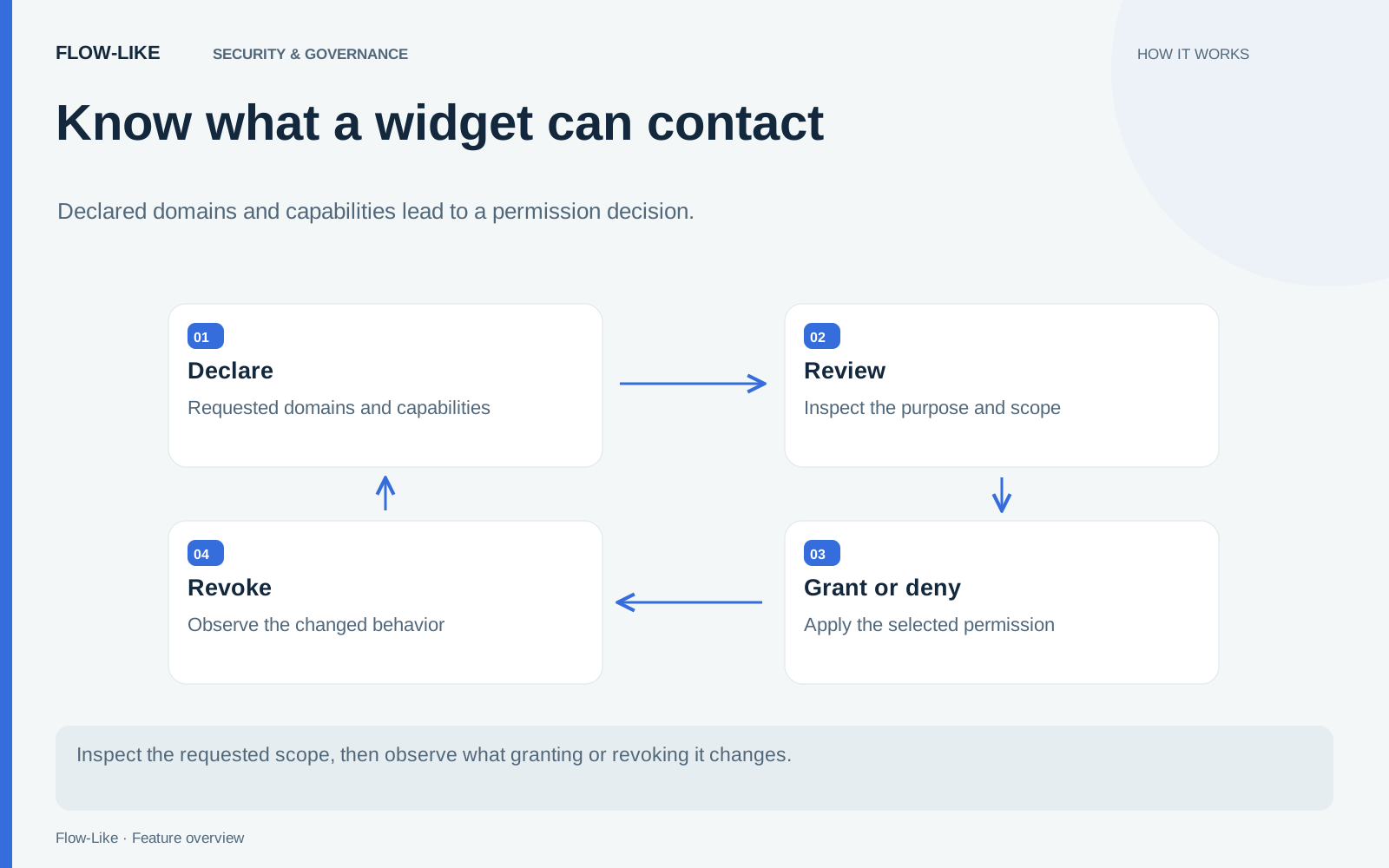
Flow-Like’s widget permission path connects declared capabilities, user consent, and the policy of the document that runs the widget. For builders, that makes a blocked request something to diagnose. For users, it makes the requested access something they can review.
Describe the access the widget needs
The widget’s declarations identify the capabilities and sources it requests. Keep them as narrow as the task allows. If the forecast comes from a known API, declare the required source instead of assuming that every destination should be reachable.
Content Security Policy, or CSP, is a browser mechanism that restricts classes of activity within a document. A policy can specify script sources, image sources, network connection destinations, and other resources. Its directives apply to those browser channels; they are not a replacement for authentication at the destination service.
Flow-Like’s policy builder constructs the widget document’s policy from validated inputs. It starts with a restrictive baseline and adds the applicable sources and capabilities. Malformed values are refused or dropped rather than inserted into a policy string.
Let consent match the document that runs
The permission dialog describes the access requested by the widget. Accepting it issues the corresponding grant. Denying it keeps that additional capability unavailable. A weather widget can explain that it needs access to its forecast source before it can load the weather.
The grant lifecycle handles reuse, expiry, and invalidation, including when a page stays open or a widget is removed and reinstalled. The document runs with the grant that applies to its current configuration.
Keep the frame on its intended policy
An iframe gives a widget a separate document, but frame navigation also needs attention. A policy attached to one document is less useful if the widget can simply navigate itself into a different policy context.
Flow-Like serves the widget through a host-authored wrapper that pins its child frame to the intended document. The wrapper relays the widget protocol between the host and that child. The server’s widget sandbox route and the shared policy builder keep the served document connected to its permission policy.
Make revocation observable
Permission can change after the first visit. Revoking a widget’s access invalidates its grant. When the widget reloads or remounts, it must obtain permission again to use the removed capability. This lets a person change an earlier decision without removing the whole page.
Revocation controls future access through that mechanism. It cannot retract data already transmitted to an allowed service. That is one reason to review a widget’s destinations before granting access and to keep the data it receives appropriate for its task.
Finally, keep widget enforcement distinct from the broader application policy. The wider web application includes Report-Only CSP headers, which collect violations without enforcing the same blocking behavior. Neither a clean report nor an enforced widget document establishes complete isolation or a security certification.
When a widget is blocked, inspect the source or capability it requested and the grant attached to its document. A missing weather endpoint calls for a specific permission decision. The rest of the page can keep its existing policy.
Get automation insights delivered
Sign up for our newsletter to receive the latest updates on Flow-Like, automation best practices, and industry insights. No spam — just valuable content.