

Many useful processes begin with an email that somebody has to read, copy into another system, and answer. A support request may contain an order number in the body and a relevant document in an attachment. The sender expects a reply in the same conversation, even if the work behind that reply involves several systems.
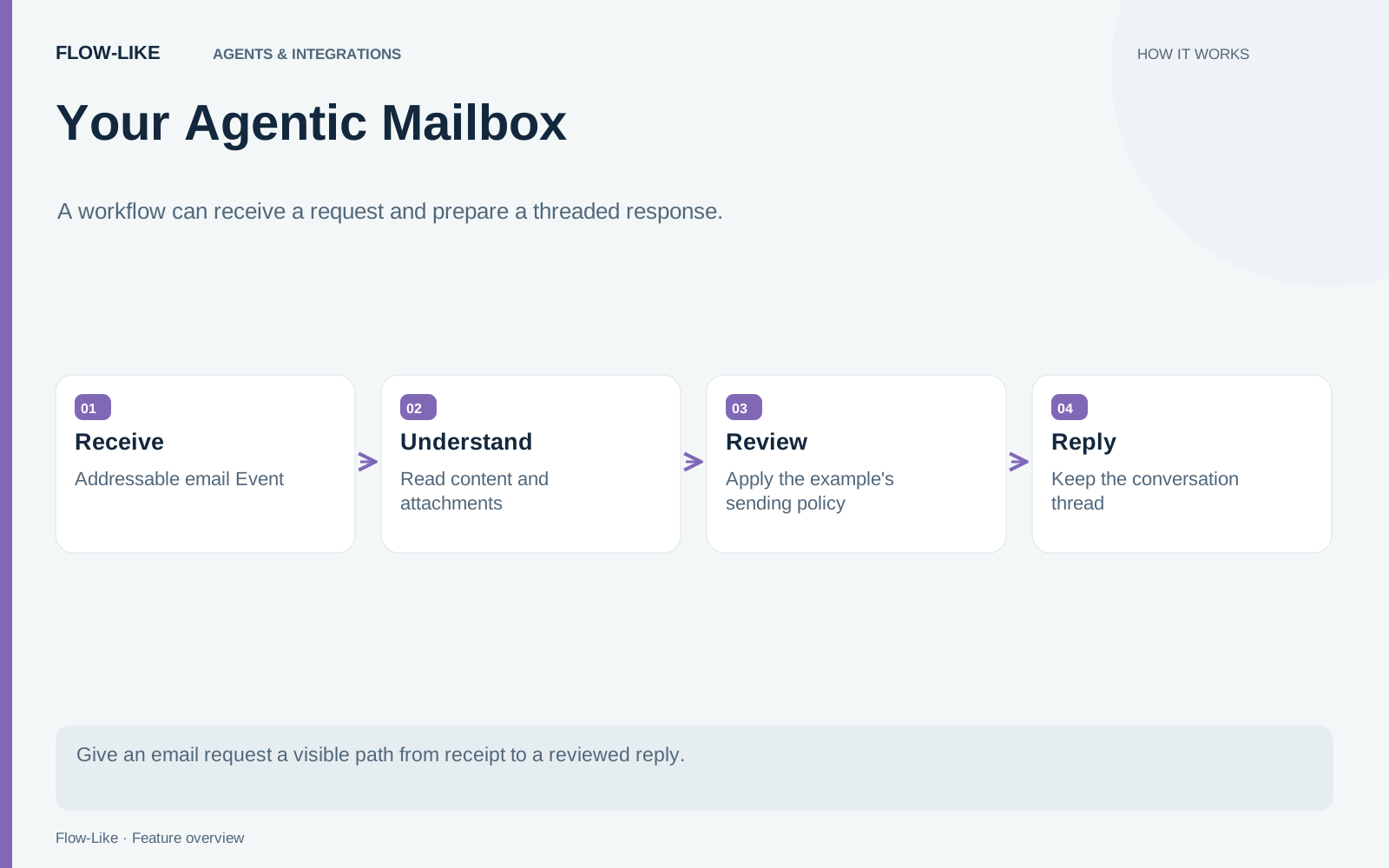
An inbound email Event gives a Flow-Like workflow its own address. A matching message can start the workflow on the server, carrying the material needed to inspect the request and prepare a response.
The useful first example is narrow: receive an order-status question, extract the reference, look up the permitted order information, and prepare a reply for review. The receiving domain and sending provider need deployment configuration before the address can handle that conversation.
Give the request a destination
The address is attached to an active inbound email Event configured for server execution. Incoming mail passes through ingress, is retained through the API, and is dispatched to the matching Event.
For a self-hosted Compose installation, the optional mail overlay adds Postfix and the mail-ingress gateway. Postfix accepts mail for the configured receiving domain and checks recipients with the gateway. The gateway hands accepted messages to the API. The inbound email setup guide covers the receiving domain, MX record, port, certificate, and sink token.
Begin with a dedicated test address and synthetic messages. Verify that a message reaches the intended Event before adding a model or any outbound action. That isolates mail routing from the workflow’s interpretation of the request.
The Compose overlay starts receive-only. Sending requires an outbound provider and an explicit enablement setting. An address that can receive mail is not proof that replies can be delivered.
Turn the message into a bounded task
For the order-status example, extract the reference and the question the sender is asking. If an attachment matters, process it deliberately and retain enough context to explain which document produced the extracted value.
Treat the message body and attachment content as external input. A sentence inside an email should not grant the workflow access to another customer’s order or change its sending policy. Use the extracted reference to request only information the workflow is authorized to read.
Make missing information a visible branch. If the reference is absent or ambiguous, prepare a clarification instead of inventing an order match. A useful first version can stop after producing a draft and the evidence used to write it.
Decide who permits the reply
Add a human review step, or define a narrow sending policy for cases that are safe to automate in your process. That control is something you build into the workflow. It is not automatically present in every mail flow.
The reply API loads the original retained message and derives its recipient and threading headers. It answers one address: the first Reply-To, falling back to From when Reply-To is absent. Invalid addressing is rejected. This keeps the reply tied to the source message instead of asking a model to reconstruct addressing from text.
The send and reply implementation also refuses replies to recognized automated messages and to messages with reported failed DMARC, spam, or virus verdicts. These checks help prevent mail loops and avoid replying to messages already marked as failed by a provider.
Know what the mail ingress actually checks
The default Compose ingress does not perform those sender-authentication checks or malware scans, and it does not forward those verdicts. Empty authentication metadata must not be interpreted as a successful check.
If the workflow acts on sender identity or processes untrusted attachments, configure the appropriate filtering before mail reaches it. Begin with test messages and attachments that exercise the filtering rules before opening the address to routine requests.
Delivery also has uncertain outcomes. A provider can accept a message while the application fails to record the result. The implementation records request identifiers, but it cannot promise exactly-once email delivery through every failure. Inspect an uncertain send before deciding to retry.
A complete test follows one conversation: incoming request, extracted reference, lookup, reviewed response, and the reply visible in its original thread. That gives the mailbox a useful job without making every message an unrestricted instruction.
Get automation insights delivered
Sign up for our newsletter to receive the latest updates on Flow-Like, automation best practices, and industry insights. No spam — just valuable content.